Topic guide
AI
Source-backed AI guides with clear, step-by-step instructions for ChatGPT settings, privacy controls, and repeatable everyday workflows.

Claude Haiku 5.5: Try This Free 50-Note Cleanup Test
Use Claude Haiku 5.5 to organize 50 messy notes into a source-numbered action list, then score every omission, duplicate, and conflict.

Gemini 4 Argon: Compare Multiple Documents With This 10-File Check
Gemini 4 Argon can compare 10 mixed files for conflicts. Use this source-cited workflow, see the limits, and know what still needs checking.

Verizon Google AI Pro Free for 6 Months: Save $119.94
See who qualifies for Verizon’s six free months of Google AI Pro, how to claim it, what you get, and the $10 renewal to watch.

ChatGPT GPT-Live-1.1: Try This 5-Minute Bilingual Test
Use this five-minute ChatGPT GPT-Live-1.1 bilingual test to check accents, numbers, interruptions, and free-plan limits before relying on it.
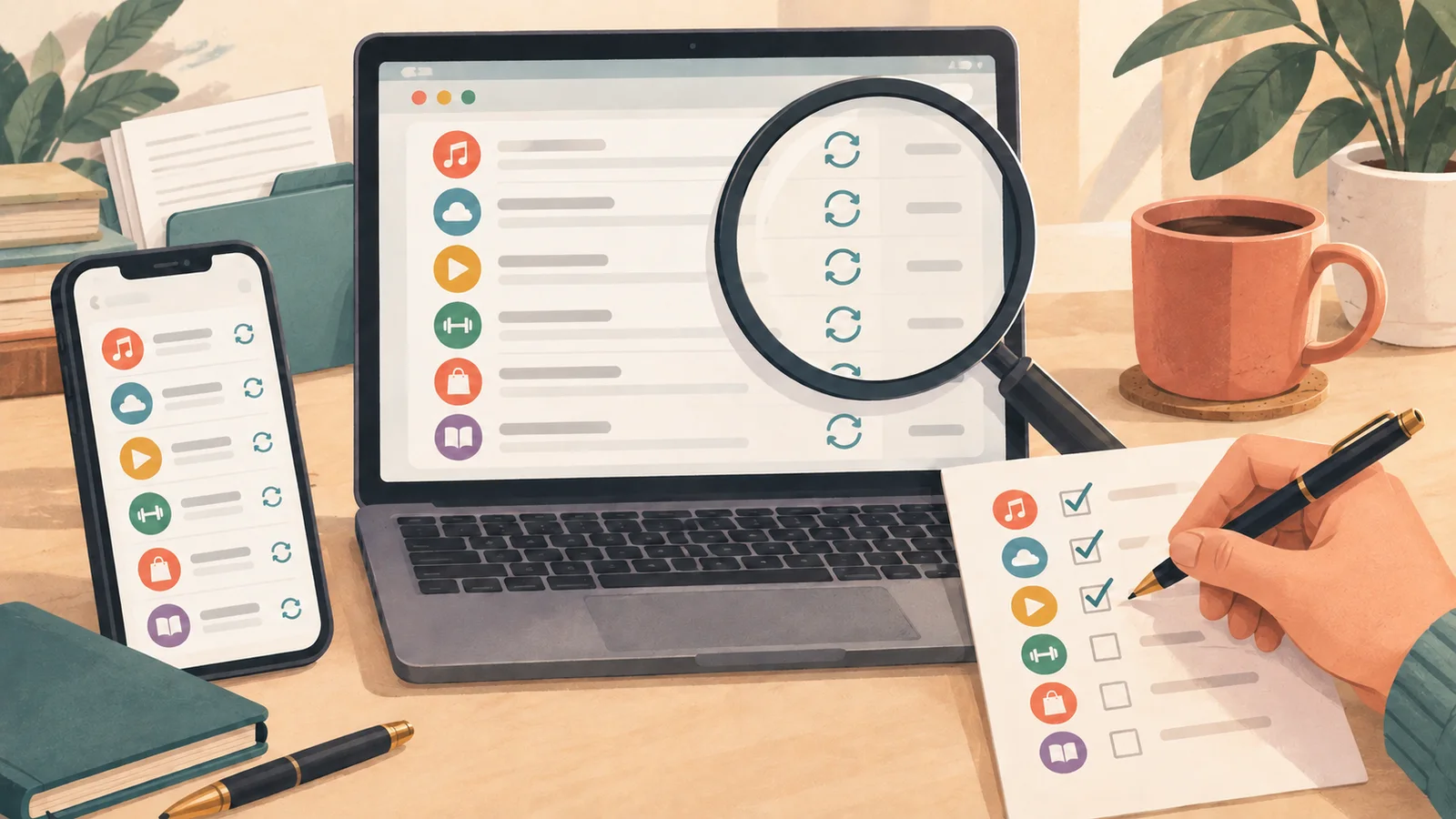
ChatGPT Finances Is Free—Can It Find Every Recurring Charge?
Run a free ChatGPT Finances subscription audit to surface recurring charges, estimate yearly cost, and catch transfers the AI may mislabel.

Google Playground AI Game Maker Builds a Playable Game for Free
Google Playground's free AI game maker turns a sentence into a playable browser game. Build, revise, test, and share one without coding.
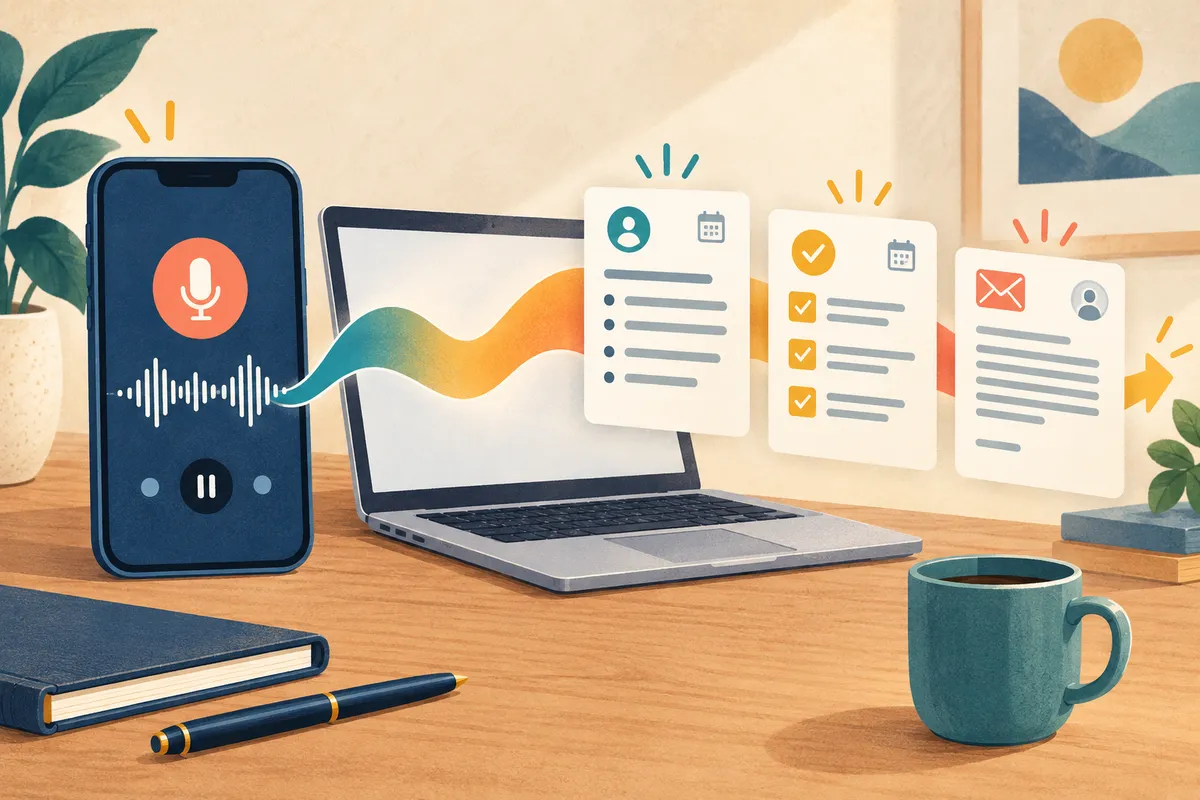
ChatGPT Audio Upload Turns a Recording Into Notes and an Email
ChatGPT audio upload can turn an MP3 or M4A into a transcript, action list, and email draft. Try this practical prompt and know the paid-only limits.
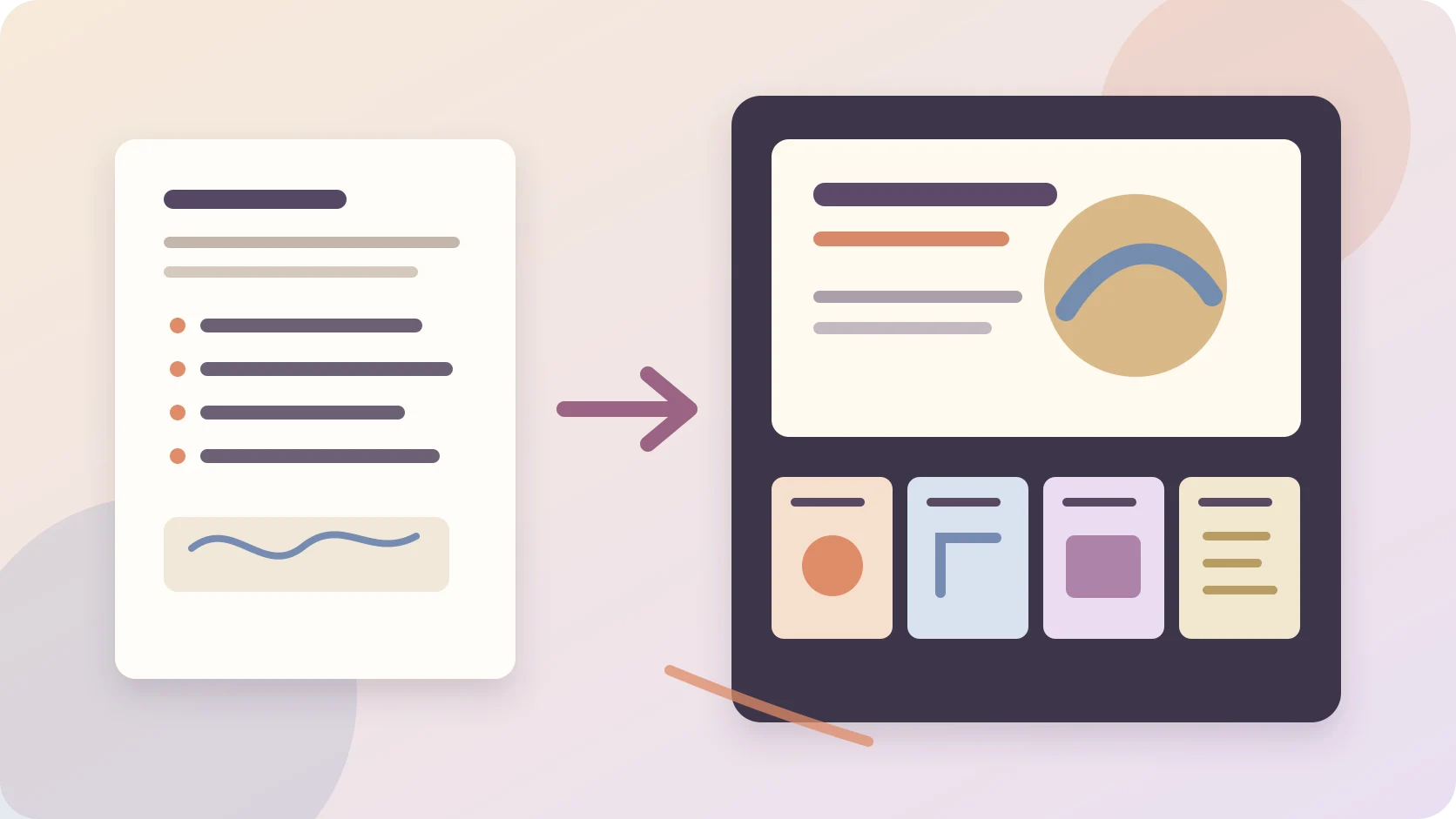
Claude Slides Free Plan: Turn One Page Into an Editable Deck
Claude Slides is now on the Free plan. Use this prompt to turn a one-page outline into a deck you can edit and export to PowerPoint or PDF.

ChatGPT GPT-6 Intelligent UI Builds a Bill Splitter Inside Your Answer
ChatGPT GPT-6 Intelligent UI can build a working bill splitter inside your answer. Copy this prompt, check the math, and see who can use it free.

That Sponsored Box in ChatGPT—Who Can See What You Asked?
See what ChatGPT advertisers can and cannot learn, where to turn off ad personalization, and why that setting does not remove every ad.

Press Alt + Space and Gemini Appears—But What Can It Really See?
Learn how Gemini's Windows app works, how to install it safely, and what Alt + Space does—and does not—share from your PC.

Muse AI Referral Code: How to Get 1 Billion Free Tokens
Use Muse AI referral code ZJZFTQ within 48 hours to claim a reported 1 billion-token bonus, plus the honest limits of signing up with a U.S. VPN.

Gmail Can Now Answer a Question Without Making You Open Every Email
Gmail AI Overviews can answer plain-language questions using your own messages. Here's how to try it, what it requires, and how to turn it off.

Can Your Apple Watch Really Rewind a Conversation?
See how Apple Watch Live Rewind and Siri Recap handle conversations, what gets saved, the privacy signals, and who can use them.
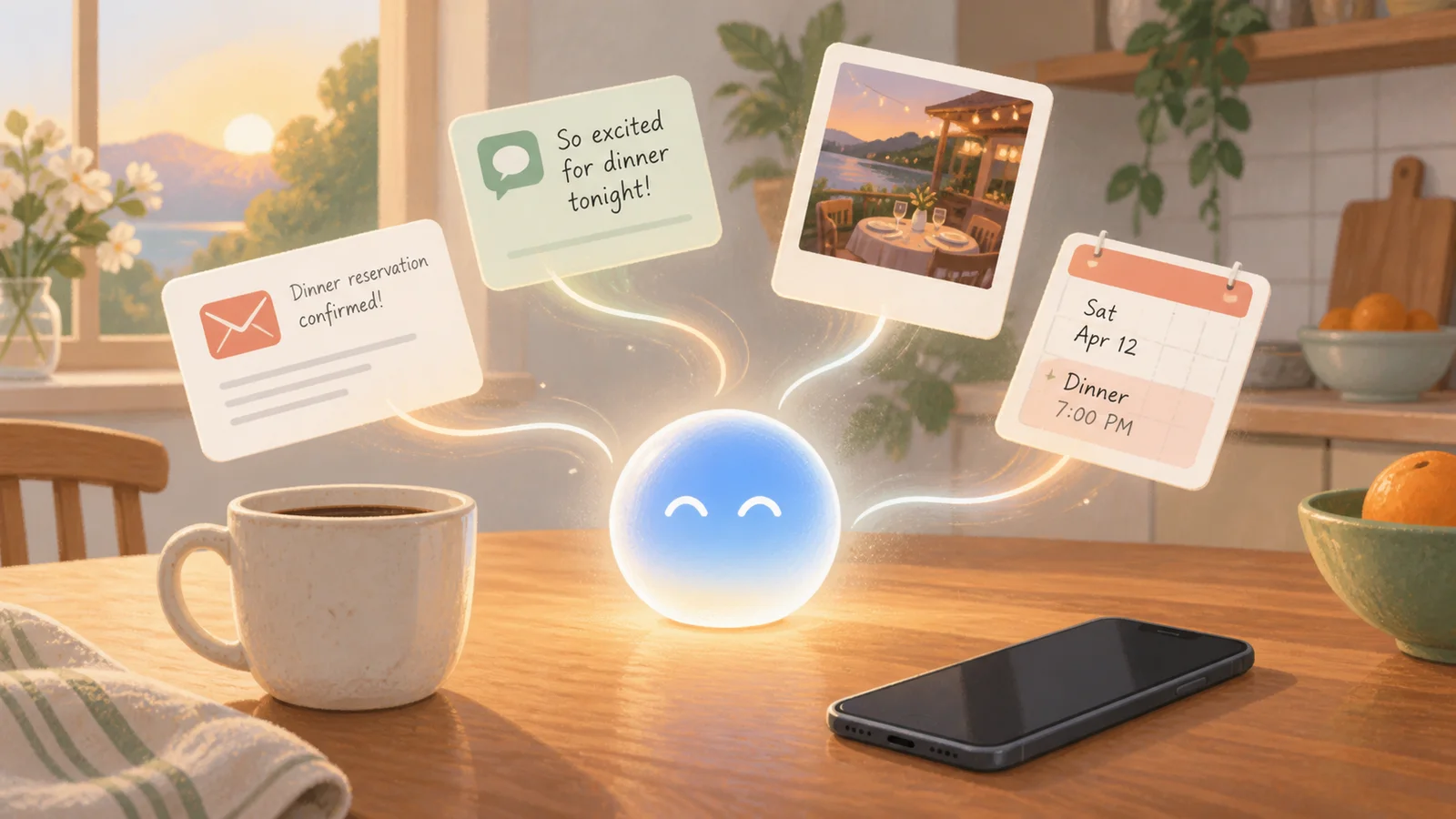
Siri Found the Reservation in Your Email — What Else Can It See?
Siri AI can find details in your messages, email, and photos. See how personal context works, which iPhones support it, and its privacy limits.
You Can Now Just Ask Google Maps a Real Question, Not Just a Destination
Google Maps' new Ask Maps button lets you type a full question instead of a place name. Here's how it works and how to try it.
You Can Now Ask Your Browser About the Page You're Already On
Chrome's address bar can now answer questions about the exact webpage you're viewing, no new tab required. Here's how it works and how to try it.
You Don't Have to Remember the Date of a Photo to Find It Anymore
How Google Photos' Ask Photos feature lets you find an old picture by describing it in plain words, and how to turn it on.
Stuck Rewinding the Same YouTube Video? Just Ask It a Question Instead
How the new Ask YouTube feature lets you type or speak a plain question and get an answer plus the exact video clip, instead of scrubbing through it yourself.
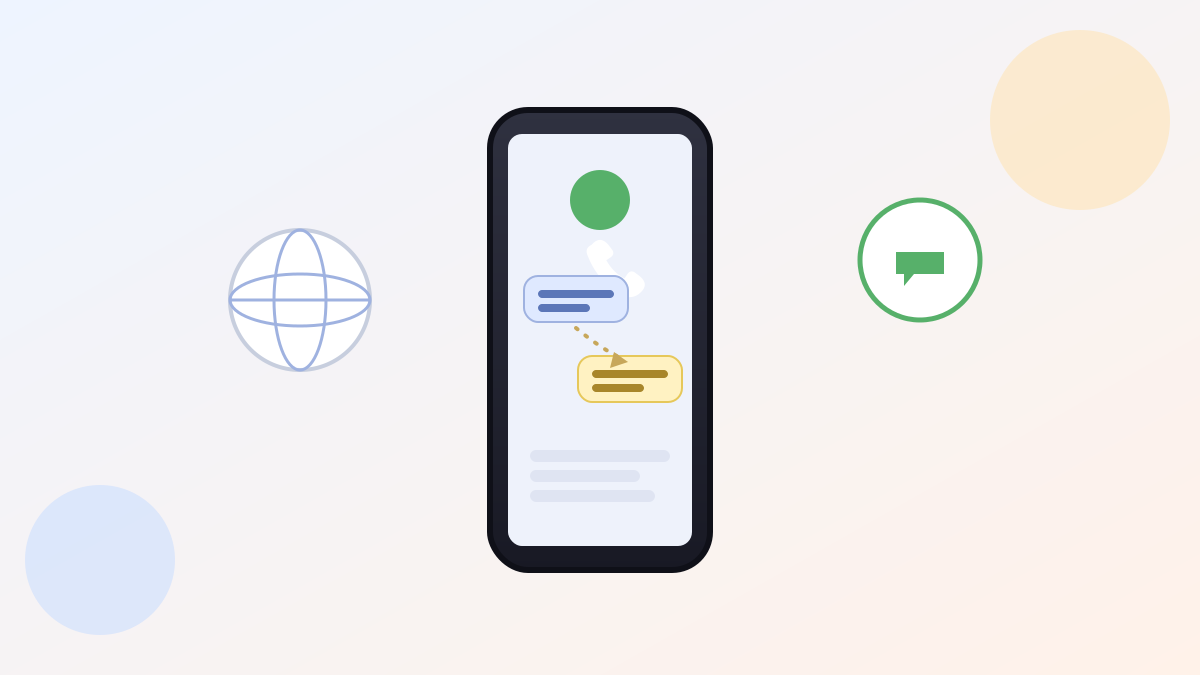
Your iPhone Can Now Translate a Phone Call While It's Still Happening
iPhone Live Translation now works in Phone calls, FaceTime, and Messages. Here's how to turn it on and whether the other person needs an iPhone too.
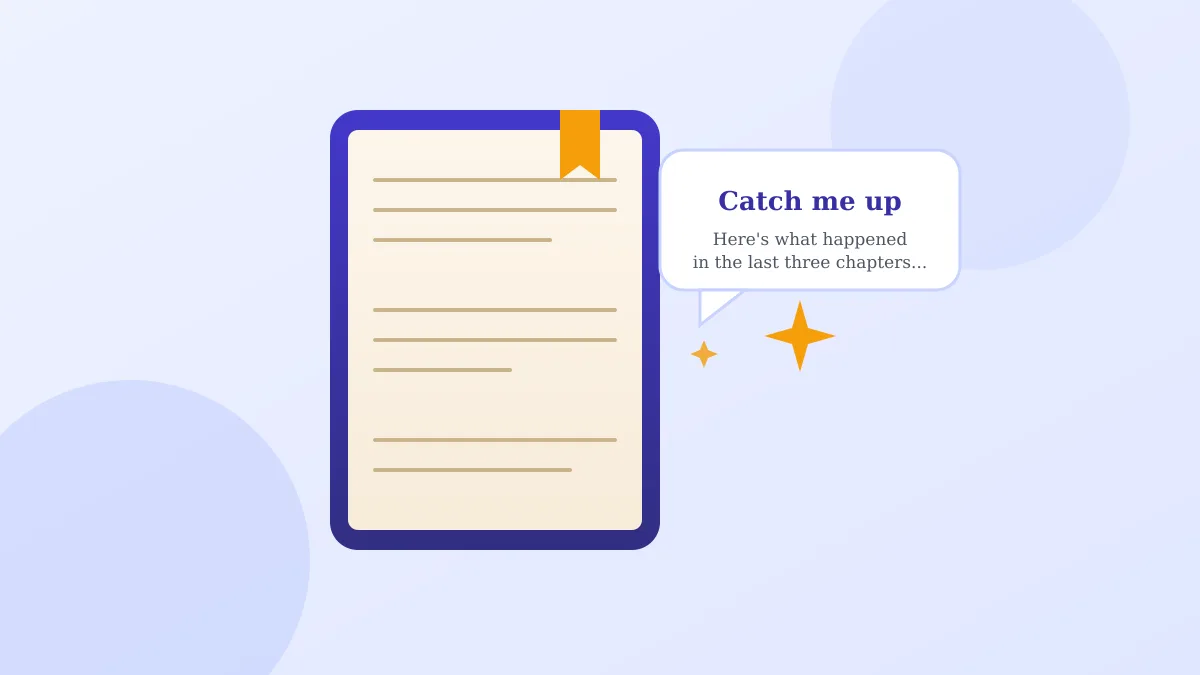
Forgot Who a Character Was Three Chapters Ago? Your E-Reader Can Now Remind You
How Google Play Books' new Book insights feature and its 'Catch me up' button work, and which books and phones can use it.
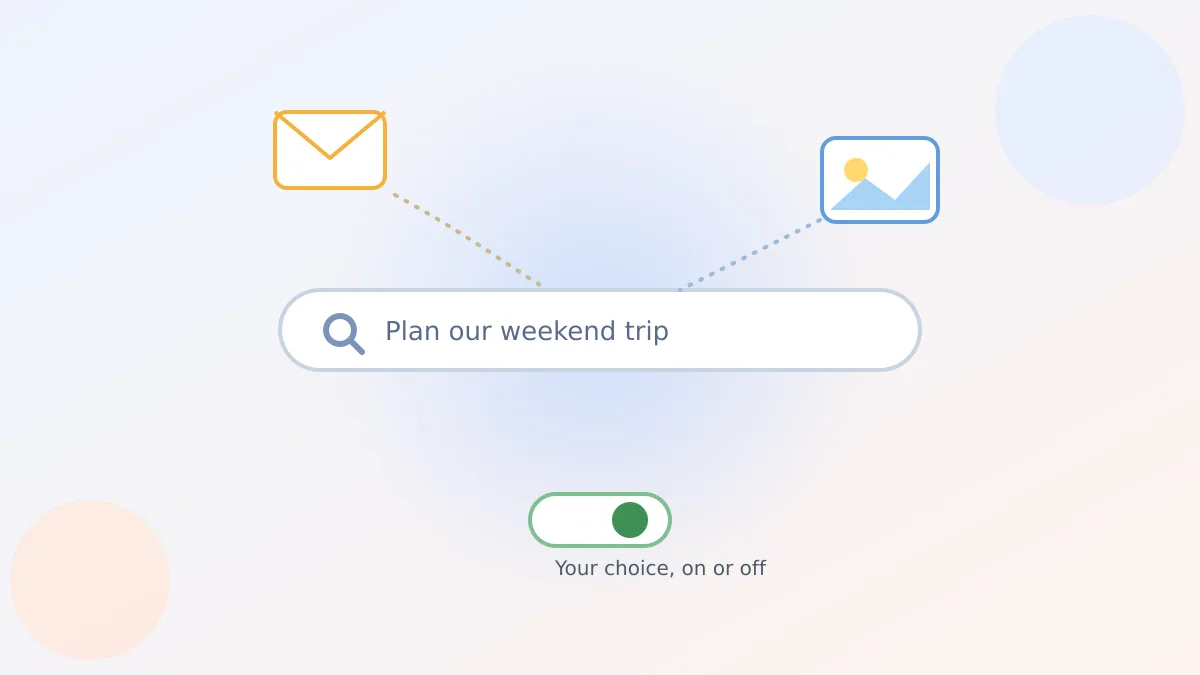
Google Search Can Now Peek at Your Gmail and Photos — If You Say Yes
Google's opt-in Personal Intelligence feature lets AI Mode read parts of your Gmail and Photos for tailored answers. Here's what it sees and how to control it.
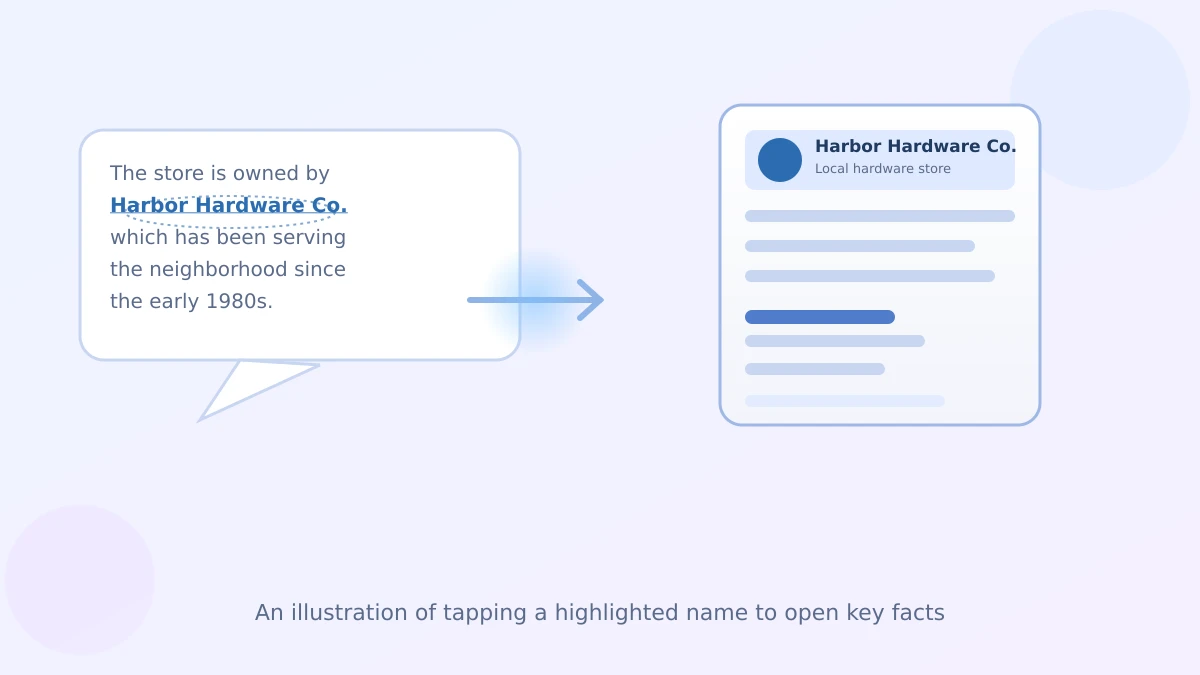
ChatGPT Now Lets You Tap a Name in Its Answer Instead of Asking a Follow-Up Question
How ChatGPT's new highlighted names work, what happens when you tap one, and why the side panel beats typing a follow-up question.
Point Your Phone's Camera at the World and Let Gemini Describe What It Sees
How Gemini Live's new Guided vision feature describes what your phone camera sees out loud, who it's for, and how to turn it on.
A Phone That Finally Understands Sign Language Instead of Just Typing
Pixel 11's new sign-to-text feature turns American Sign Language into written words in real time. Here's how it works and who it actually helps.
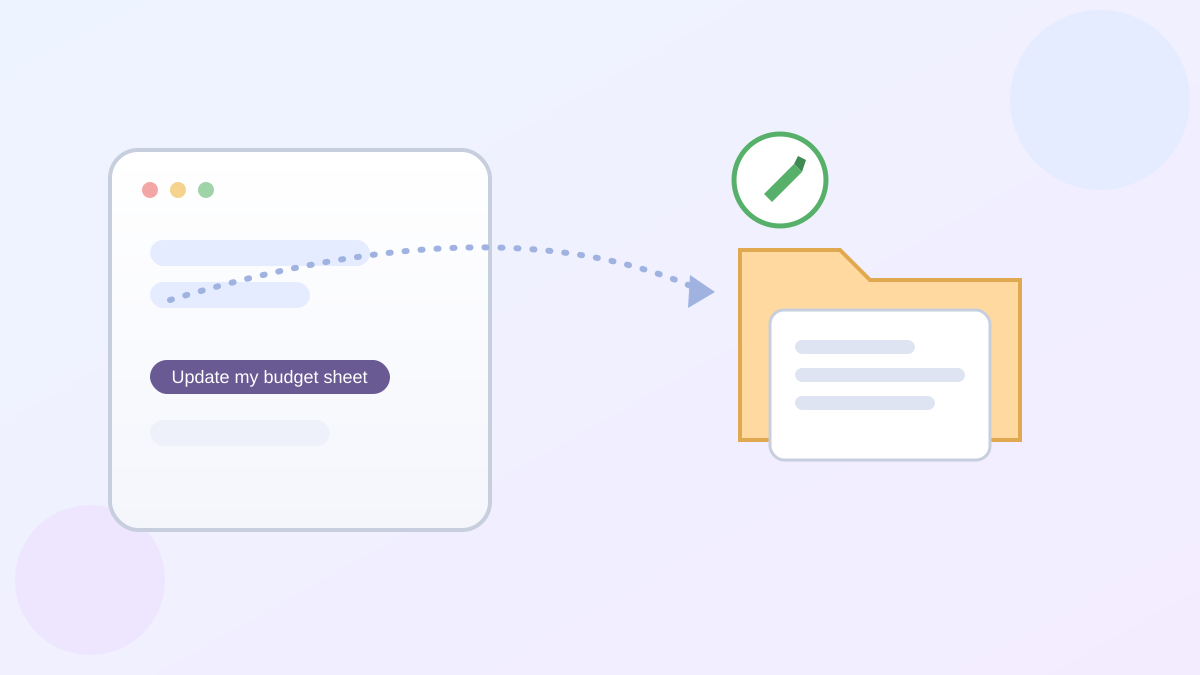
ChatGPT Can Now Dig Through Your Google Drive and Edit What It Finds
ChatGPT's Google Drive integration lets you browse and edit real Drive files from chat. Here's the one-time setup and what it actually changes.
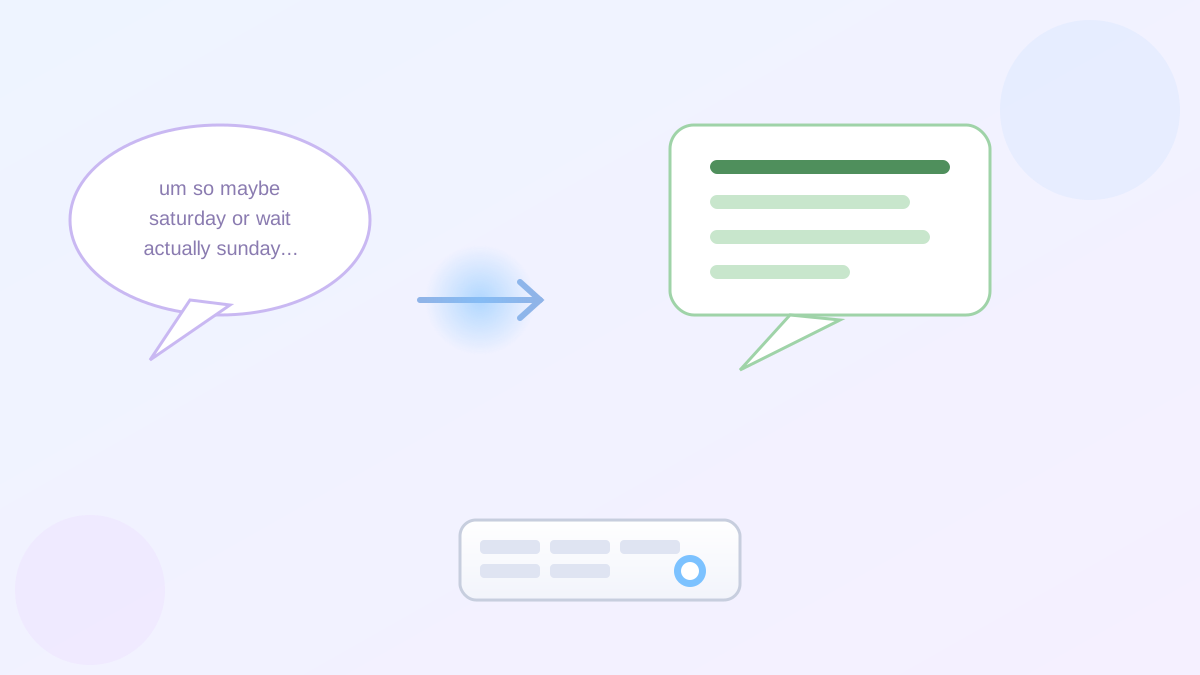
Your Phone Can Turn Your Rambling Out Loud Into Clean, Readable Text
Google's new Rambler voice typing cleans up your spoken rambles into tidy text automatically. Here's how it works and who can actually use it today.
Google Photos Just Built You a Closet You Never Knew You Had
How the new Google Photos AI wardrobe feature turns years of old pictures into a digital closet, who can actually try it, and how to turn it on.

Google Assistant Is About to Disappear From Your Phone
Google is turning off Google Assistant on phones starting September 4, 2026. Here's what changes, what stays the same, and one thing to check first.
ChatGPT Will Now Quiz You Back Instead of Just Answering
How ChatGPT's Study Mode with interactive quizzes works, how it differs from a regular answer, and how to turn it on to learn something new.
Talk to Google Docs Instead of Typing? Here's What It Really Does
Google's new Docs Live feature turns spoken thoughts into an organized draft. Here's how it differs from Voice Typing and how to turn it on.
ChatGPT's Free Plan Just Dropped the Message Limit. Here's the Catch
ChatGPT free tier unlimited text chats are here, no more mid-chat limit walls. Here's what's still capped and whether Plus is worth paying for.
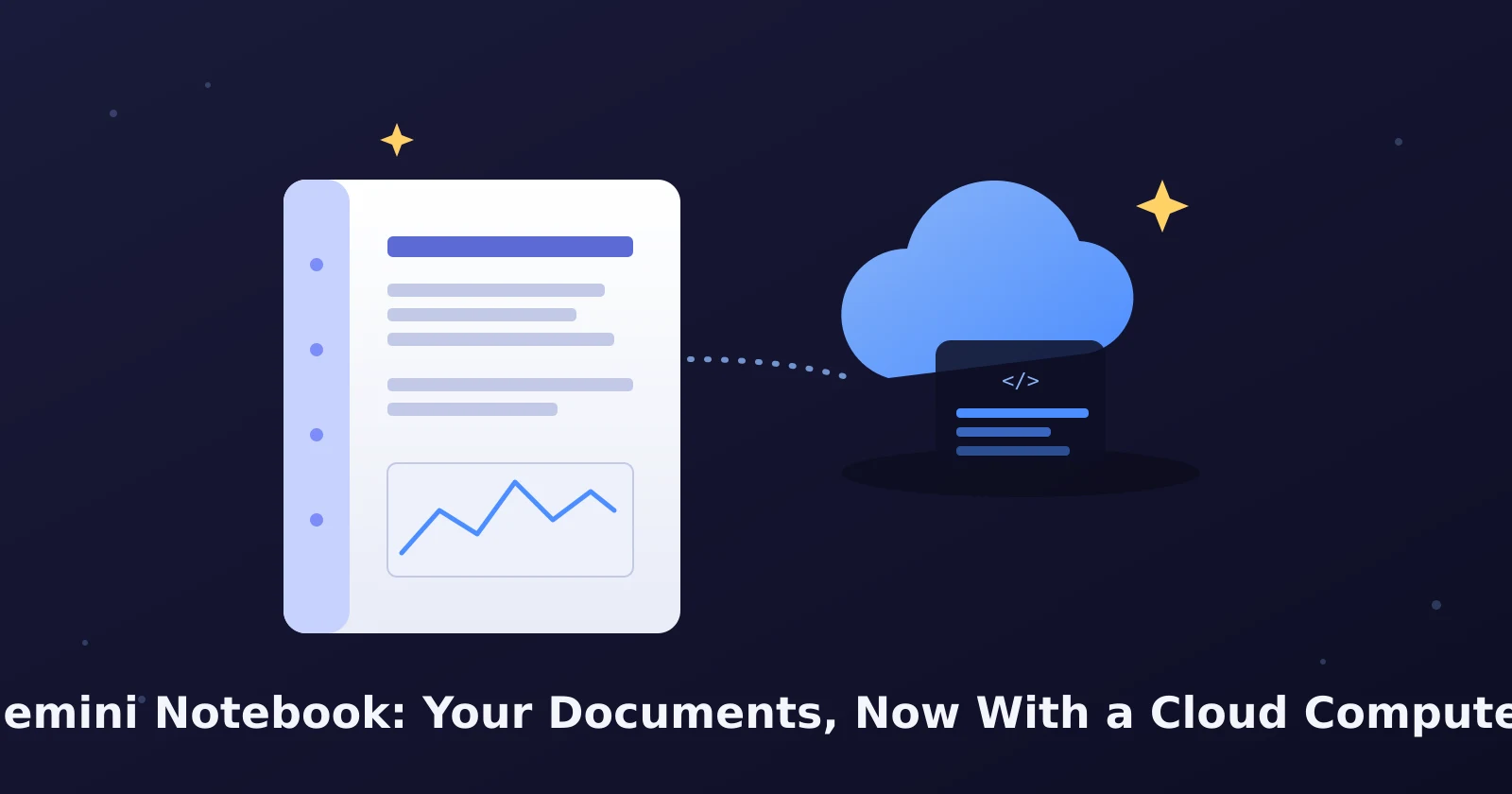
NotebookLM Is Now Gemini Notebook: What Changed
Google renamed NotebookLM to Gemini Notebook and added a cloud computer that runs code on your documents. What changed, what it costs, what stayed the same.
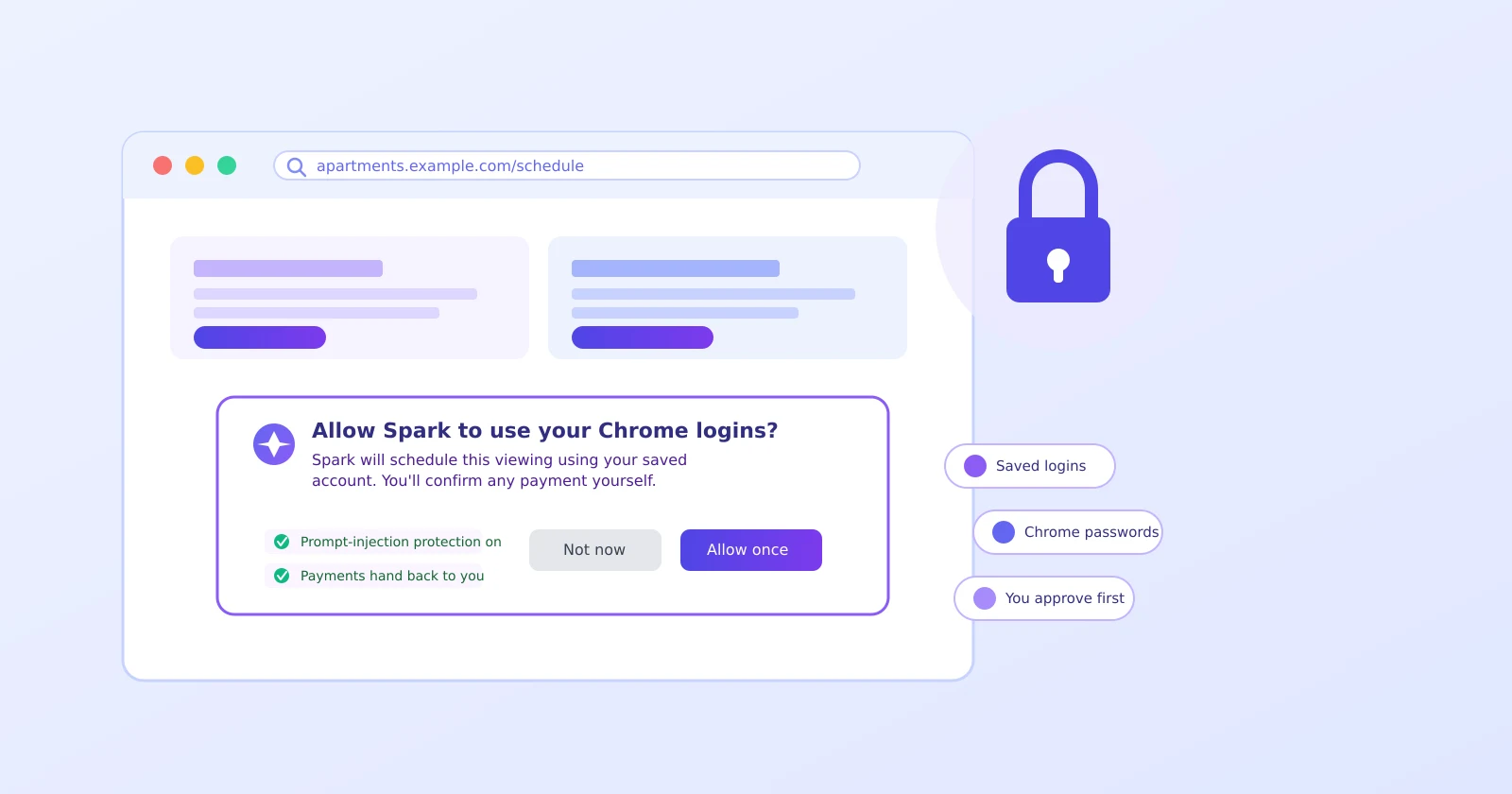
Gemini Spark Can Now Log Into Your Accounts to Run Errands
How Gemini Spark's new Chrome auto browse feature uses your saved logins to run errands, and how to make sure it asks before anything sensitive.
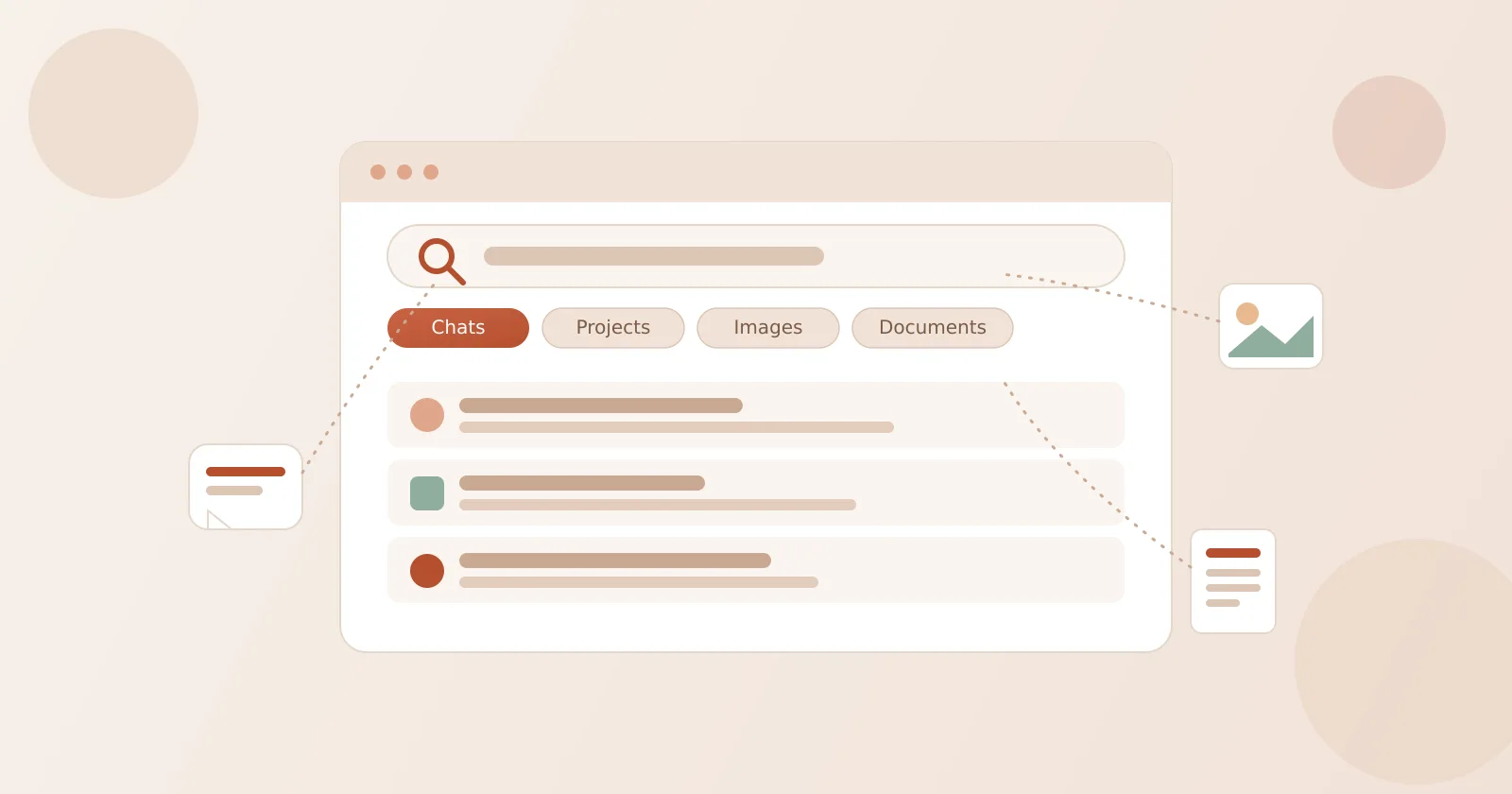
ChatGPT Can Now Search All Your Old Chats, Files, and Images at Once
How to use ChatGPT's new unified search to find an old chat, document, or image fast, plus what gets deleted and when.
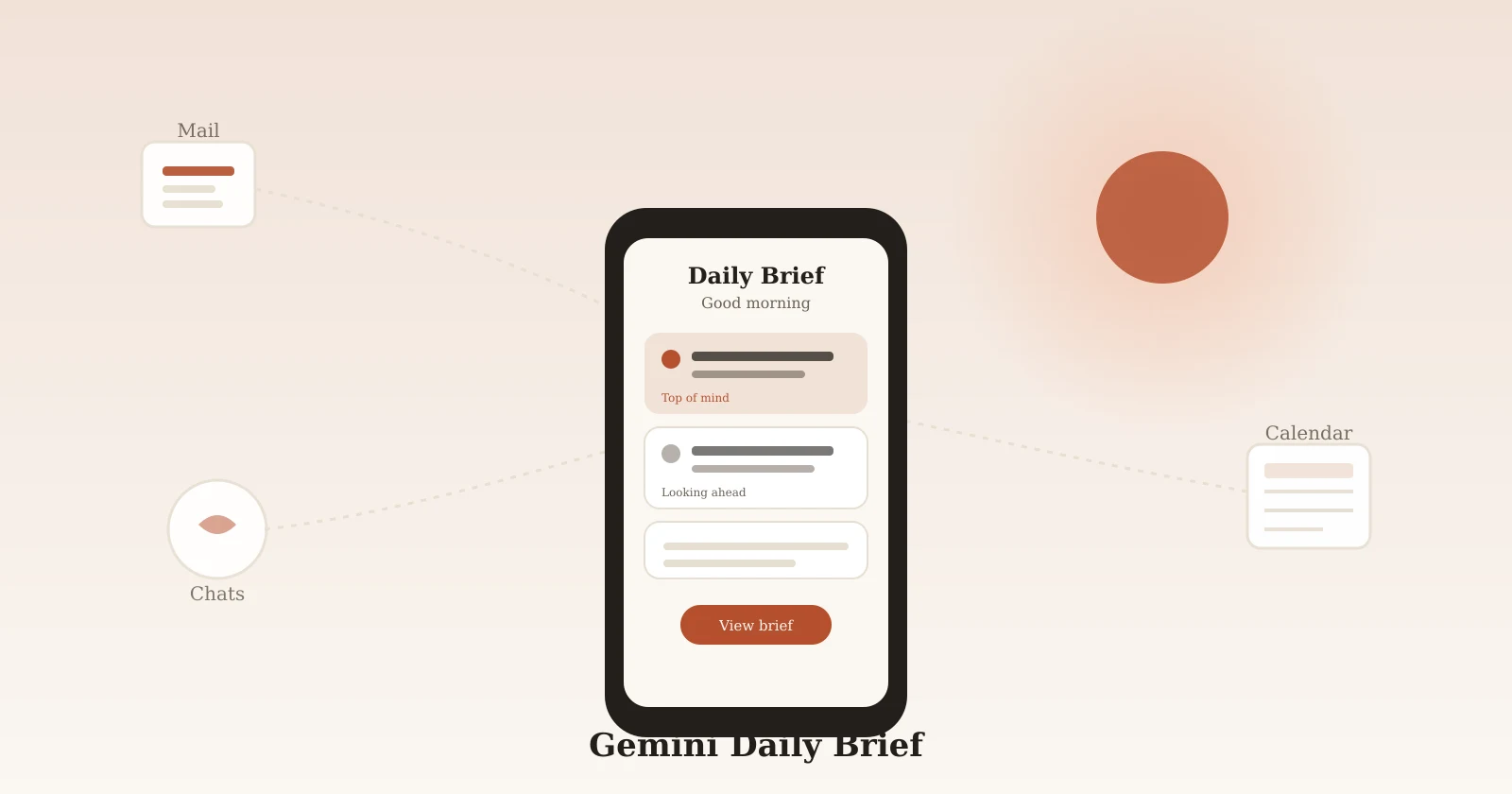
How to Turn On Gemini's New Daily Brief (and What It Does)
A friendly walkthrough for turning on Gemini's daily brief, what it pulls in each morning, and how to correct or turn it off.

ChatGPT Can Now Book Your Table via OpenTable, Resy, or Yelp
How to ask ChatGPT to book a restaurant table through OpenTable, Resy, or Yelp, and the one thing a real booking never does.

Running a Club or Volunteer Group? Let ChatGPT Draft the Boring Part
How to create a ChatGPT workspace agent for a repeatable team task, like turning meeting notes into a draft action list for your club or group.

How to Use ChatGPT Temporary Chat for a One-Off Private Question
Start a ChatGPT Temporary Chat for a one-off question, see what stays out of history and memory, and what still gets kept.

Stop Re-Explaining Yourself to ChatGPT Every Single Time
How to organize a long-running task with ChatGPT Projects, so chats, files, and instructions stay together instead of scattered.

Tired of Typing 'Keep It Short' Every Single Time?
How to set custom instructions in ChatGPT once, so everyday answers already match the tone and length you actually want.

Never Forget Your Sunday Planning Session Again
How to set up a weekly planning reminder with ChatGPT scheduled tasks, then edit, pause, or delete it before it becomes noise.

How to Check Devices Logged Into Your ChatGPT Account
Check which devices are logged into your ChatGPT account, review active sessions, sign out unknown devices, and secure your account step by step.

Talk It Out With ChatGPT Voice Until You Have an Actual Plan
How to use ChatGPT Voice for an action plan — talk through a fuzzy idea and leave with a numbered checklist in about 10 minutes.