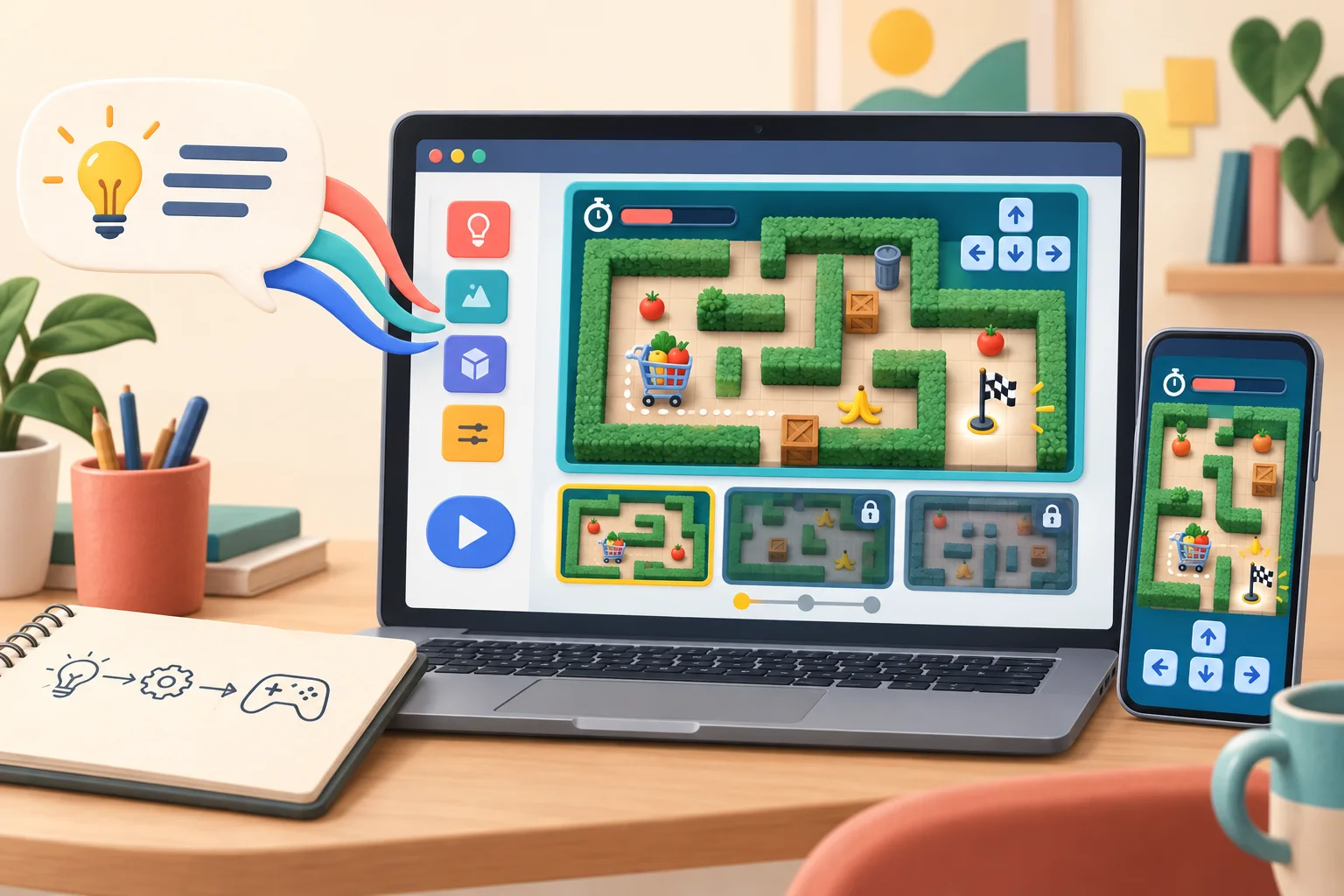
The Google Playground AI game maker can turn an ordinary sentence into a browser game you can play immediately. You can then ask it to slow the movement, rewrite a rule, change the scenery, or add an obstacle—and send the result to friends with a link, without writing code.
Google launched Playground in the United States on October 7, 2026, for adults 18 and older. It is free to use, according to The Verge, while Google says creation access is tiered by Google AI subscription. That makes a small, sharply defined game the best way to discover what the free access can do.
Try the Google Playground AI game maker now
Open playground.google on a laptop or phone and sign in when prompted. You can begin with a blank canvas, remix a starter prompt, or use Playground's guided help. For a first build, resist the urge to describe an entire adventure. Give it one goal, one control scheme, and a short finish line.
Try this prompt:
Create a two-minute, single-player grocery-cart maze with three short levels. Use arrow controls. Put a visible countdown timer at the top. Add boxes and banana peels as obstacles, but do not use copyrighted characters, brands, or logos. The player wins by reaching the checkout flag before time runs out. Make the instructions large and easy to read.
When the first version appears, play it before asking for prettier art. Check whether the arrow controls respond, the cart can reach the finish, the timer ends the round, and each level can actually be completed. If something is wrong, describe one change at a time:
Slow the cart by 25 percent. Keep everything else the same.
Add one moving obstacle to level two, but leave a fair path around it.
After level three, show a win screen with the finishing time and a Play Again button.
This conversational repair loop is the real attraction. Google's launch post says you can ask Playground to adjust physics, rules, characters, or the environment, then test the change right away. It turns game-making into a series of plain-language decisions instead of a programming project.
What a good first game should prove
The grocery-cart maze is useful because every promise can be checked. Three levels should mean three distinct stages. Arrow controls should work consistently. The timer should be visible and determine success or failure. The win screen should appear only after the final finish line.
That makes the finished game more than a flashy animation. It can become a family challenge, a tiny classroom review, a party quiz, or an interactive version of a neighborhood event. A trivia game could ask five questions about a family reunion. A child could help choose the maze theme and obstacles while an adult handles the account and publishing choices. For another approachable AI activity, see our guide to Gemini-powered interactive storytime. If your idea works better as a presentation than a game, Claude Slides can turn one page into an editable deck.
When the game is ready, Google offers three levels of sharing. You can keep it private, create a link for friends and family, or publish it to the public Explore gallery. Playground works in a browser on phones and laptops. Select game genres can also include multiplayer and leaderboards, while a Play Games profile adds a custom handle, likes, follows, and competitive rankings.
Free access has real limits
Google calls Playground an early experiment, so expect occasional bugs, awkward controls, inconsistent artwork, or a revision that breaks something that previously worked. Test the complete game after every meaningful change. AI-generated logic can look convincing without being fair or even finishable.
Free creation is limited by a weekly token allowance. Google does not publish a numeric free limit in its announcement. A Google spokesperson told The Verge that Google One subscribers receive higher weekly limits based on their plan. In other words, free is enough to begin, but repeated large builds and revisions may stop until the allowance resets.
The official launch is U.S.-only and restricted to users 18 and older. Google also says every game published to Explore goes through safety screening and can be reported by users. Public means public: do not put private photos, full names, school details, addresses, or personal stories into a game you plan to publish. Avoid copyrighted characters, recognizable logos, and music you do not have permission to use.
Unity Spark, announced alongside Playground, is not the tool available today. It is a separate, more advanced Unity game-making system headed for a closed beta. Do not join a waitlist expecting those professional 3D tools inside the current Playground experience.
This publishing environment did not have an eligible signed-in U.S. browser session, so I could not honestly build and time the grocery-cart maze. The workflow, sharing options, device support, age limit, and access details above come from Google's launch announcement and The Verge's corroborating report—not an invented hands-on test.
Verdict: Try Google Playground if you have a small game idea you can explain in one paragraph and verify by playing. The free, no-code path makes it unusually easy to reach a shareable result; just treat the first build as a draft and keep personal information out of anything public.