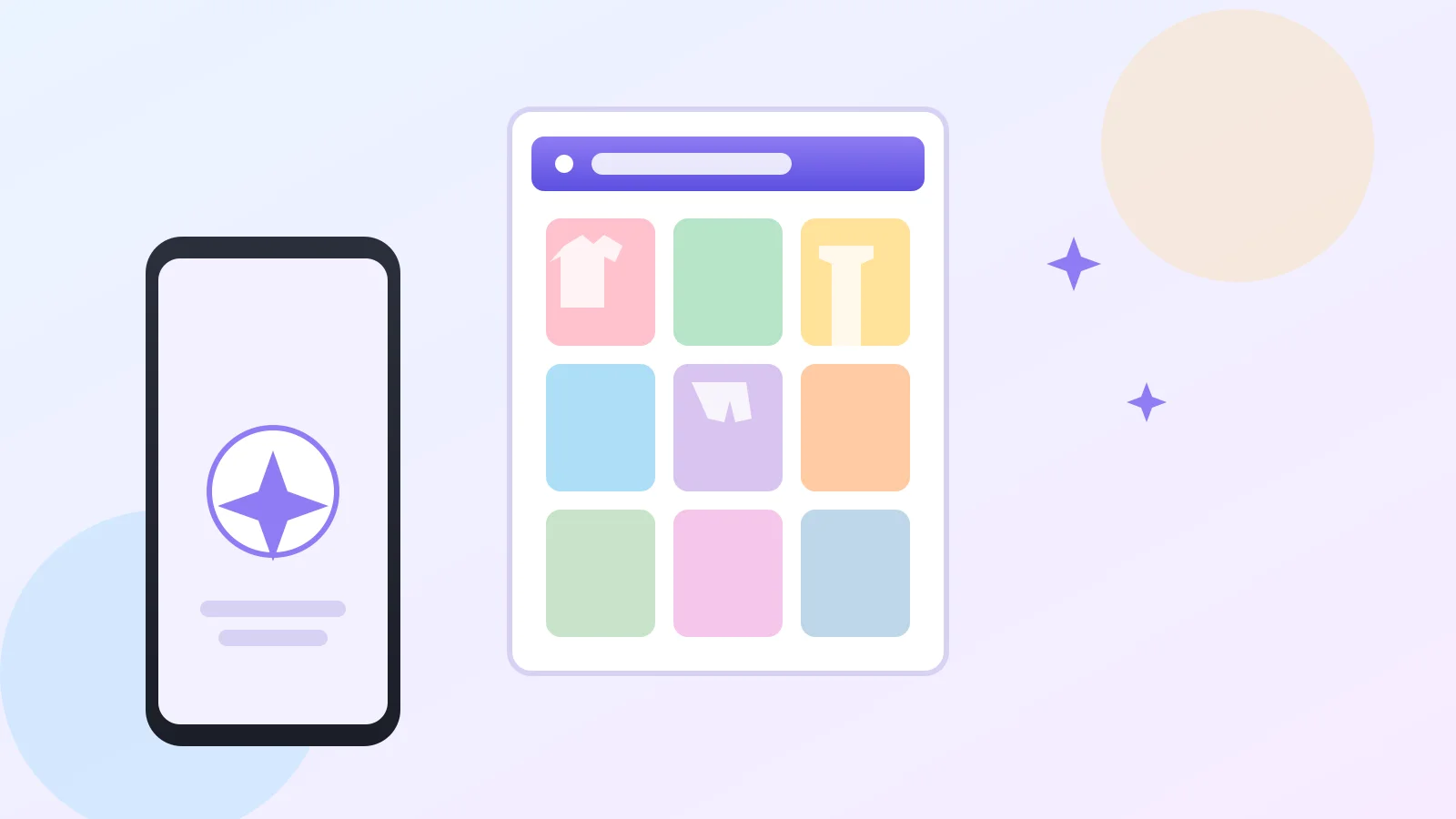
Say you open Google Photos looking for one picture of your grandson's graduation, and instead you notice a new tab called "Wardrobe" sitting right there in the app. You didn't add it. You definitely didn't upload any clothes. So what is it, and did something just happen to your account without you knowing?
Nothing happened to your account — this is the new Google Photos AI wardrobe feature, and it's actually one of the more fun things Google has rolled out this year.
What the wardrobe feature actually does
Here's the plain-English version: AI, meaning software trained to recognize patterns, scans the photos already sitting in your library and picks out clothing items you've been photographed wearing. It sorts them into a private, browsable collection — tops, bottoms, jewelry, all of it — without you tagging a single thing.
From there, you can mix pieces into outfits, save them to a moodboard for something like a wedding or a trip, and even preview how an outfit would look on you before you get dressed. Google says it built this so digging through years of photos turns into something useful instead of just nostalgic.
The one thing to check before you get excited
This is the practical step, and it's worth doing first: not everyone will see this feature yet. According to Google's own support page, you need Face Groups turned on and your own face selected in it, and unless you're a Google AI Pro or Ultra subscriber, you'll also need more than 1,000 photos of yourself already saved. It's rolling out gradually in the US, Brazil, and India, on Android first.
If you don't see it, that's not a bug on your end — it just hasn't reached you yet, or you haven't crossed that photo threshold.
How to turn it on if you have it
Open Google Photos, tap Collections, then Wardrobe, then Build my wardrobe. It scans roughly the last four years of your photos and notifies you when the closet is ready. From there you can filter by category or tap "Create" to build an outfit from up to six items.
One limitation worth knowing: outfits you save and any "try it on" previews count against your Google storage, the same way regular photos do. It's not unlimited extra space just because it's a new feature.
A nice, low-stakes way to see AI at work
If you've been curious what "AI" actually does with your data day to day, this is about as harmless a demo as it gets — no forms, no typing prompts, just your own photo library organized in a new way. If you'd rather ease into AI features one at a time, our look at Gemini Spark's Chrome auto browse feature covers another opt-in Google AI tool worth understanding before you turn it on.
And if you're the type who double-checks that your photos are actually backed up in the first place, our guide on confirming your Google Photos backup is a good companion read, since wardrobe pulls from that same photo library.
Either way, nothing here happens automatically — you choose to build the wardrobe, and you can ignore the tab completely if it's not your thing.