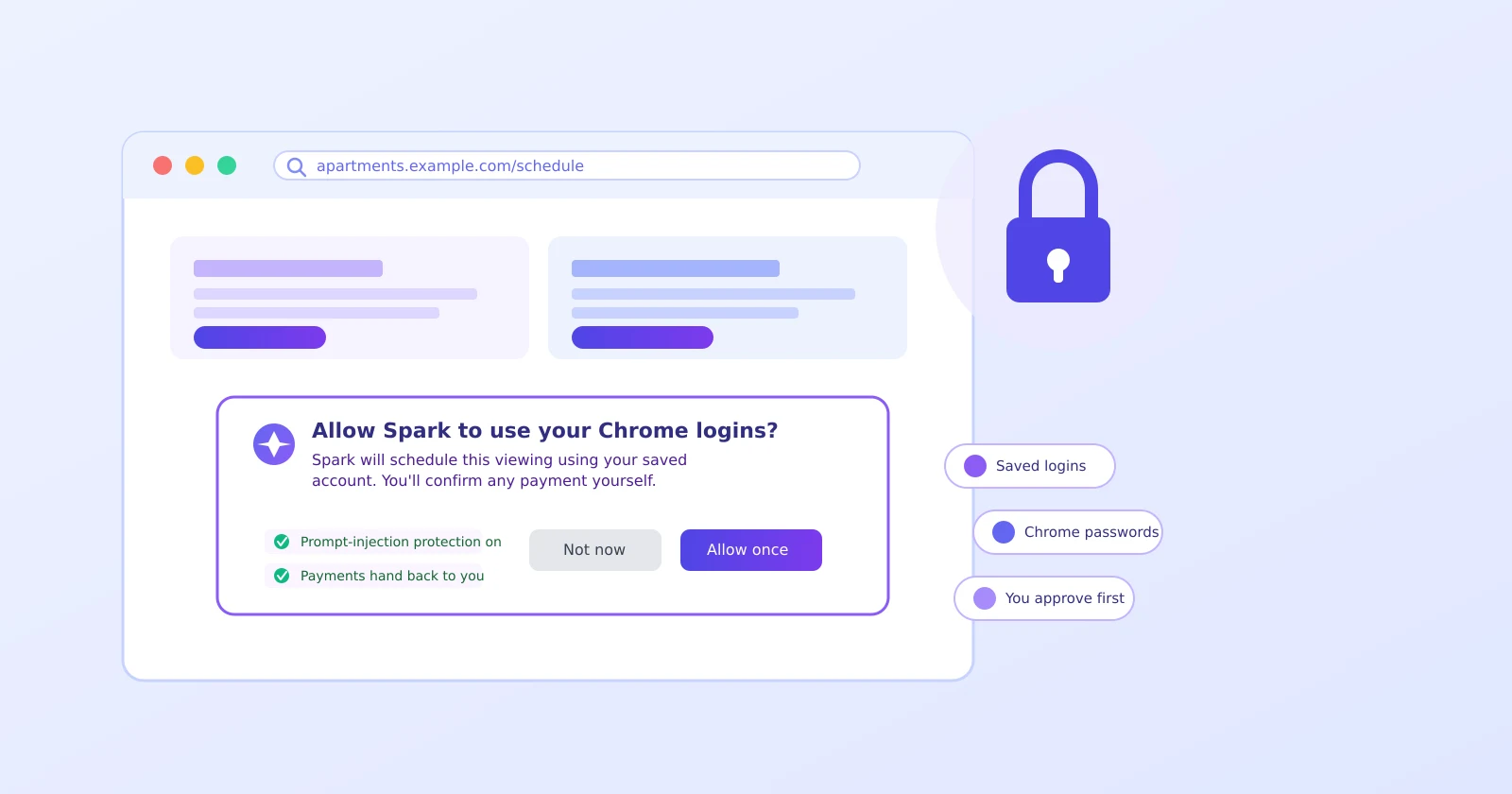
Say Gemini offers to schedule an apartment viewing for you, and you wonder how exactly it plans to log into that site. Fair question. Google's new Gemini Spark Chrome auto browse saved passwords feature can use your saved Chrome logins to click through multi-step errands — but only after you say yes first.
What it actually does
Google announced this in a July 30, 2026 blog post: Spark can now navigate a website the way you would, clicking links and filling forms using accounts you're already signed into. The examples Google gives are concrete — scheduling an apartment viewing, or starting a flight search — finishing the tedious clicking, not making the final call for you.
It's rolling out alongside a broader expansion of Spark access to 160-plus countries, though Chrome auto browse itself starts in the US only.
The permission comes first — that's the key detail
Nothing happens automatically just because you have Chrome and Spark installed. Google's announcement is explicit: Spark asks for permission before it can touch your saved logins at all. If you never grant it, this feature simply can't act on your accounts.
That's the practical takeaway worth remembering: the decision point is before any access happens, not after.
Why "prompt injection" matters here
Handing an AI agent the keys to logged-in websites creates a real risk: a malicious page can hide sneaky instructions in its content — invisible text, a fake button — designed to trick the AI into doing something you never asked for. Google says Spark is built specifically to resist this, distinguishing your actual instructions from anything a webpage tries to smuggle in. No system catches every attempt, but building the defense in from the start is a meaningfully better posture.
It stops before payments
Even with permission granted, Google says Spark hands control back to you at sensitive moments — payments especially. So in that flight-booking example, Spark can research and start the process, but you complete the actual purchase yourself.
How to stay in control of it
- Read the permission prompt carefully the first time Spark asks — it says exactly what it wants access to.
- Try something low-stakes first, like researching flights, before trusting it with anything involving money.
- If it ever reaches a payment step without handing control back to you, treat that as unexpected and stop.
- Revisit the permission occasionally — it's easy to forget you granted it. The same account-hygiene habits from our Google Account security checklist apply here too.
One real limitation
Spark can only reach accounts saved in Chrome's own password manager — not a third-party password manager you might use instead. If your passwords live somewhere else, this feature simply won't reach those sites.
The bottom line
The permission-first design and the payment handoff are reasonable safeguards straight from Google's own announcement, but they're only as good as you reading the prompt and testing carefully. If you've already set up Gemini's daily brief, the same "check what it's pulling from before trusting it" instinct applies here. And if you're comparing how another assistant handles this kind of trust, our guide on checking who's logged into your ChatGPT account covers the same idea for that platform.
Official sources
- Google: Gemini Spark now integrates with Chrome
- Yahoo Tech / Digital Trends: Gemini Spark can now use Chrome logins and saved passwords to run errands on your behalf