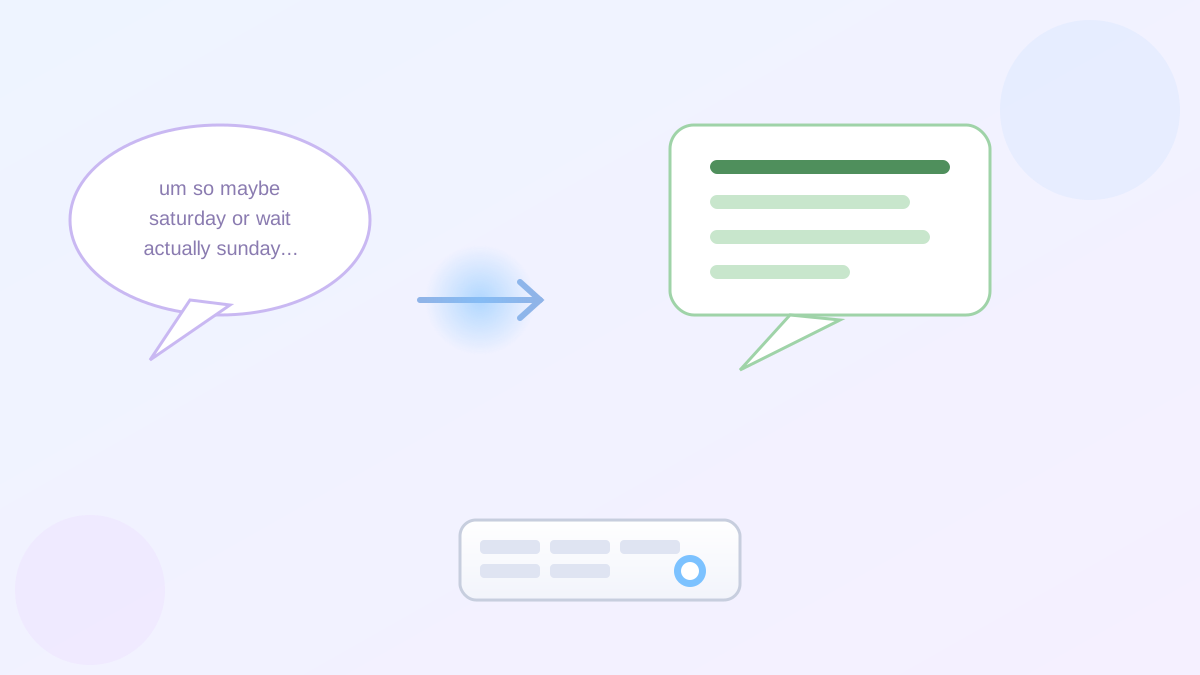
Say you're driving and want to dictate a text to your daughter, but what comes out is "so um I was thinking maybe we could uh do dinner Saturday or actually wait Sunday works better." Regular voice typing writes down every "um" exactly as you said it, then you're stuck editing a mess with your thumbs at a red light.
Google just rolled out something built for exactly that problem: the Gboard Rambler voice typing feature, and it works completely differently from the voice typing you already know.
What Rambler actually does
Rambler is a text input feature inside Gboard, Google's keyboard app, powered by Gemini (Google's AI). Instead of transcribing you word-for-word, it listens to your natural, rambling speech and turns it into a clean, well-punctuated draft — automatically dropping the "ums," false starts, and mid-sentence do-overs.
You can also talk to it after the fact. Say "make this shorter" or "change Saturday to Sunday" out loud, and it edits the draft on the spot, no retyping required.
The one thing to check before you get excited
Here's the practical step that matters most, and I'll be straight with you: right now, Rambler only works on Pixel 11 series phones. If you're on an iPhone, an older Pixel, or a Samsung, Android, or other device, you won't see it yet, no matter how up to date your Gboard app is.
To use it, you need a Pixel 11 device, the latest version of Gboard installed as your default keyboard, microphone permission granted, and ideally an internet connection (a limited offline mode still cleans up basic punctuation without a signal).
If you do have an eligible phone, turn it on from Gboard's voice typing settings, where you can switch between "Rambler" and "Standard voice typing" any time you like.
Why this isn't just a fancier autocorrect
I only found out about this last week myself, and what stood out is that you can reshape the tone by voice too. Ask it to "make this sound more professional" before messaging your boss, or "add some emoji" for a grandkid, without touching the screen. It also handles switching languages mid-sentence if you're bilingual.
A limitation worth knowing before you rely on it
Google says Rambler can make mistakes, so it's worth a quick read-over before you hit send, the same habit worth keeping with any AI writing tool. Your audio and text are processed temporarily to build the draft, then deleted once it's delivered — nothing is stored or shared afterward.
Since this is a staged rollout tied to one specific phone, don't assume something's broken if a friend with a different Pixel doesn't have it; it just hasn't reached their device yet.
The reassuring part
You're not missing anything if you don't have Rambler yet — your regular voice typing keeps working exactly as before, and this is simply an extra option for the phones that support it so far.
If you're curious about other ways AI is quietly reshaping how you write and talk to your phone, our guide on Google Docs' new voice drafting feature covers a similar "talk instead of type" upgrade, our piece on using ChatGPT Voice for an action plan shows another hands-free way to think out loud, and our article on Google Assistant's phone shutdown explains the bigger shift toward Gemini across your Android phone.