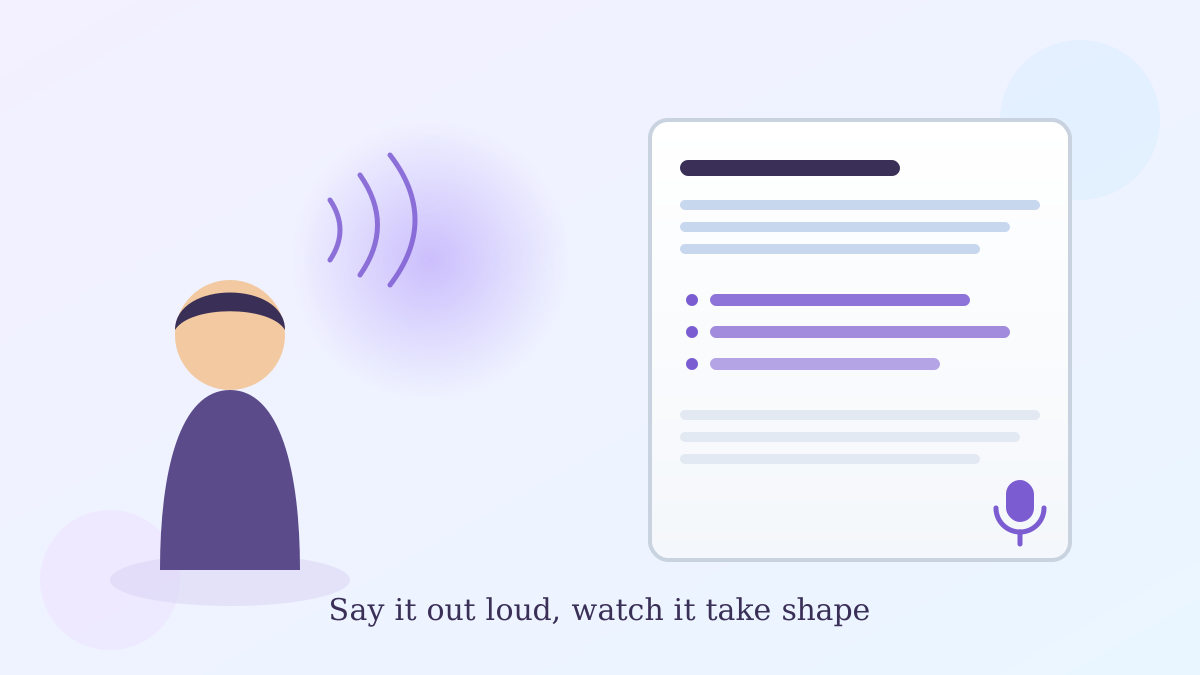
Say you've got a birthday letter to your granddaughter rattling around in your head, but every time you sit down to type it, the sentences come out stiff. What if you could just talk it out loud instead, the way you'd tell a friend, and have it land on the page already organized?
That's the idea behind Google's new Docs Live voice dictation feature, and it's a different animal from the voice typing tool you may already know.
What the Google Docs Live voice dictation feature actually does
According to Google's own May 2026 announcement, Docs Live acts as a "thought partner and co-writer." You talk, and it handles organizing your thoughts into an actual structured document, not just typing down your words one by one.
Here's the single most useful thing to know up front: with your permission, Docs Live can also pull in relevant details from your Gmail, Drive, and Chat, and even the web, while you're talking — so a rambling voice memo about a trip can turn into a draft that already references your flight confirmation email.
How it's different from Voice Typing
The Voice Typing tool you may have used before (Tools > Voice Typing, or Ctrl+Shift+S on Windows) is a straightforward transcription tool. You speak, it types your exact words, punctuation commands and all.
Docs Live goes a step further. Instead of a word-for-word transcript, it listens to a stream-of-consciousness ramble and organizes it — outlining, refining tone, and structuring the document as you go. Think of Voice Typing as a stenographer and Docs Live as an editor who's also taking notes.
Who can use it right now
This is the part that trips people up: Docs Live isn't available to every Google account yet. Per Google's announcement, it's rolling out to Google AI Pro and Ultra subscribers, with a preview for Workspace business customers, starting last summer. If you're on a free Google account, you likely won't see it in your Docs menu at all — that's expected, not a glitch on your end.
A limitation worth knowing before you rely on it
I tried leaning on it for a first draft the way I'd lean on a co-writer, and here's the honest catch: it still needs you to review what it pulls in from your Gmail or Drive before you trust it. It's grounded in your own accounts, which is reassuring, but "with your permission" means it'll ask before reaching into anything — so don't expect it to silently know your schedule without you granting that access first.
If your account has access, look for it alongside the existing Voice Typing option under the Tools menu in a Google Doc, since Google is rolling this out gradually rather than flipping it on everywhere at once.
The bottom line
Whether you end up using Docs Live or just the classic Voice Typing tool, talking through an idea out loud is often faster than typing it — and now Google Docs can meet you halfway on organizing it. If you're also curious about Google's other voice and AI additions, our guide on turning on Gemini's daily brief and our piece on NotebookLM's rename to Gemini Notebook cover the same "check what it pulled in before you trust it" habit worth carrying across any of these tools. And if you use Chrome alongside Docs, our walkthrough of Gemini Spark's auto browse feature covers the same permission-first approach Google is applying across its newer AI tools.
No new account, no software to install — just an option that may quietly show up in your Tools menu.