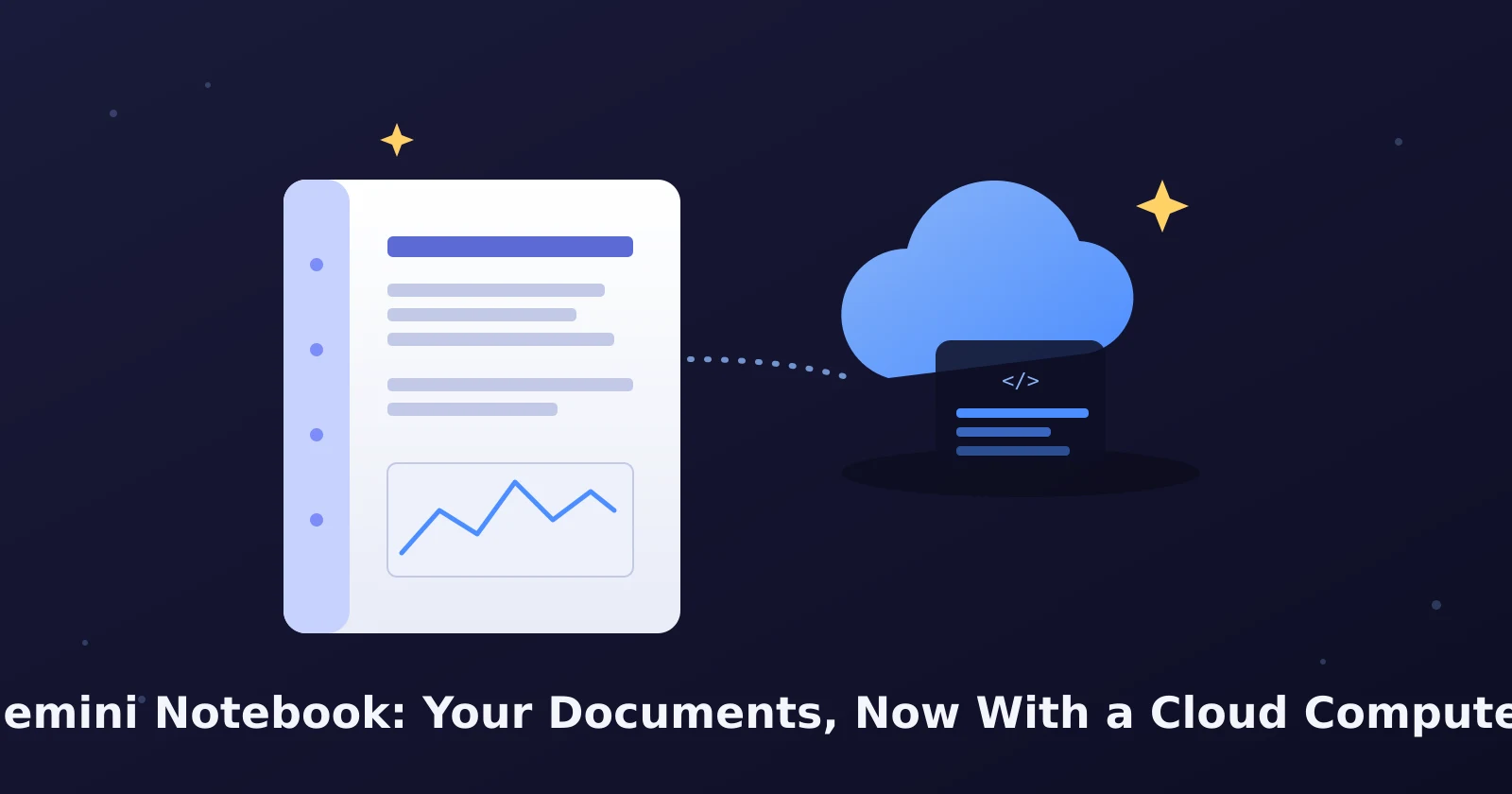
Google renamed NotebookLM to Gemini Notebook on July 16, 2026. It's the same tool at the same web address, notebooklm.google, with your existing notebooks intact, but it now includes a "secure cloud computer" that can write and run code against your own uploaded documents for deeper analysis instead of just summarizing them. That code-execution upgrade is only live today for Google AI Ultra subscribers and Workspace customers with AI Ultra or AI Expanded Access; free and Pro users don't have it yet.
Why the name changed
According to Google's own July 2026 announcement, NotebookLM started in 2023 as Project Tailwind with one job: help people learn from their own material. Google says more than 30 million people and over 600,000 organizations now use it, and the rename reflects a broader role—Gemini Notebook still works as a standalone product, but it now shows up inside the Gemini app and, soon, inside AI Mode in Google Search. Your notebooks sync across the standalone site and the Gemini app automatically, so a notebook you build in one place is available in the other without exporting or re-uploading anything.
If you had NotebookLM bookmarked or saved as an app shortcut, nothing about the login or your existing notebooks needs to change. The Wikipedia entry for Gemini Notebook, which is corroborated by app-store release notes citing the same July 2026 rollout, confirms this is a rename and feature update to the existing product rather than a new app replacing it—your uploaded PDFs, notes, and saved sources carry over exactly as they were.
What the "secure cloud computer" actually does
This is the part worth understanding before you assume it's just marketing language for a chatbot. Google's announcement describes the update as giving every notebook a secure cloud computer that lets Gemini Notebook "write and execute code natively" against your sources. In plain terms: instead of only reading your documents and writing a text answer, the tool can now run actual code—the kind that tabulates numbers, builds a chart, or cross-references data across multiple files you uploaded—and show you the result.
That distinction matters for anyone using the tool for something more involved than a summary. If you upload a batch of spreadsheets, meeting transcripts, or research PDFs and ask a question that requires counting, sorting, or comparing values across all of them, the older NotebookLM would describe what it found in a document; the code-execution version can actually compute it and hand back a table or figure grounded in your own uploaded material, not a general web answer.
Who can use it right now
Here's the limitation that matters most for everyday readers: this isn't available to everyone yet. Per Google's own rollout description, the secure cloud computer feature is live today only for:
- Individual subscribers on the Google AI Ultra plan.
- Workspace business customers with AI Ultra Access or AI Expanded Access add-ons.
Google states it will extend to all Pro subscribers on the web "over the coming weeks," and the free tier isn't mentioned as a target for this specific feature at all. If you open Gemini Notebook today on a free account or a standard Pro plan and don't see any option to run code or generate a chart from your data, that's expected—it isn't a bug on your end, and there's no manual toggle to force early access. The rest of Gemini Notebook, including uploading documents, asking questions, and generating audio overviews, works the same as it always did regardless of your plan.
What stays the same either way
Even without the cloud computer feature, the core research workflow that made NotebookLM useful hasn't changed:
- You still upload your own sources—PDFs, Google Docs, web links, pasted text, even audio—and the tool answers only from what you've given it, citing which source backed each claim.
- The Audio Overviews feature, which turns your uploaded material into a podcast-style discussion, is still there under the new name.
- Notebooks you created under the old NotebookLM branding are unchanged; there's no migration step, re-upload, or new account required.
A tested limitation worth knowing before you rely on it
In practice, "write and execute code" doesn't mean the tool can pull in outside data or verify facts beyond what you uploaded—it's still grounded strictly in your own sources, the same constraint that made the original NotebookLM trustworthy for citation-backed answers. If you ask it to compute something using information it doesn't have in your uploaded files, expect it to say so rather than guess, since that citation discipline is the feature Google has kept consistent through the rename. And because the cloud-computer rollout is staged by subscription tier rather than by account age or region, two people with otherwise identical free accounts may see different capabilities purely based on whether one of them upgraded to AI Ultra—so don't assume a missing feature means something is broken with your account.
Do you need a paid plan to use it at all
No—Gemini Notebook itself remains usable on a free account for uploading documents, asking questions grounded in your sources, and generating audio overviews. A paid Google AI Ultra plan (or a Workspace AI Ultra/Expanded Access add-on) is only required for the new code-execution analysis feature specifically. If your research needs stop at "summarize and answer questions about my documents," the rename doesn't require you to spend anything differently than before.
Keeping the habit that matters most
Whichever plan you're on, the most useful habit with any document-upload AI tool is checking what it's citing before you act on an answer, the same practice that makes our guide on organizing long-running work in a ChatGPT Project worth pairing with this one if you split research between tools. If you're also using Gemini's other automatic features, our guide on turning on Gemini's daily brief covers a similar "verify the source before trusting the summary" habit for that feature, and our piece on Gemini Spark's Chrome auto browse walks through the same permission-first approach Google is applying across its newer Gemini tools.
Official sources
- Google: We're renaming NotebookLM to Gemini Notebook
- Wikipedia: Gemini Notebook