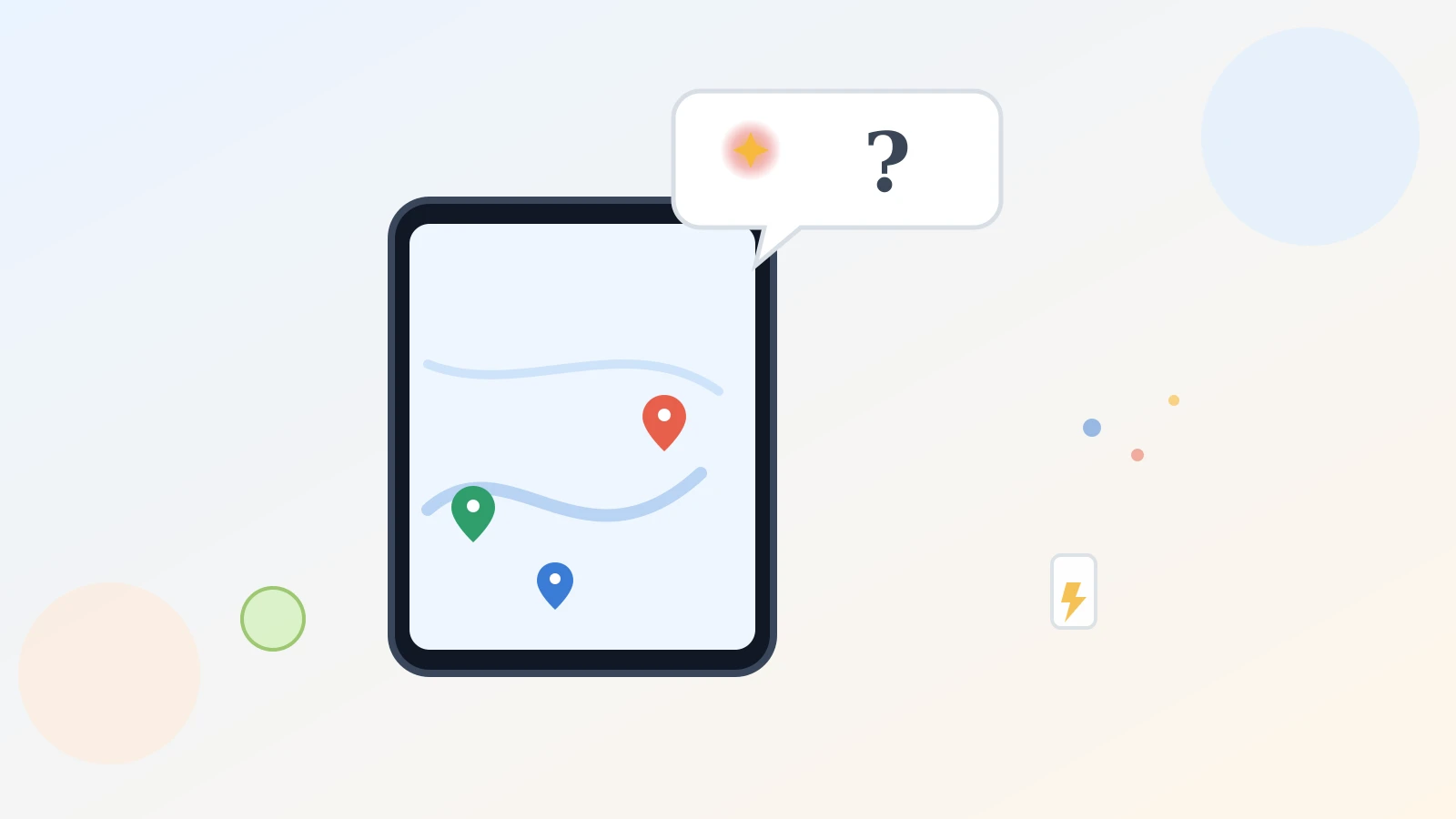
Say your phone is at 12 percent and you need somewhere to charge it that isn't a packed coffee shop with an hour wait. Normally you'd type "charging station" into Google Maps and hope. Now you can just ask the whole question.
Google has rolled out a new Google Maps Ask Maps conversational feature — an "Ask Maps" button that lets you type or say a full, everyday question instead of a short search term, and get back real places with reasons why they fit.
What Ask Maps actually does
According to Google's own March 2026 announcement, Ask Maps answers "complex, real-world questions a map could never answer before." You tap the button and type something like "my phone is dying — where can I charge it without waiting in a long line for coffee?" instead of guessing at keywords.
Google says it draws on over 300 million places and reviews from more than 500 million contributors, then shows a customized map with a short list of options and why each one fits.
The single most useful thing to try first
Open Google Maps, tap the new Ask Maps button, and type a real question the way you'd ask a friend — not a keyword. Something specific works best, like "is there a public tennis court with lights on that I can play at tonight?"
The more specific your question, the better the results. A short search term still works the old way; the conversational box is for the messier questions that never had a clean keyword to begin with.
How it's different from a regular search
Typing "coffee shop" into Maps has always worked when you know exactly what you want. Ask Maps helps when you don't — when what you care about (quiet, has parking, open late) doesn't fit a couple of keywords.
CNBC's independent report on the same rollout confirms it's a genuinely new chatbot-style button, separate from ordinary Maps search, rolling out on Android and iPhone in the U.S.
It also helps with trip planning
Google's post gives an example like "I'm headed to the Grand Canyon, Horseshoe Bend, and Coral Dunes — any recommended stops along the way?" and says you get directions, arrival times, and tips from real visitors. Once you find a place you like, you can save it, share it, book a reservation, or start navigating without leaving the conversation.
A limitation worth knowing
Results are personalized to your own past searches and saved places, so two people nearby asking the same question can get different answers. That helps sometimes, but the list isn't a neutral ranking — it leans on data you've already given Google.
How to try it
Open Google Maps, look for the new Ask Maps button near the search bar, and type — or say — a real question the way you'd ask someone who knows the area. It's rolling out now in the U.S. on Android and iOS, with desktop coming later, so give it a little time if you don't see it yet.
If you already use Maps for hands-free driving, our guide on Google Maps' conversational navigation with Gemini covers a related but separate feature for while you're driving. And our piece on Google Photos' Ask Photos search shows the same "just describe what you want" idea applied to finding an old picture.
Nothing to install — just a new button that's more patient with a real question than the old search box ever was.