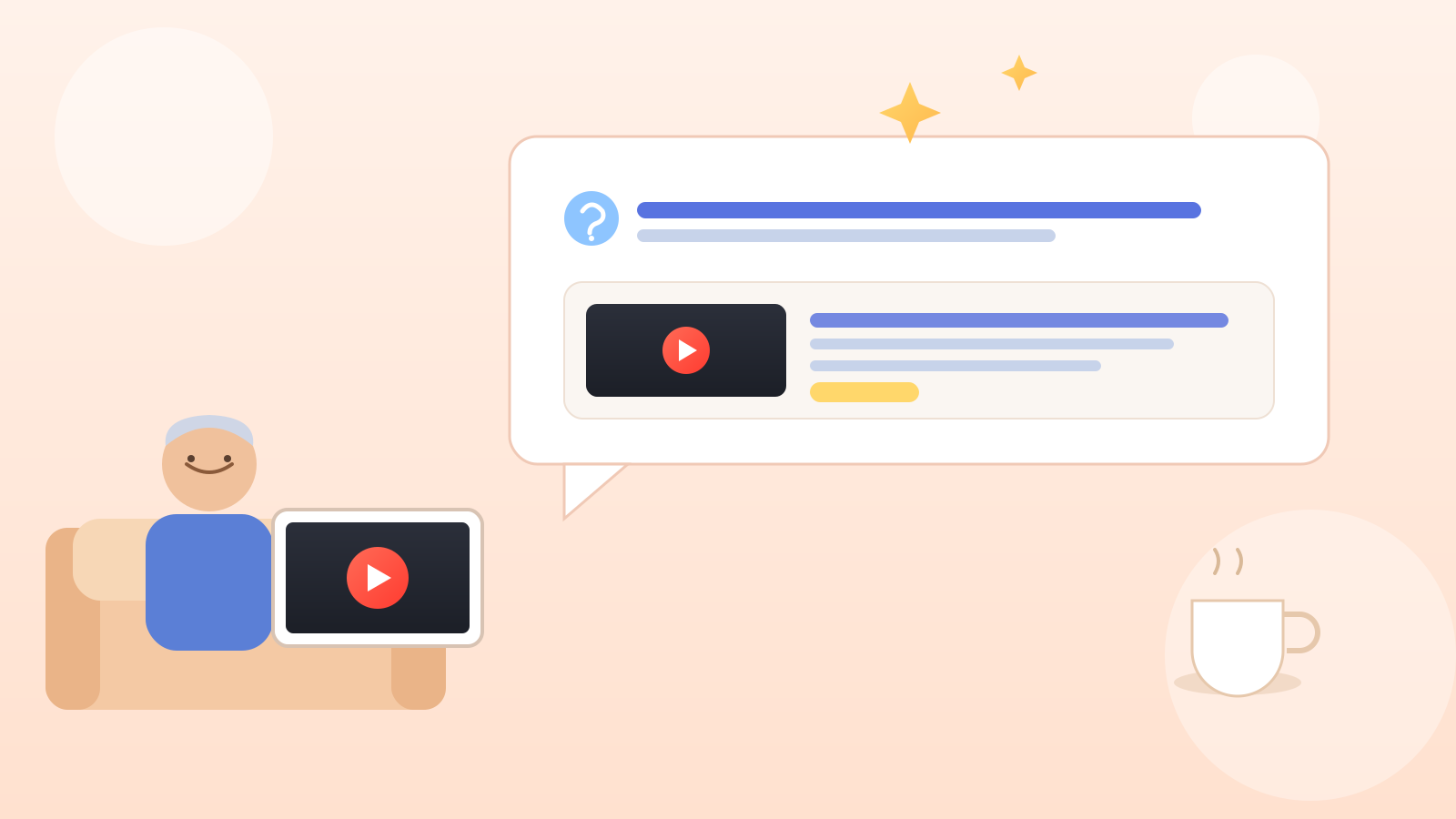
Say you're watching a long tutorial on fixing a leaky faucet, and the one part you need — which washer to buy — is buried around the eight-minute mark. You drag the scrubber back and forth, overshoot it twice, and give up.
You don't have to do that anymore. YouTube is rolling out Ask YouTube, a feature that lets you type or speak a plain-language question and get a written answer back, along with the exact clip and timestamp that answers it.
Ask YouTube natural language question video: what it actually does
Instead of typing keywords and hoping the right video shows up, you ask a real question — the way you'd ask a person — and YouTube's AI (software trained to understand language and build an answer) reads through videos to respond.
The reply blends short written text with video clips pulled from the moment most relevant to your question, each labeled with its title and channel name.
The one thing worth doing first
This is the most useful step, so let's get to it early: look for an "Ask YouTube" button in two places. On a computer, click the search bar at the top of YouTube — Ask YouTube lets you type a full question there, like "plan a three-day road trip from San Francisco to Santa Barbara," instead of a few keywords.
The second spot is on the video itself. While watching, look below the video for an Ask YouTube prompt, which answers questions about that video, like "what brand of washer did he use?" I only found this one myself last week, under a cooking video, and it saved me ten minutes of replaying.
There's also an "Ask a follow-up" field under each response — on a smart TV or game console, the remote's microphone button does the same job with your voice.
Where you'll find it, and where you won't
YouTube's own Help Center says this is currently an experiment for a limited number of users in the United States searching in English, on computers, phones, and TVs, gradually expanding to more people. If you don't see the button yet, that's not a glitch — it just hasn't reached your account. It's also not available for supervised child accounts or in the YouTube Kids app.
One honest limitation
YouTube says plainly that these AI-generated answers are for general information only and accuracy can vary, so don't lean on them for medical, legal, or financial advice — double-check anything important elsewhere. Treat it as a shortcut to the right moment in a video, not the final word.
A gentle way to let AI do the digging
If typing a full question instead of a couple of keywords feels new, you're in good company — plenty of Google's tools now work this way. Our look at Google's opt-in Personal Intelligence feature covers a similar idea for regular web search, and Gemini's daily brief shows AI summarizing your morning instead of you hunting for it. If you'd rather ask a question out loud about something in front of you, Gemini Live's Guided vision feature is worth a look too.
Nothing changes about regular YouTube search — Ask YouTube just sits alongside it for when a plain question beats scrubbing back and forth.