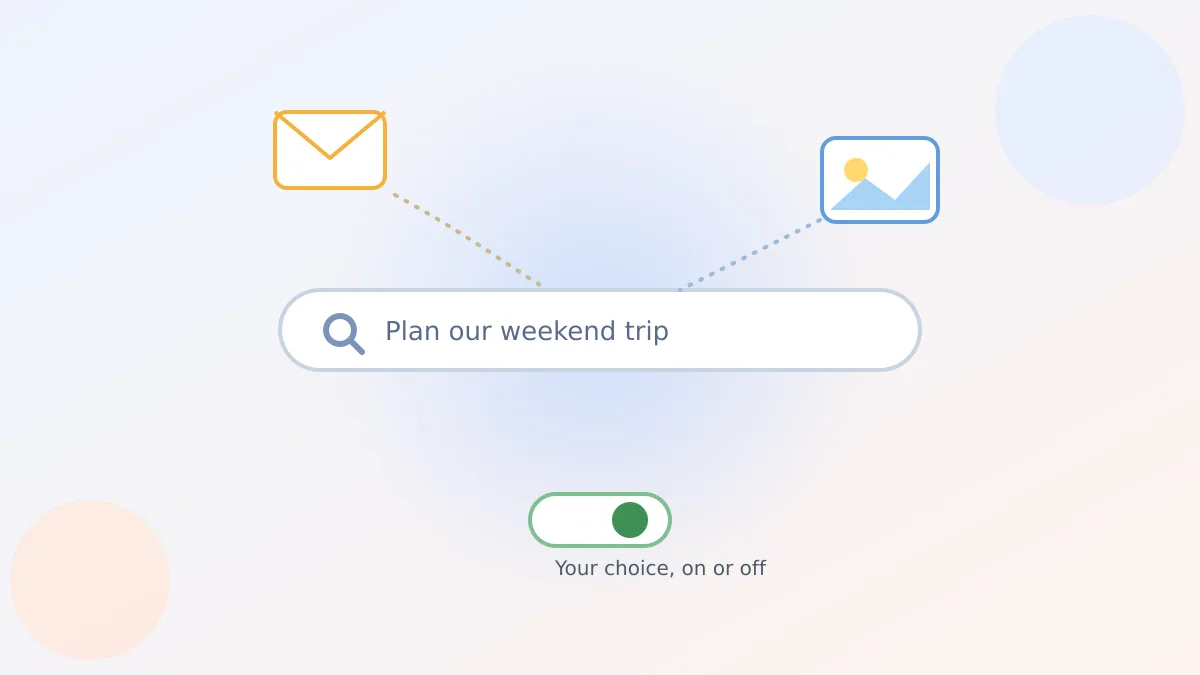
Say you ask Google's AI Mode to plan a weekend getaway, and it casually mentions the hotel confirmation sitting in your inbox and suggests an ice cream shop like the one in your vacation photos from last summer. That's not a lucky guess. It's a new opt-in feature, and I only found out how it actually works this week myself.
What Personal Intelligence in AI Mode actually does
Google calls this feature Personal Intelligence, and it's now available inside AI Mode, the more conversational version of Google Search. If you opt in, it can look at relevant parts of your Gmail and Google Photos to make its answers more useful to you specifically, instead of generic.
Here's the one thing worth knowing before anything else: this is opt-in, not automatic. Nothing changes about your Search results unless you go turn it on yourself.
Who can even try it
This isn't rolling out to every Google user. Google says it's currently limited to Google AI Pro and AI Ultra subscribers, the paid AI plans, in English in the U.S., available through an experimental program called Google Labs. It also only works with personal Google accounts, not a Workspace account through an employer or school.
That's worth knowing so you're not confused if a friend has it and you don't, or if you don't see it at all yet.
What it actually looks at
When connected, AI Mode can reference things like a hotel booking sitting in your Gmail, or vacation photos in Google Photos, to shape its answer. Google's own example: ask about weekend plans, and it might suggest a kid-friendly museum or an old-fashioned ice cream parlor because it noticed ice cream photos from a past trip.
It can work similarly for shopping, taking into account brands you've bought before or a flight confirmation to figure out where and when you're traveling. It's the same personal-context idea behind Google Photos organizing old pictures into a digital wardrobe, just applied to your search results instead.
How to turn it on or off
You choose whether to connect Gmail and Google Photos separately, and you can change your mind anytime at myactivity.google.com/search-services/apps. Turning a connection off stops AI Mode from using that app going forward.
If you're already careful about which apps touch your Google account, this is a good moment to also run through securing your Google Account before switching phones — the same settings area covers more than just this one feature.
The part I'd actually test first
Google says it doesn't train its AI models directly on your Gmail inbox or Photos library. Training, it says, is limited to the specific questions you ask in AI Mode and the answers it gives back, not your actual emails or pictures themselves.
Even so, Google admits the feature can get things wrong, mixing up unrelated details or misreading context. If a suggestion feels off, you can correct it in the conversation or give it a thumbs-down, the same way you might flag a bad answer from Gmail's AI Inbox feature.
Worth trying, no rush to decide
This isn't something you need to switch on today, or ever, if it doesn't appeal to you. It's one more setting sitting quietly in your Google account, there for whenever curiosity gets the better of you. If you do connect it, it's just as easy to disconnect.