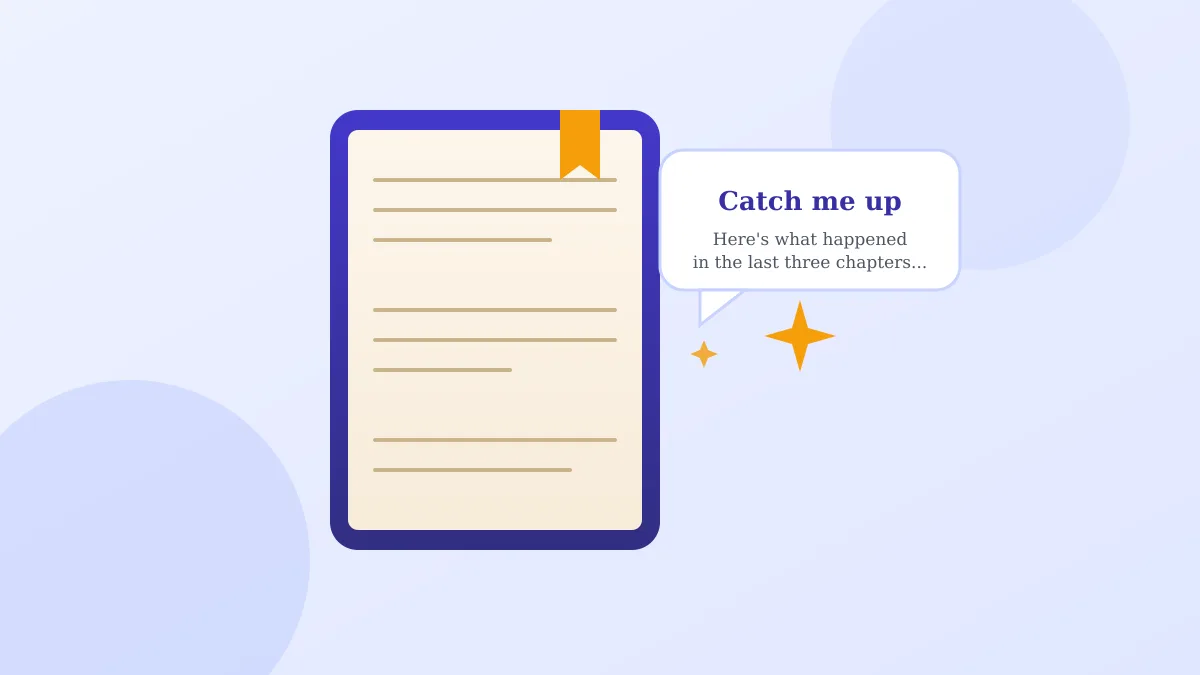
Say you pick up a novel on your phone that you set down two weeks ago, mid-chapter, and you genuinely cannot remember which sister is married to which brother, or why the letter in chapter four mattered at all. You could flip back and skim ten pages, or you could just ask.
That's the idea behind Google Play Books' Book insights feature, and if you read ebooks on and off the way most of us do, it's worth knowing it exists.
What "Catch me up" actually does
Google announced on September 2, 2026 that Book insights is now available for more than a million English-language ebooks in Play Books, including plenty of bestsellers, not just obscure titles. The core of it is a button labeled Catch me up.
Tap it while you're reading, and the app gives you a quick, spoiler-free recap of what's happened in the story so far, right there on the page, no searching your memory or scrolling backward required.
The one step worth doing first
Here's the practical part, and it's the whole reason this feature is useful: open the book you're currently mid-read on, and look for the insights icon near the top of the page (on phone, tablet, or now the iOS app too, since that's new as of this announcement). If the book supports it, you'll see the option to tap for a recap.
You can also highlight a specific passage that's confusing you, a character's name you don't recognize, an unfamiliar term, and ask a question about just that bit, without leaving the page or breaking your reading flow.
Which books and devices it works on
This only works on ebooks Google has enabled for the feature, not audiobooks and not every title in your library. More than a million English books qualify, but if you're reading something niche or older, you may not see the option.
Google's own support page confirms the feature works in Play Books on Android, on the web, and now on iOS, which is new as of this announcement. If your book supports it but you don't see the icon, try updating the app.
One thing to know before you rely on it
A recap is a summary, not a substitute for the actual chapters. It's meant for someone reorienting after a break, not someone who wants the whole plot without reading it. Treat it like a bookmark refresher, not CliffsNotes.
A gentle way to try AI on something low-stakes
If terms like "AI" still feel abstract, this is a good, low-risk place to see it work: it just reads a book you already own and reminds you what happened, nothing more. Our piece on the Google Photos AI wardrobe feature is another opt-in, harmless example of this same idea, and if you'd rather talk your way to an answer, our guide to Google Docs' live voice drafting feature covers a similar hands-off approach to a different app.
Either way, nothing scans your books or changes anything unless you tap that button yourself.