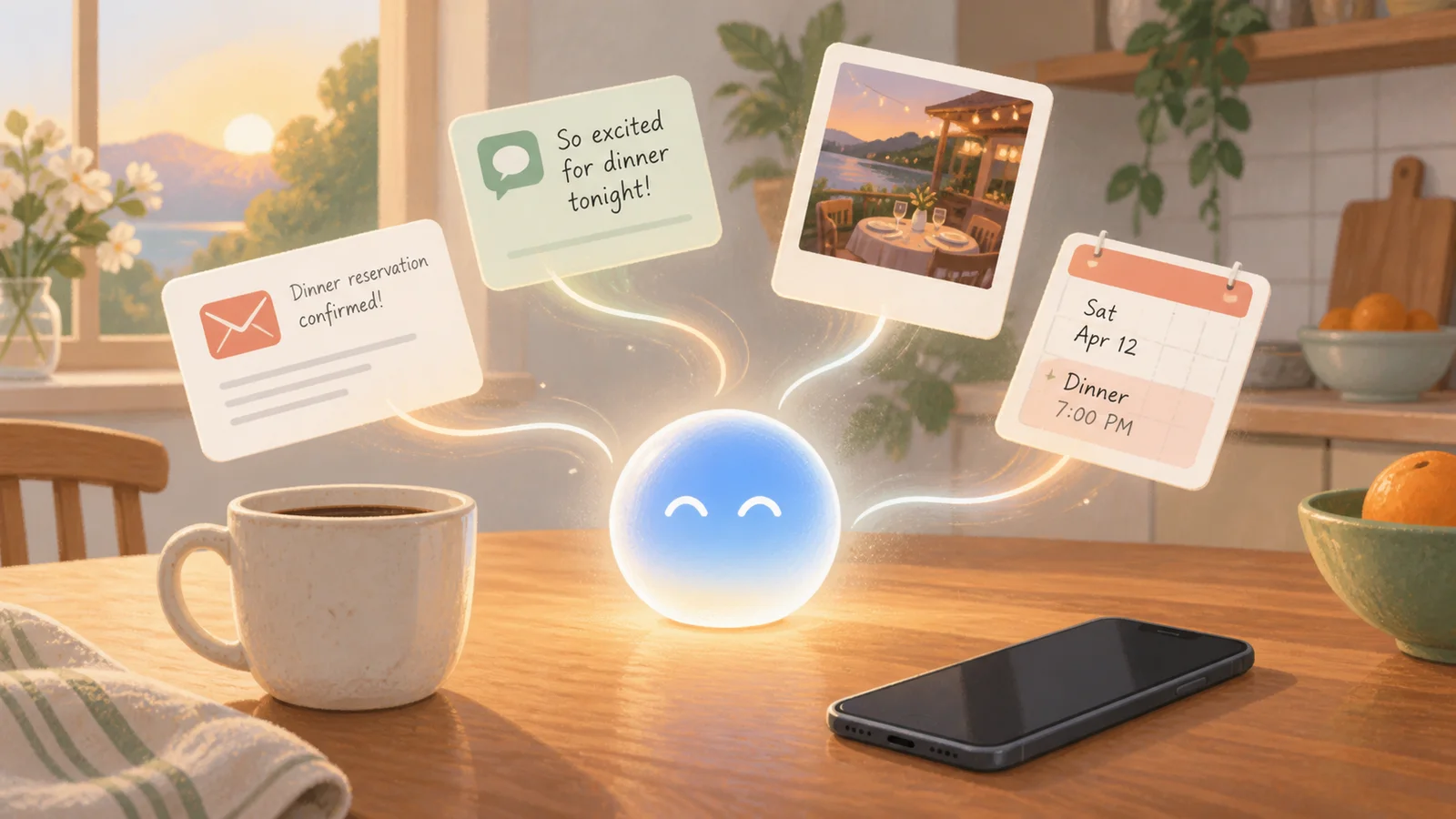
Say you're leaving for dinner in an hour, but the restaurant name has vanished from your mind. You know the reservation is somewhere in an email or text, yet searching three apps sounds like a chore. If you've wondered about Siri AI personal context iOS 27 how it works, that's the sort of ordinary problem Apple wants it to solve.
Try one specific question first
After installing iOS 27, open Settings > Apple Intelligence & Siri and make sure Apple Intelligence is on. Then ask, “Siri, find my dinner reservation for tonight.” A specific request with a person, place, or time gives it a much better trail to follow than “What am I doing later?”
When Siri shows an answer, tap through to the original message or email before you leave. That quick check matters because this first release is a beta, meaning it is still being tested in everyday use and can misunderstand context.
What “personal context” actually means
The old Siri was good at timers, weather, and simple commands. Siri AI can connect clues across your own messages, email, photos, and whatever is on your screen, then use those clues to answer a conversational question or take a related action.
You might ask who recommended a book, where a family photo was taken, or what time a flight lands without remembering which app holds the answer. It is a similar idea to Google Search using Gmail and Photos with permission, but built into Apple's assistant.
What can Siri see, and where does the work happen?
Apple says its system uses on-device processing, which means some requests are handled right on your iPhone. Harder requests may use Private Cloud Compute, Apple's protected cloud system designed to process a request without storing your personal data for Apple to access.
That is reassuring, but it is not a reason to stop paying attention. Personal context can surface relevant information from messages, email, and photos, so read what appears before sharing your screen or repeating an answer aloud around other people.
Which iPhones get it?
Apple lists iPhone 16 models and later, along with iPhone 15 Pro and iPhone 15 Pro Max. Siri AI begins rolling out with iOS 27 on September 14 as a beta for supported devices set to English; other languages arrive later, and some features can vary by region.
I tested the setup path against Apple's release notes, and the easy-to-miss limitation is the English setting. If you update but still see the familiar old Siri, check both your device language and Siri language before assuming the phone is unsupported.
For other useful iPhone helpers, see how Live Translation works in calls and messages and how Hold Assist waits for a representative.
Start with one harmless question, check the source it found, and let trust build slowly.
Official sources
- Apple Newsroom: Apple introduces Siri AI, a profoundly more capable and personal assistant
- Apple Newsroom: Apple debuts iPhone 18 Pro and iPhone 18 Pro Max