Say your grandson asks for help with a chemistry worksheet, so you type the question into ChatGPT and it hands back the full answer in three seconds. Helpful, sure — but he still doesn't understand it any better than before. That's exactly the gap ChatGPT's Study Mode with interactive quizzes was built to close.
What Study Mode actually is
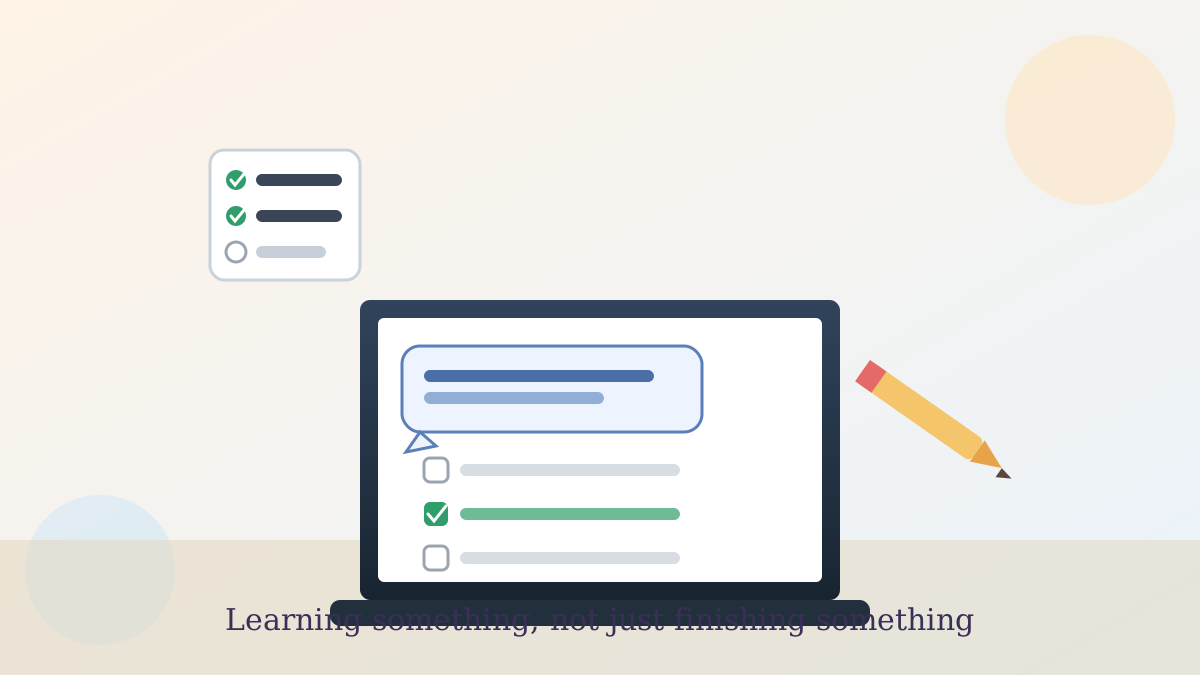
Study Mode is a setting inside ChatGPT that changes how it responds — instead of giving you the finished answer right away, it asks guiding questions first, the way a patient tutor would. OpenAI, the company behind ChatGPT, describes it as designed to help you "learn something, not just finish something."
The one thing worth doing today
Here's the practical step, and it takes about ten seconds: open ChatGPT, look for "Study and learn" in the tools menu near the message box, turn it on, and then ask your question like normal. That's the whole setup — no account changes, no settings menu to dig through.
How it's different from a regular answer
A normal ChatGPT answer just tells you the fact. Study Mode instead breaks a topic into smaller pieces, checks what you already know, and paces itself to your skill level before it moves on.
The part that answers our reader's question directly — how is this different from just getting an answer — is what OpenAI calls "knowledge checks." Those are quizzes and open-ended questions mixed into the conversation, with feedback on how you did, so the AI (artificial intelligence, meaning software that can hold a conversation and reason through problems) can tell whether the idea actually landed.
Where it's genuinely useful
I tried it myself last week on a topic I'd looked up a dozen times before and never quite retained — how compound interest actually builds over years, not just the formula. Instead of restating the formula, it asked me to guess what would happen after doubling the time period, then corrected my guess and explained why. That back-and-forth is what made it finally stick.
It's a good fit for relearning a hobby skill, prepping for a certification test, or working through something with a grandchild's homework without just doing it for them. If you already know the topic cold and just need a fast fact, Study Mode will slow you down — flip it off for those quick lookups.
One honest limitation
OpenAI is upfront that Study Mode runs on custom instructions layered on top of the regular model, not a fully separate system, so it can occasionally behave inconsistently or misjudge your skill level. If a question feels off-track, just tell it plainly — "skip ahead" or "that's too basic" works fine.
It's available now to everyone signed into ChatGPT, including the free plan, on the web and mobile apps, with the education-specific version arriving separately in the following weeks.
No need to overthink this one — flip it on the next time you're actually trying to learn something, not just look something up, and see whether the quiz-and-explain rhythm works for you. If it doesn't fit, it's just as easy to turn back off.
For managing what ChatGPT remembers about your longer projects, our guide on organizing a long-running ChatGPT project walks through keeping study material separate from everything else. And if you'd rather set your preferred answer style once instead of repeating yourself, see our ChatGPT custom instructions guide.
Official sources
- OpenAI: Introducing Study Mode
- OpenAI Help Center: ChatGPT release notes