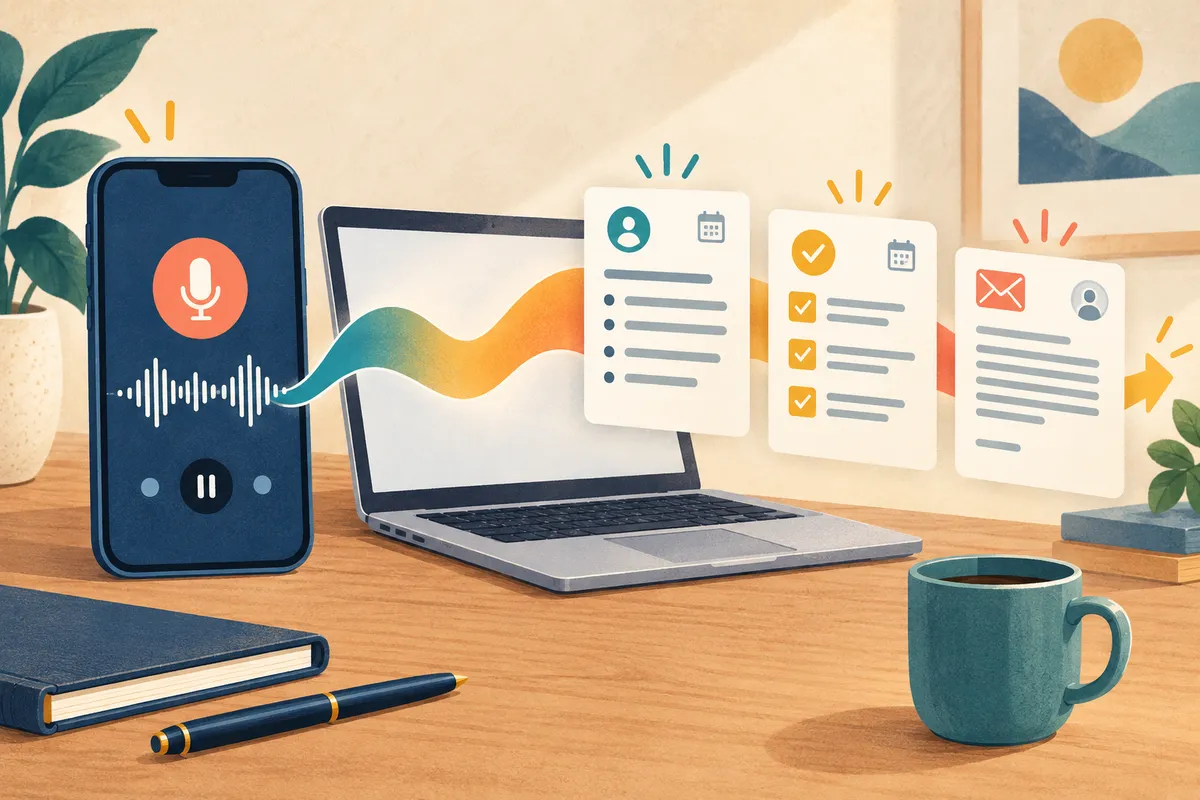
A ChatGPT audio upload can take an existing voice memo, interview, or meeting recording and turn it into a transcript, organized notes, an action list, and a follow-up email in the same conversation. That is a much more useful ending for a forgotten recording than leaving it in your phone for months—but the new upload option is not available on ChatGPT Free.
OpenAI announced audio uploads on October 6, 2026. The feature is available in the United States with paid ChatGPT subscriptions and eligible paid workspaces, including Enterprise, although access can still depend on region, app version, workspace settings, and the model being used.
Try ChatGPT audio upload with one careful prompt
Start with a short, non-sensitive recording whose details you already know. A three-minute voice memo about a volunteer event, home project, or family plan is a better first test than a confidential work meeting.
Open ChatGPT, select the attachment button beside the message box, and choose your audio file. OpenAI supports WAV, MP3/MPEG, OGG/OGA, audio-only WebM, PCM, FLAC, AAC, M4A, and audio-only MP4. Then paste this prompt:
First create a verbatim transcript. Then make: (1) a five-bullet summary, (2) a table of every decision, owner, and due date, (3) a checklist of next actions, and (4) a short follow-up email. Do not guess missing names, dates, or owners. Mark uncertain words as [unclear]. Afterward, list every number, date, name, and quotation so I can verify them against the recording.
This request separates the work into things you can check. If you only ask for “notes,” ChatGPT may produce a smooth summary while quietly dropping a deadline or assigning a task to the wrong person.
Keep the original audio open. Compare each name, number, date, decision, and quotation before using the email draft. For recordings with several voices, add known speaker names only after you confirm who is speaking; OpenAI warns that speaker identification can be unreliable.
A useful demonstration: from rambling memo to sendable plan
Imagine a voice memo that says the community garden cleanup is Saturday at 9 a.m., Jordan will bring trash bags, Mia will pick up six pairs of gloves by Thursday, and rain moves the event to Sunday. The memo also includes a reminder to email volunteers and ask them to bring water.
The prompt above should produce four distinct outputs: the full wording, a short explanation, an owner-and-date table, and an email people can act on. The review is simple: Saturday must remain the main date, Sunday must stay a rain backup, six must describe glove pairs, and Thursday must remain Mia's deadline. If any item changes, correct that item before copying the email.
That pattern is useful for interviews, class recordings, appointment notes, and project updates because you can ask follow-up questions without uploading the file again. It also pairs well with our guide to turning a fuzzy idea into an action plan with ChatGPT Voice. For material you would rather not keep in ordinary chat history, review how ChatGPT Temporary Chat works before you upload anything.
The limits matter more than the file button
OpenAI sets a maximum of 512 MB per audio file, but it does not promise that every recording under that size will finish. Long recordings may be divided into smaller sections when Data Analysis is available, and very long files may time out. There is no published minute limit for ordinary audio uploads.
The feature requires a paid subscription or eligible paid workspace. OpenAI's general file rules allow up to 80 uploads every three hours on paid plans, but that limit can be reduced during busy periods. Storage is also shared with other uploaded files: 25 GB per user and 100 GB per organization. ChatGPT does not currently show how much of the rolling upload allowance remains, and failed attempts can count toward it.
An MP4 or WebM must be audio-only; a file that still contains a video stream may be rejected. Transcription quality varies by language and recording quality. Background noise, overlapping speakers, accents, and unfamiliar names all increase the need for manual checking.
Privacy deserves the same care. Do not use a casual test recording that contains medical details, account numbers, private client conversations, or people who did not agree to be recorded or uploaded. Workspace retention and administrator controls may also apply. Our ChatGPT data controls guide explains where to review current account settings before sharing sensitive material.
This publishing environment did not have access to an eligible signed-in paid ChatGPT account, so I could not honestly upload and grade a recording. The steps, formats, limits, and example uses above come from OpenAI's current documentation and a corroborating rollout report.
Verdict: Try ChatGPT audio upload if you already pay for ChatGPT and regularly collect voice memos or recordings that never become action. Start with three minutes of information you can verify; the feature earns its keep only when the finished notes are accurate enough to use.
Official sources
- OpenAI Help Center: Uploading files and audio to ChatGPT
- OpenAI Help Center: ChatGPT release notes
- MIXED: ChatGPT audio uploads, plan access, and limits