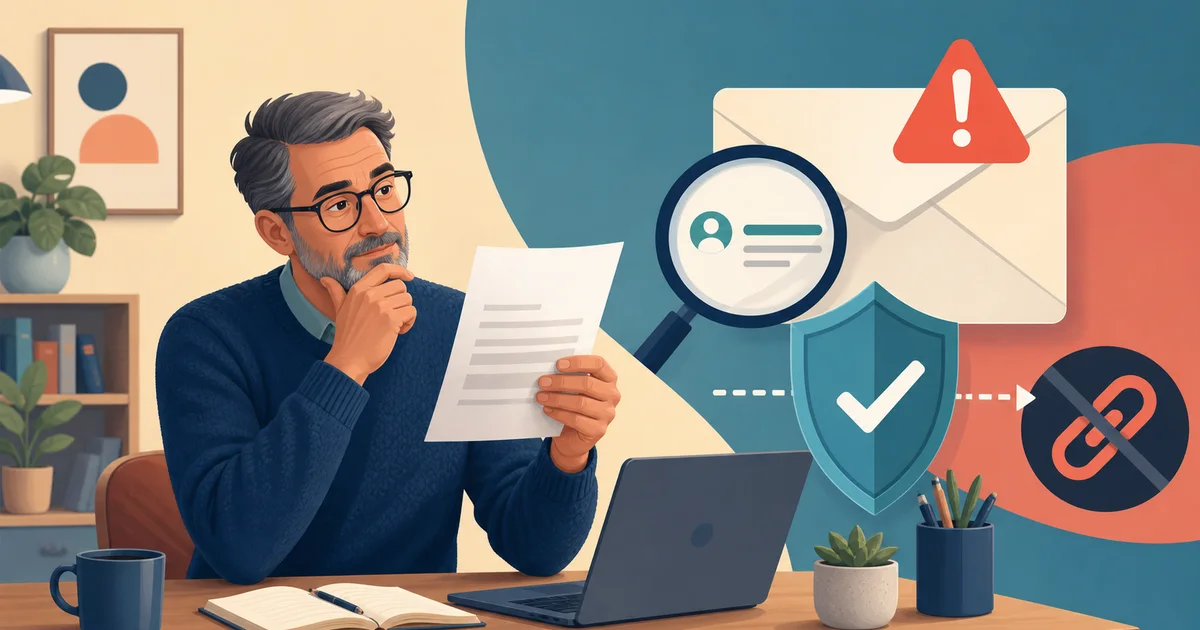
Say an email lands with the subject "PAST DUE — Invoice #48213." There's a logo you recognize, a big "Pay now" button, and an amount that makes you wince. You don't remember ordering anything. Here's how to verify an unexpected invoice email without clicking links — it takes about five minutes, and you never have to touch the email itself.
The short version
Don't click the link, don't open the attachment, don't reply, and don't call a number from the email. Instead, check your own records, then contact the company through a route you already trust — their app, a bookmark, or the number on an old paper bill.
Ask them: is this invoice real, is it for my account, and what's it for? If you can't confirm all three, don't pay. That's the whole method.
Minute 1: Look, don't touch
Write down what you can see: company name, amount, invoice number, date. Don't copy the link. Don't open the PDF "just to see." The phone number in the email belongs to the same unverified message as the link.
The Federal Trade Commission says fake invoices often name a company you really use, or services you never ordered, and some are really after your passwords rather than a payment.
Minute 2: Check what you already have
Look for a matching purchase in your credit card activity, saved receipts, or the order history inside the company's real app. If it's for a club, church, or small business, ask whoever normally approves that kind of purchase.
Match more than the name. A real bill connects to a date, a product, and an account that make sense together. Scammers borrow a real company name and invent the rest. (The same records-first habit is in our five-minute online shopping scam check.)
Minute 3: Reach the company your own way
Use an app you installed earlier, a bookmark you made, a website printed on an old statement, or the number on the back of your card.
One thing that surprised me: a web search is a last resort. Sponsored results and look-alike sites can lead you to a second impostor. And that little padlock in the browser only means the connection is scrambled — it says nothing about who's on the other end.
Don't reply to ask "is this real?" either. The reply goes wherever the sender chose.
Minute 4: Ask three questions
Give them the invoice number and ask: Is it in your system? Is it for my exact account? What purchase created it? Never hand over a password, a one-time code, or your full card number to "confirm" an invoice.
If they can't find it, stop. If they say it's real, sign in through the app or typed website and make sure the same bill shows up there before paying.
Minute 5: Report and delete
Mark it as spam or phishing in your email. The FTC suggests forwarding phishing emails to reportphishing@apwg.org and reporting at ReportFraud.ftc.gov. Then delete it.
Warn anyone who shares the account — but describe it or send a screenshot, don't forward the live link. And turn on two-factor authentication (the extra code sent to your phone) while you're thinking about it; our Google Account security checklist walks through it.
If you already clicked or paid
Clicked but typed nothing? Close the page and don't download anything. Typed a password? Go to the real site yourself, change it, and change it anywhere else you reused it. Entered card or bank details? Call the bank on the number from your card and tell them exactly what happened.
If the invoice came with a QR code, don't scan it to "investigate" — it's just another link the sender picked. Our 30-second QR code safety check covers that.
An invoice is a claim, not proof. Check your own records, reach the company your own way, and if the urgency won't let you do that — the safe answer is to wait.
Sources
- Federal Trade Commission: Run a small business? Pay your bills, not scammers
- Federal Trade Commission: Protect yourself from phishing scams