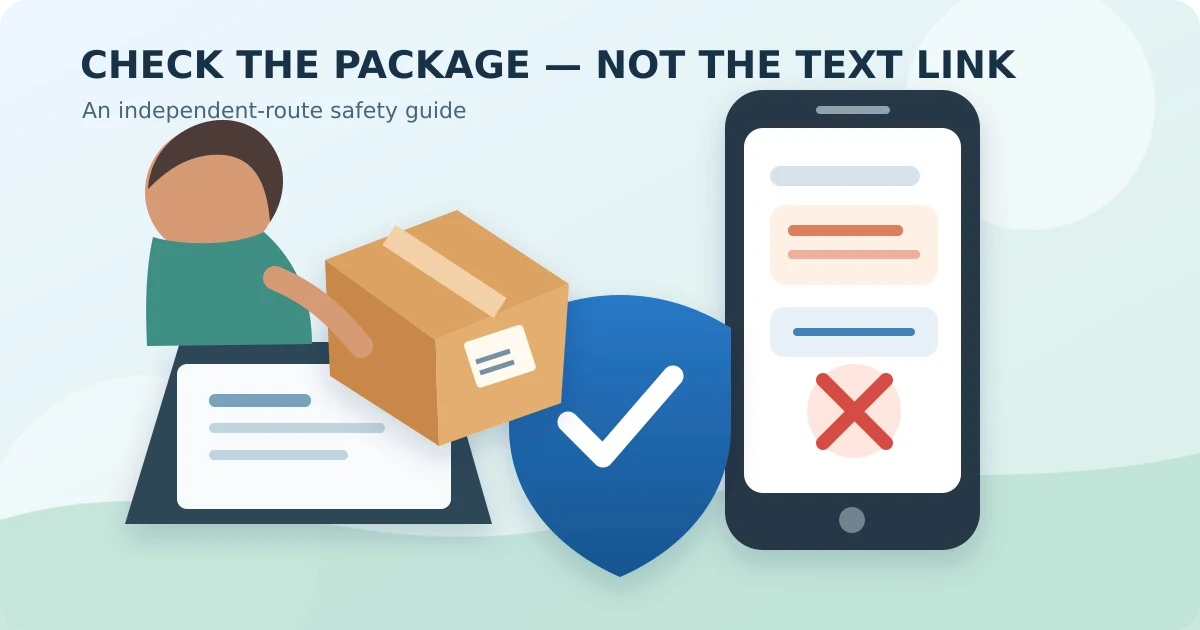
Say you ordered something last week, and today a text shows up: "USPS: your package can't be delivered, please confirm your address." It has a link, the timing is perfect, and it even names your city. Here's how to check a USPS delivery text without clicking the link — and honestly, it takes about a minute.
The one-minute check
Don't tap the link and don't reply. Instead, open two things on your own:
- Your order. Open the store's app, or type the store's website yourself, and find the order. Copy the tracking number from there.
- USPS.com. Type it into a fresh browser tab, choose Tracking, and paste that number in.
If the real tracking page doesn't show the same "problem" the text claims, the text is a fake. That's it. The logo, your city name, and good timing prove nothing — scammers get that stuff easily.
Why the two-route habit works
The Federal Trade Commission recommends this because delivery scams send you to a look-alike page built to collect a card number or password. If you never use the text as your route to the package, the trap has nothing to catch.
One small thing that trips people up: a store sometimes prints a shipping label before USPS actually has the box. So the real tracking page might just say "label created" for a day or two. That's normal — not a reason to go back to the text link. Check again tomorrow.
What a real USPS text looks like
USPS does send tracking texts — but only after you ask. You text a tracking number to 28777 (that spells 2USPS) or sign up on the tracking page. The Postal Inspection Service says USPS never sends tracking texts you didn't request, and the ones you did request never contain a link.
A real one just says USPS, the tracking number, a status like "Delivered," and maybe a date and location. Anything demanding a "redelivery fee" or "address fix" through a link doesn't match how USPS works. Even a tiny $1 fee is just a doorway to your card number.
If the text has a QR code instead of a link, same idea — see our 30-second QR code check. And it's the same separation habit as an unexpected invoice email: the message makes a claim; your own records supply the proof.
Report it, then block it
Email the text to spam@uspis.gov (copy the words, attach a screenshot showing the number and date). You can also forward it to 7726 (that spells SPAM) so your phone carrier can block the sender. Then mark it junk and delete it.
If you want fewer of these in the first place, our 10-minute phone setup to cut scam calls helps with texts too.
If you already tapped
Opened the page but typed nothing? Just close it. Don't download anything or accept a "security update" from that page.
Typed a password? Go to the real account yourself and change it, plus any other account using the same one — email first. Typed a card number? Call your bank using the number on the back of your card, not anything from the text. If you gave a Social Security number, use IdentityTheft.gov — it's free and official. Report the whole thing at ReportFraud.ftc.gov.
A delivery text is a nudge to check your own records, never a shortcut to the package. Keep that in mind and you're fine.
Sources
- Federal Trade Commission: Think that text message is from USPS? It could be a scam
- U.S. Postal Inspection Service: Package Tracking Text Scams
- United States Postal Service: USPS Text Tracking FAQs