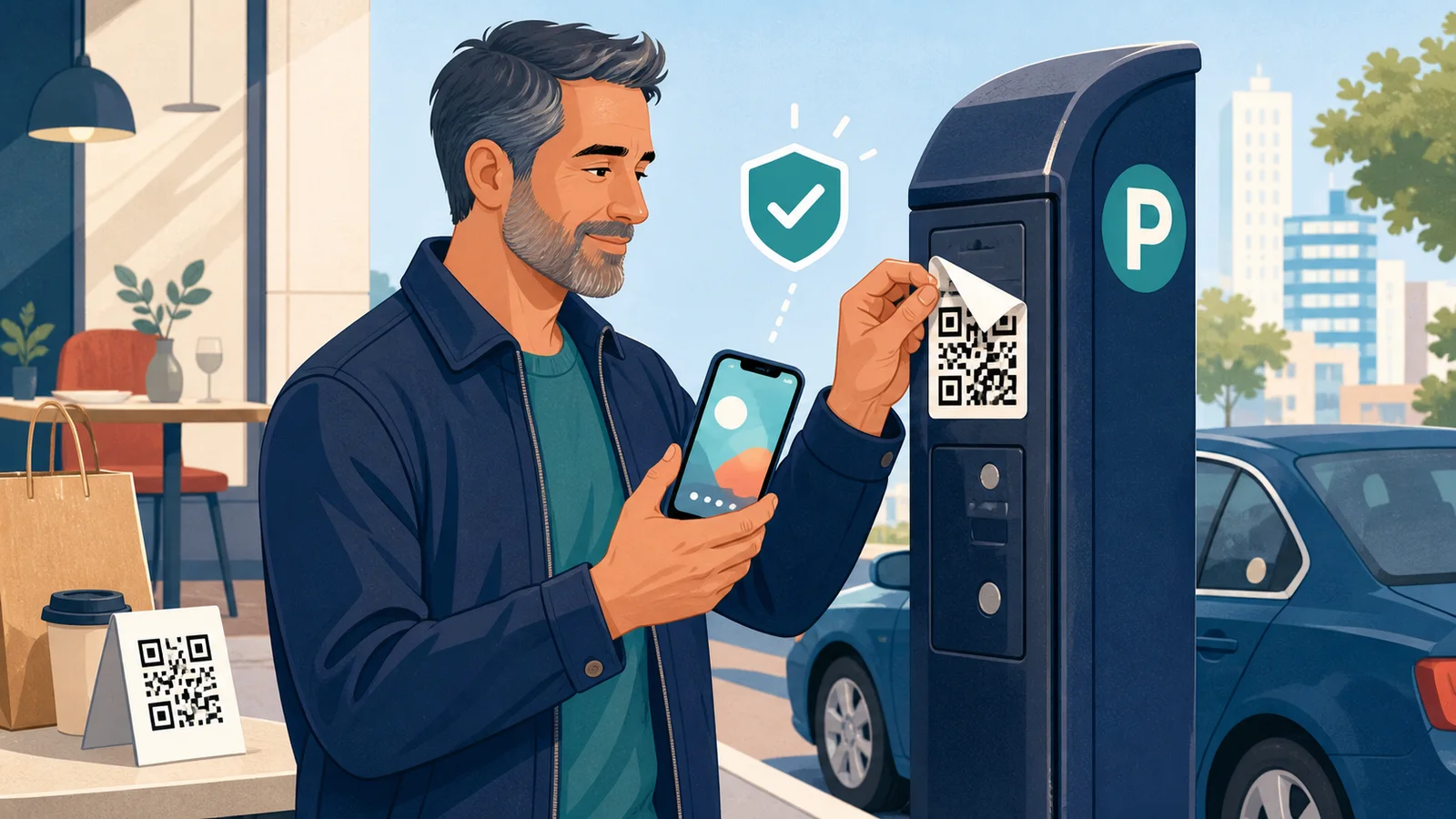
Say you pull up to a parking meter, see a QR code sticker, and scan it to pay. Simple enough — except scammers have been sticking their own codes right over the real ones. Here's how to check whether a QR code is safe before scanning it, and it only takes about 30 seconds.
The STOP check
Four things to glance at: Sticker, Target, Official route, Payment pause.
- Sticker — look at it from the side. Does it sit slightly raised, crooked, or over another label? That's a sign it was placed there later.
- Target — point your camera at the code without tapping the banner, and read the preview. What matters is the website name itself, like
cityname.gov, not a familiar word buried in a long address. - Official route — use the parking app you already have, a bookmarked site, or a number you found independently, instead of the code.
- Payment pause — before typing a card number, double-check the business name and web address one more time.
The FTC has specifically warned that scammers cover parking-meter codes with fake ones that lead to convincing look-alike payment pages. This is the practical move to remember: when money's involved, take the route you already trust, not the sticker in front of you.
Check where it leads, not how it looks
A well-designed code can still be malicious, and a plain one can be legitimate — logos and lock icons are easy to fake. Read the web address from right to left around the last dot: in parking.example.com, the real domain is example.com. Watch for swapped letters or an unexpected ending.
A shortened link like bit.ly hides where it actually goes, so treat those with extra caution whenever money or a password is involved. And a QR code showing up on an unexpected package is its own red flag — the FTC notes scammers use these to fish for personal information.
One quirk worth knowing
Phone cameras don't all show the full web address the same way — some cut it short. So "I saw a familiar word" isn't a real safety check. If you can't see the whole address clearly, don't guess. Use the official app or type the address yourself instead.
What each situation calls for
At a restaurant, a code should only open a menu, never ask for a password or app download — ask for a paper menu if something feels off. For parking or transit, use the agency's real app or pay at a kiosk. For a package or delivery text, skip the code and check your order directly in the retailer's app — the same habit as our online shopping scam check.
If you already scanned it
Don't panic — scanning alone doesn't compromise anything. Just don't download anything from it. If you typed a password, change it, starting with email — see our Google Account security checklist. If you entered card details, call your card issuer using the number on the card itself. Report it at ReportFraud.ftc.gov and let the business or agency know so they can check the physical sticker.
It's worth keeping verified contact numbers somewhere a trusted family member can find them too — our family emergency contact plan has a simple way to organize that.
Thirty seconds of checking beats an afternoon disputing a charge.
Sources
- Federal Trade Commission: Scammers hide harmful links in QR codes to steal your information
- Federal Bureau of Investigation: Building a Digital Defense Against QR Code Scams