Say you updated your online banking password last week because it felt responsible. Now the bank's app on your tablet still wants the old one, and you have no idea what it was. I did this to myself a few months back, sitting in the car outside the pharmacy, getting more frustrated by the minute.
Turns out I didn't need to guess or start a password reset from scratch. My iPhone had been quietly keeping track the whole time.
How does the Passwords app's new history feature let me look up an old password after changing it, and when would I actually need to do that?
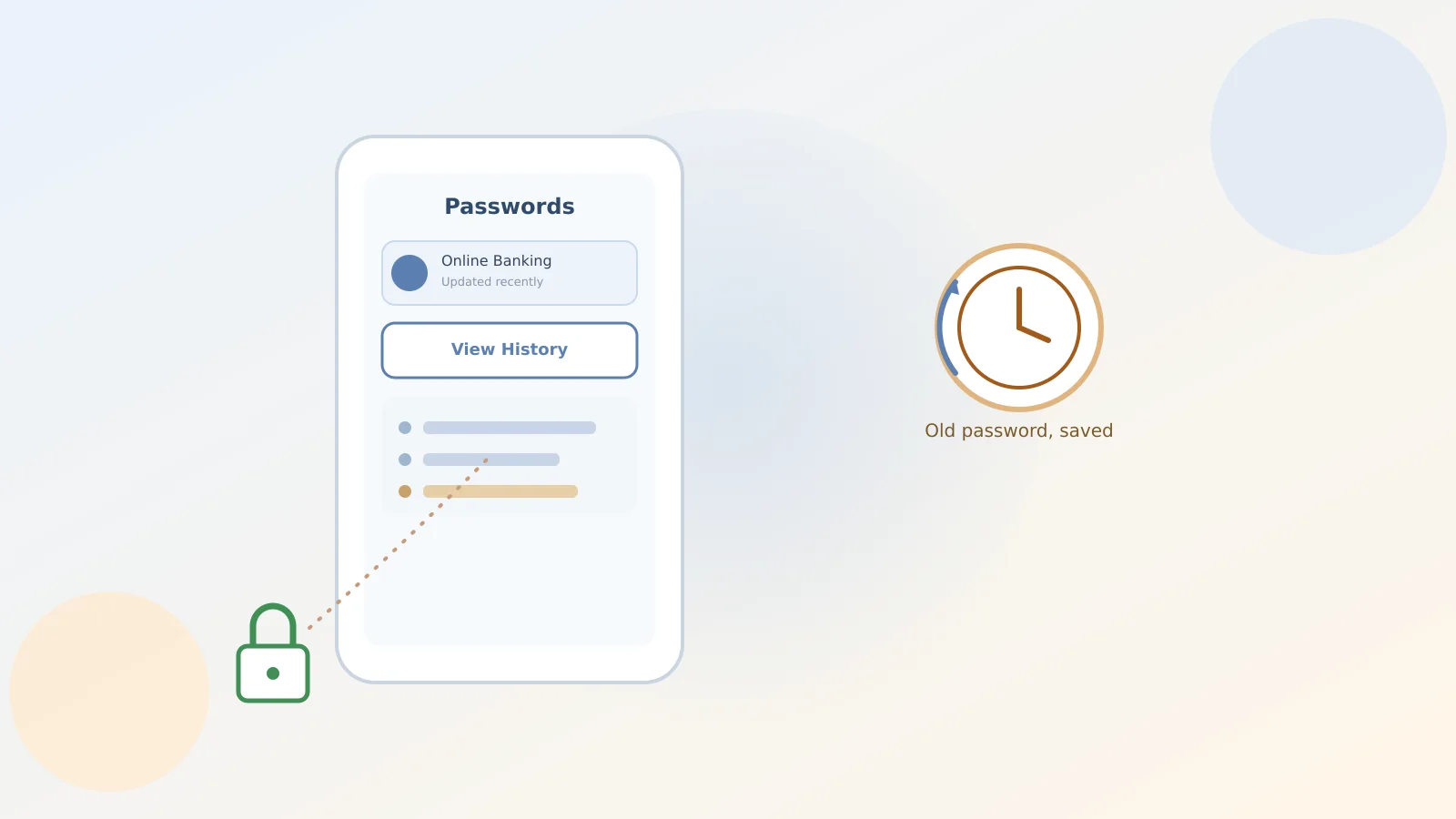
Here's the one thing worth remembering from this whole article: open the Passwords app on your iPhone, tap All, then tap the website or app account you're stuck on. Tap View History, and there's your old password, along with the date it changed.
That's it. No reset, no support call, no guessing games with your cat's name and a couple of exclamation points.
What that history screen actually shows you
The history list doesn't just hand you the old password itself — it also shows if you ever shared that password with someone using AirDrop, or through a shared password group with family. Handy if you're trying to remember whether your spouse or an adult kid already has access to an account.
Tap the little eye icon next to an entry to reveal that specific old password in plain text. If you want to start fresh, tap Clear and confirm, and the whole history for that entry disappears for good.
Why this actually happens more than you'd expect
Passwords don't always sync everywhere at once. You change a streaming password on your iPhone, but a smart TV or old iPad hasn't caught up yet. A quick peek at the history solves that in ten seconds flat.
One limitation worth knowing: this only works for passwords actually saved in the Passwords app. If you skip saving a login, there's nothing to look back on — so it's worth letting Passwords save new logins when it offers to.
A good moment to check who else has access
While you're in there, it's a decent time to glance at whether a saved login was shared with someone who no longer needs it — maybe a family member who helped you set something up months ago. Our guide on securing your Google Account before changing phones covers a similar kind of housekeeping worth doing now and then, not just during a phone switch.
And if an AI assistant like Gemini ever asks to use a saved login on your behalf, it helps to understand what that permission actually grants — we covered that in Gemini Spark's Chrome auto browse feature.
The short version
Nothing about this feature is complicated once you know it's there — the trouble was just not knowing to look. Now you do, and the next password mix-up is a ten-second fix instead of a full reset, the kind of hassle we also help you sidestep in verifying an unexpected invoice email without clicking anything risky.
Sources
- Apple Support: View your password history for a website or app on iPhone
- The New York Times Wirecutter: New iOS 26 Features Worth Knowing About