Say your alarm goes off tomorrow morning and the big button you always tap without even opening your eyes just... doesn't work the same way anymore. You tap it, nothing happens, and now you're wide awake fumbling with your phone at 6 a.m.
That's not a glitch. What did Apple change about iPhone alarms in iOS 26.1, and how do I turn on the new accessibility settings? Here's the honest answer, because it's a little different from what you might have heard.
The one thing worth knowing before your next alarm
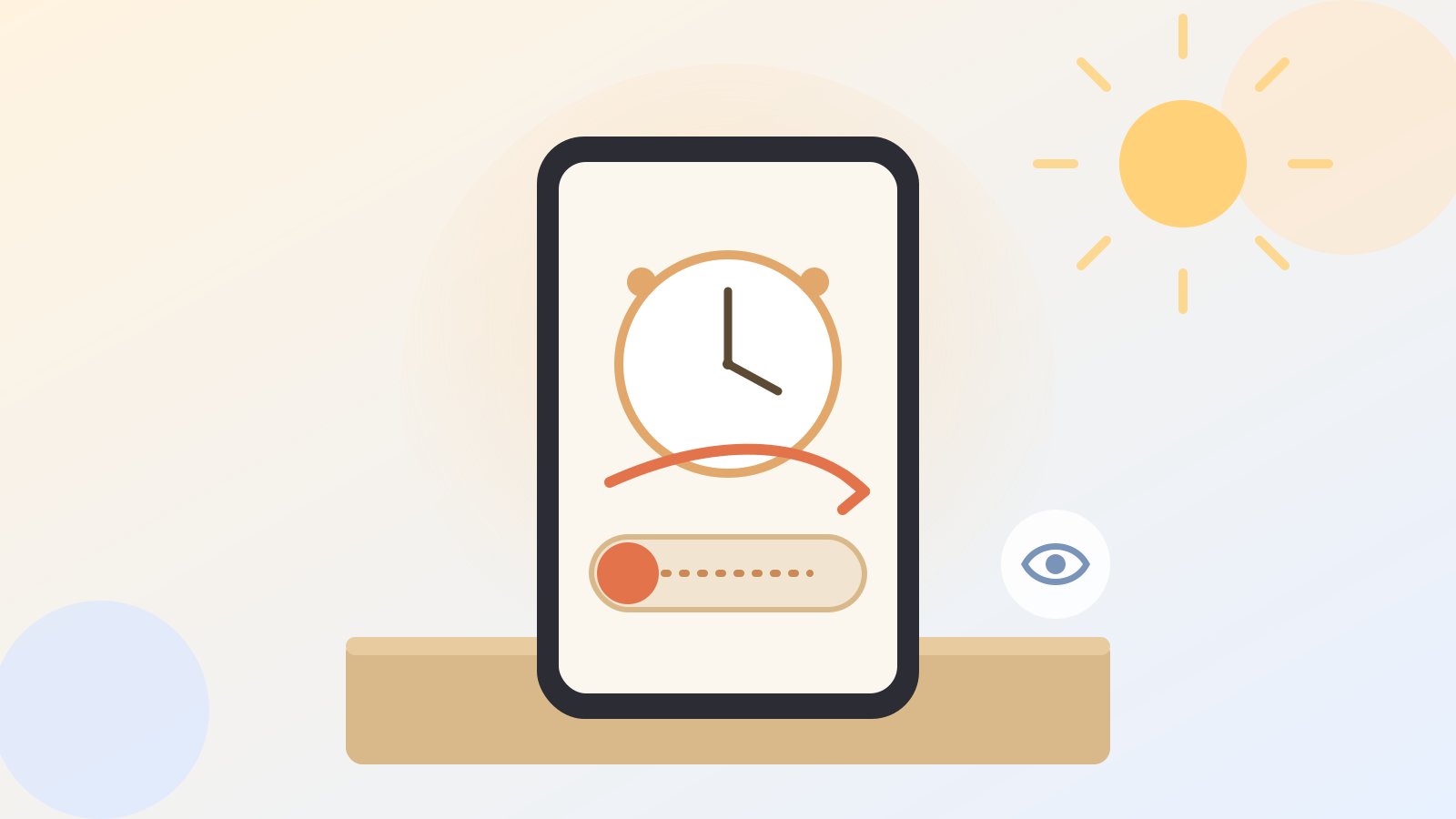
When iOS 26 first came out, dismissing an alarm was as simple as tapping one big button on the screen. iOS 26.1 changed that: now you swipe across a track instead of just tapping. It's a small motion, more like sliding to unlock an old phone than pressing a button.
Apple made this change on purpose. That single big tap button turned out to be a little too easy to hit by accident, whether you were rolling over in bed or your phone was buried under a pillow. The swipe requires a more deliberate motion, so a stray elbow or a shifting blanket is less likely to shut off your alarm without you meaning to.
Why a "downgrade" is actually a safety fix
I get why this feels like a step backward, since a swipe takes an extra beat compared to one tap. But think of it as a small trade: a half-second more effort in exchange for not accidentally sleeping through your alarm because your arm brushed the screen overnight.
If you use your iPhone alarm to take medication on schedule, catch a ride, or get the grandkids up for school, that little bit of extra intention is worth it.
A gentler setting for sensitive eyes
iOS 26.1 also quietly added something else worth knowing: a Reduce Bright Effects setting. It softens the sudden bright flashes that can happen when you tap certain on-screen buttons, which some people find jarring or even uncomfortable, especially first thing in the morning.
To turn it on, open Settings, tap Accessibility, and look for Reduce Bright Effects near Reduce Motion, which softens animation instead. Both are simple on-off switches, no restart needed.
What I noticed testing it
Here's the one honest catch: the swipe track is easy to miss at first because it still glows and looks tappable, so you may find yourself pressing it once, confused, before your finger realizes it needs to slide. It only takes a morning or two to adjust.
Your alarm still works exactly the same otherwise, and none of your existing alarms need to be reset or recreated to get this behavior.
For more on iOS 26.1's other under-the-radar changes, see our post on the Clear versus Tinted Liquid Glass setting, and if you'd rather your phone quietly wait on hold for you instead of fumbling with call menus, Hold Assist is worth a look too.
Either way, your alarm hasn't broken, Apple just wants one extra deliberate swipe between you and an accidental "snooze forever."
Official sources
- Apple Support: About iOS 26 Updates
- Mashable: iOS 26.1 is officially out now. Here are the biggest new features.