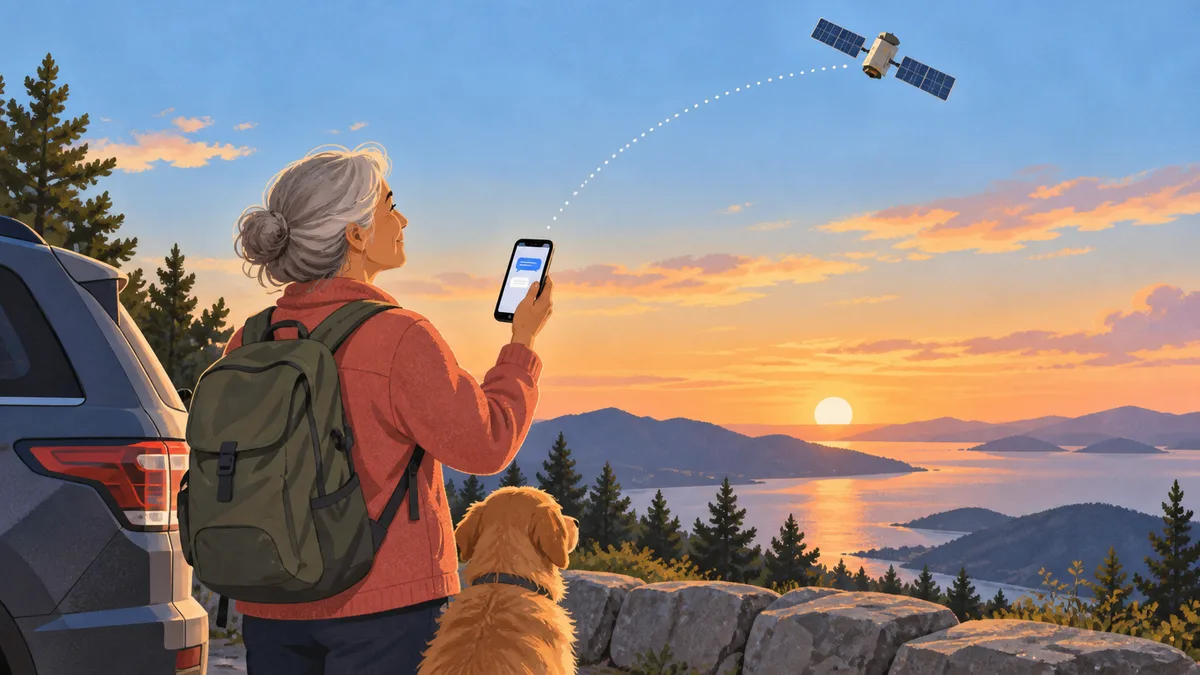
Say you pull into a beautiful mountain overlook and want to text your family that you arrived safely. Then you notice there are no bars and no Wi-Fi. You may wonder, how does iPhone Messages via satellite work when the usual networks are gone?
The short answer is that an iPhone 14 or later can connect directly to a satellite and send a plain text from the regular Messages app. A satellite connection simply means your phone is talking to equipment orbiting far above Earth instead of a nearby cell tower.
Try the demo before you need it
The most useful step is to practice at home—or rather, outside your home—before a trip. Open Control Center, tap the Cellular button, tap Satellite, then Try Demo. Follow the arrows on screen until the phone connects.
I like this because the demo does not contact emergency services. One small quirk caught me: when cellular or Wi-Fi is available, Settings may not show a live Satellite option. Control Center will open the practice demo instead, which is exactly what you want while learning.
Sending the actual message
When your iPhone realizes it has no cellular or Wi-Fi coverage, it may place a satellite prompt on the Lock Screen. You can also open Messages, where the phone guides you to connect.
Step outside with a clear view of the sky and horizon. Hold the phone normally—there is no need to wave it overhead—and turn left or right when the onscreen arrow asks. Then write a short message as usual.
In ideal conditions, Apple says a message may take about 30 seconds. Light tree cover can stretch that beyond a minute, while thick trees, canyon walls, or tall buildings may block the connection altogether. Photos, videos, audio messages, stickers, and group messages do not work over this connection, so keep it simple.
Which phones and messages are supported?
Apple lists every iPhone 14 or later model. In the United States, you also need iOS 18 or later and an active SIM, the small built-in or digital record that connects your phone to a carrier.
iMessage should already be turned on before you lose service. Regular SMS texts can also work, but carrier support and possible fees vary. iMessages sent by satellite are end-to-end encrypted, meaning only you and the recipient can read them while they travel between devices.
If you are setting up a replacement phone before a trip, our guide to moving an eSIM to a new iPhone can help. You may also want to review iPhone Live Translation during calls and unknown-caller screening on iPhone.
This is not the emergency button
Messages via satellite is for ordinary check-ins with family and friends. If someone is hurt, lost, or in immediate danger and there is no other connection, use Emergency SOS via satellite instead; that feature is designed to reach emergency responders.
A two-minute practice run now can make an off-grid moment feel much less worrying later.
Official sources
- Apple Support: About Messages via satellite
- Apple Support: Connect to a satellite with your iPhone