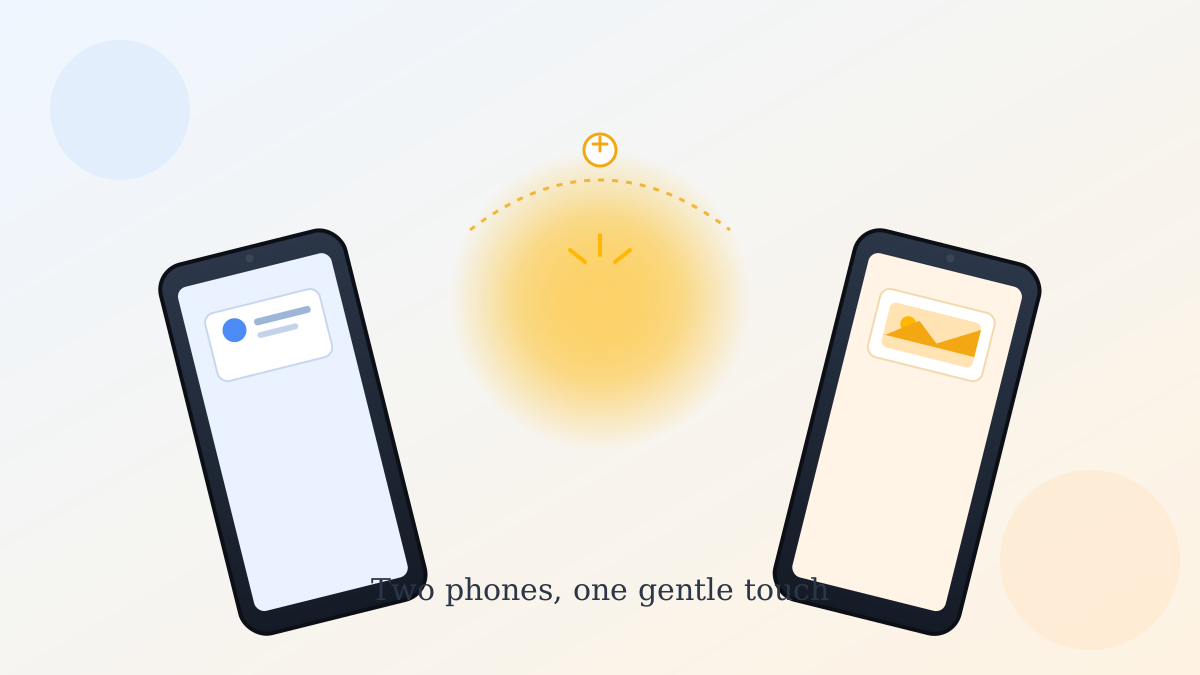
Say your grandson wants your new phone number, and instead of him typing it in wrong for the third time, you just... touch your phones together and it's done. That's basically what Google just rolled out, and it's honestly the closest Android has come to Apple's well-known AirDrop trick.
What the Android Tap to Share Quick Share feature actually does
The Android Tap to Share Quick Share feature lets you swap contact cards, photos, videos, or links with another nearby Android phone by physically touching the two devices together. No app to open, no Bluetooth pairing screen, no typing anyone's number.
Here's the single most useful step: to try it right now, just bring your phone's home screen close to a friend's, screens facing up, until they glow. That's it — that's the whole gesture for sharing a contact card.
Which phones actually support it
This one matters before you go looking for a setting that isn't there. Tap to Share works on Pixel 6 and newer phones. Samsung's Galaxy Z Fold8 and Flip8 are getting support soon, and Google says more Android phones will join by the end of the year. If your phone isn't on that list yet, the regular Quick Share menu still works the old way — you tap a Share button, then pick a nearby device from a list.
Sharing more than just a contact card
Contacts aren't the only thing this handles. Open any photo, video, or link, tap the Share button like you normally would, then bring the two phones together the same way. You can also open the Quick Share page first, choose what you want to send, and touch phones from there instead.
Whatever comes through lands in a Quick Share folder inside your phone's Files app, under Downloads, so it's easy to find again later even if you forget which app it opened from.
One thing I noticed when I tested it
The overlap has to actually line up — just tapping the bottoms of two phones together didn't trigger it for me, but overlapping the top edges did. If yours doesn't glow right away, try flipping to a back-to-back position instead, and make sure a thick case isn't blocking things. NFC (the short-range wireless chip phones use for tap payments) also needs to be turned on in Settings for this to work at all.
Turning it off if you'd rather not
Tap to Share is on by default on most phones. If you'd rather not have it active, go to Settings → Google → Quick Share and turn off "Tap to share" — it won't affect the regular Share button version.
If you're getting a new phone soon, our guide on securing your Google Account before changing phones and our Google Photos backup check are worth reading alongside this one.
It's a small feature, but it saves you the awkward dance of texting yourself a photo just to get it onto someone else's phone — and it's already sitting there waiting to be used.
Official sources
- Google Blog: Sharing between Pixel devices is now just a tap away
- Google Android Help: Tap to share content with others