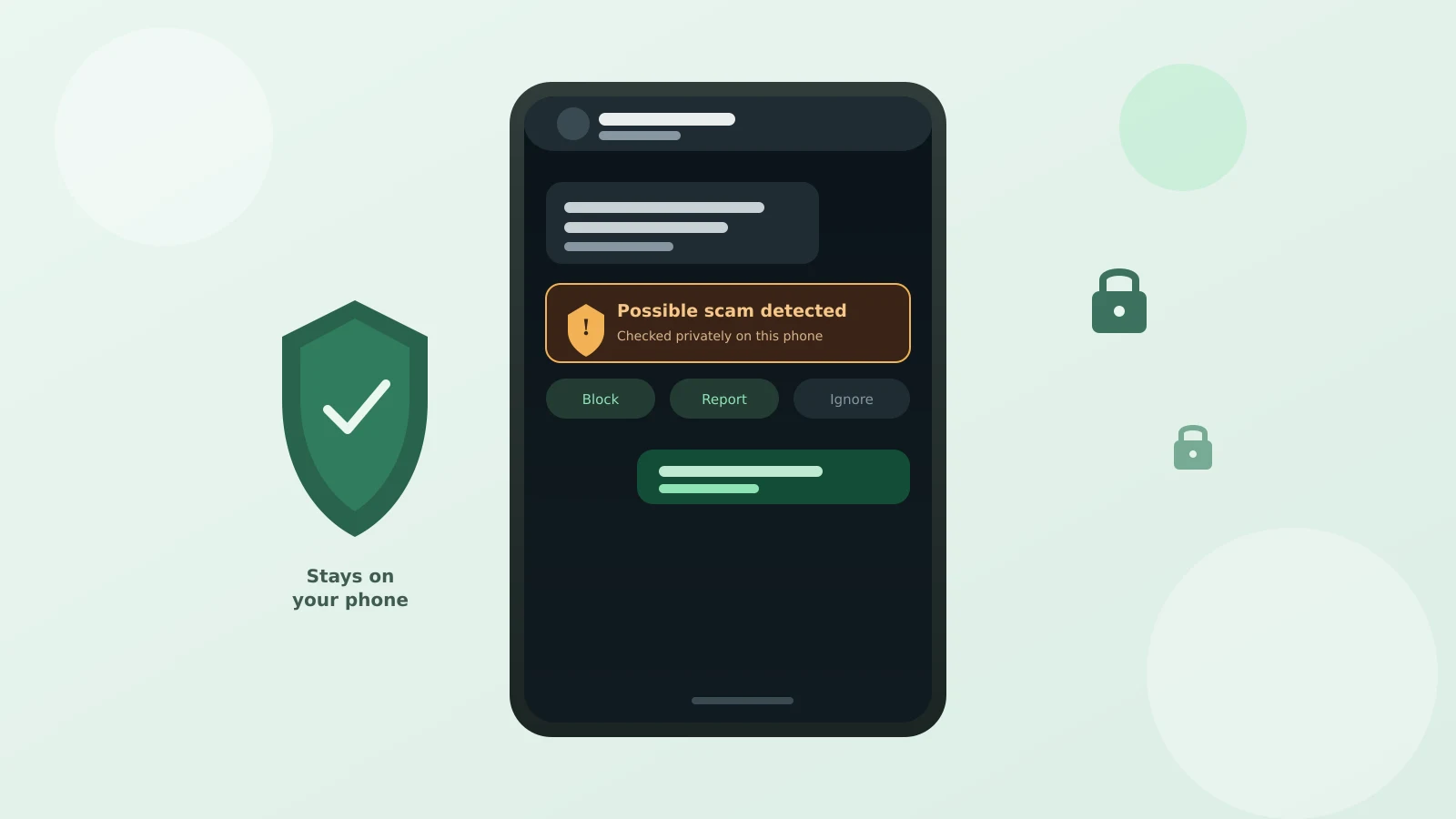
Say a message shows up from a number you don't recognize — a "customs fee," a "job opportunity," someone who swears they went to your church years ago. Before you even reply, a warning pops up right in the chat: this looks like a scam. That's the WhatsApp Scam Alert on-device AI feature Meta started rolling out in beta this August, and I only heard about it myself last week, from my sister.
The one thing worth doing today
If you see a "Scam Alert" toggle in WhatsApp's settings, turn it on. It's opt-in, meaning it does nothing unless you switch it on yourself, and it costs you nothing but a moment. Not everyone has it yet — more on that below — but if it's there, use it.
What it actually does
Once turned on, WhatsApp quietly checks incoming messages from people who aren't in your contacts for patterns that show up again and again in real scam conversations — certain wording, certain pressure tactics. If it matches, you get a warning right in that chat, visible only to you, with a choice to block, report, or keep talking anyway.
Does it read your messages and send them somewhere?
This is the part that would make me nervous too, so it's worth being precise. Meta's own engineering write-up says the checking happens entirely on your phone. No message content leaves the device, and nothing is reported to WhatsApp automatically. The only way a chat reaches their servers is if you personally choose to report it.
One exception: if you mark a flagged chat "trusted" because the warning was wrong, you can also choose to share that chat's last five messages to help improve the feature. That's separate, and only happens if you tap to allow it.
Why WhatsApp built this
WhatsApp is the most-used messaging app on earth, and scammers know it. The FTC reported that roughly one in three people who lost money to a scammer this year say it started on social media or messaging. The model was trained on scam messages other users reported over time.
The catch: it's still a limited beta
Scam Alert isn't available to everyone yet. Meta calls this an early, limited rollout while security researchers stress-test it, so a missing setting isn't a broken phone — it just hasn't reached your account. It's also expected to flag only messages from people outside your contacts, so a scam from a hacked friend's account may slip past it.
What this doesn't replace
A warning label is a helpful nudge, not proof either way. The same habit that protects against a faked family emergency call applies here: verify money or bank-detail requests through a route you control, warning or no warning. Our 10-minute scam-call phone setup and social media ad scam check cover the same instinct elsewhere.
It's a genuinely useful extra set of eyes — just don't let its silence be the reason you trust a stranger asking for money.