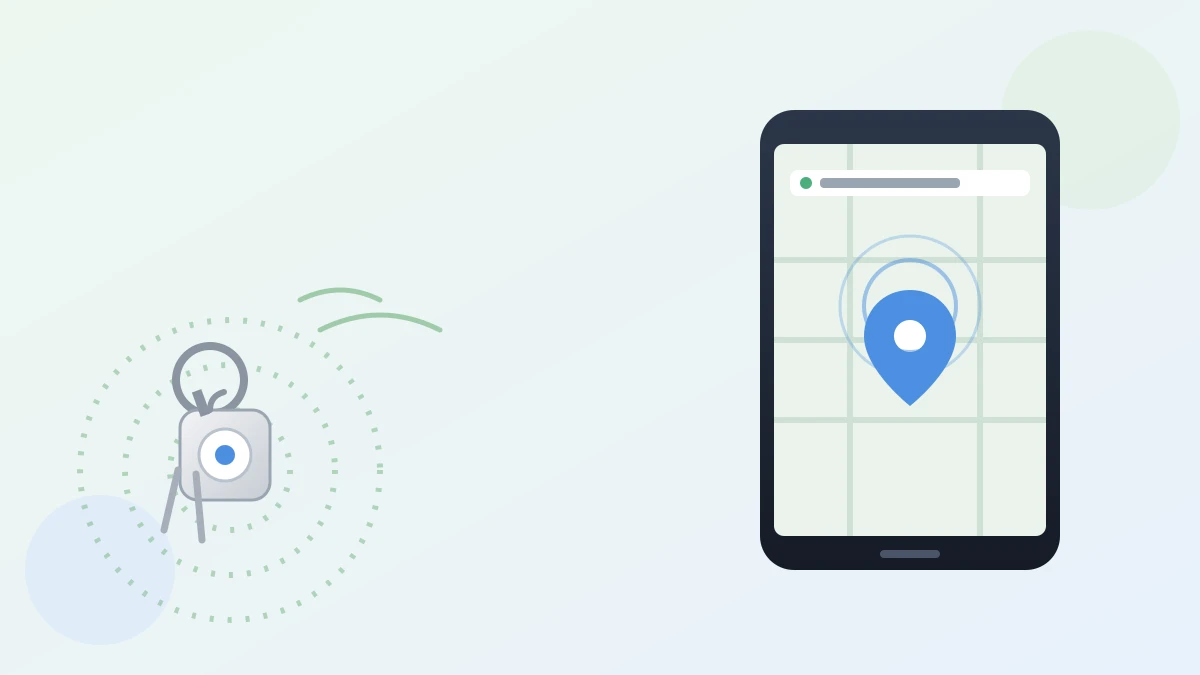
Say you're halfway out the door, running late, and your keys have vanished again. You check the counter, your coat pocket, the bowl by the door — nothing. If only they could just tell you where they were.
That's exactly the gap Google Pixel Tag Find Hub tracker is built to fill. It's Google's first-ever "finder tag," a small device you clip to something you tend to lose, that talks to an app already sitting on your phone.
What it actually is
Pixel Tag is a small, stainless steel tag about the size of a large coin, made to attach to keys, a wallet, or luggage. It pairs with Find Hub, the free app already built into most Android phones, which shows a map of everything you've tagged.
The one step worth knowing first
Setup is simple: pull the tab to activate the battery, hold the tag near your Android phone, and follow the on-screen prompts. It pairs automatically over Bluetooth, and you give it a name, like "car keys" or "travel bag," right inside the Find Hub app. From that point on, opening the app shows you exactly where that item last checked in.
How the actual finding works
If your keys are nearby, open Find Hub and tap "Ring" — the tag plays a sound so you can follow it by ear. Get closer, and the app switches to a more precise mode, giving you an on-screen distance and a direction arrow, handy for narrowing things down when a tag is buried under couch cushions or laundry.
What happens when it's out of Bluetooth range
Bluetooth only reaches so far, maybe a room or two. Past that, Pixel Tag leans on Google's Find Hub network, which quietly uses over a billion nearby Android phones to relay the tag's location back to you, without those owners knowing or doing anything.
Google says that location data is end-to-end encrypted, meaning even Google can't read where your tag is, only your account can. It's the same basic idea as Apple's Find My network for AirTags, just built on Android's much larger device count.
One limitation worth knowing
Battery life is rated at up to one year, and you can swap it yourself. But it's only IP67 water- and dust-resistant, not fully waterproof, so I wouldn't clip one to anything that goes swimming.
Is it worth getting
At $29 for one, or $99 for four, Pixel Tag costs about the same as similar trackers already on the market. If you already carry an Android phone and keep misplacing the same handful of things, it's a low-effort fix.
If you're already getting used to your phone doing more of the finding and thinking for you, Circle to Search can now identify several items in a single photo, and Tap to Share lets two Android phones swap a contact or photo just by touching. And before you ever hand off an old Android phone, it's worth double-checking your Google Photos backup finished first.
Losing your keys will probably still happen. At least now your phone can help you find them again.
Official sources
- Google, Keep tabs on your valuables with Google Pixel Tag
- Google Store, Google Pixel Tag product page