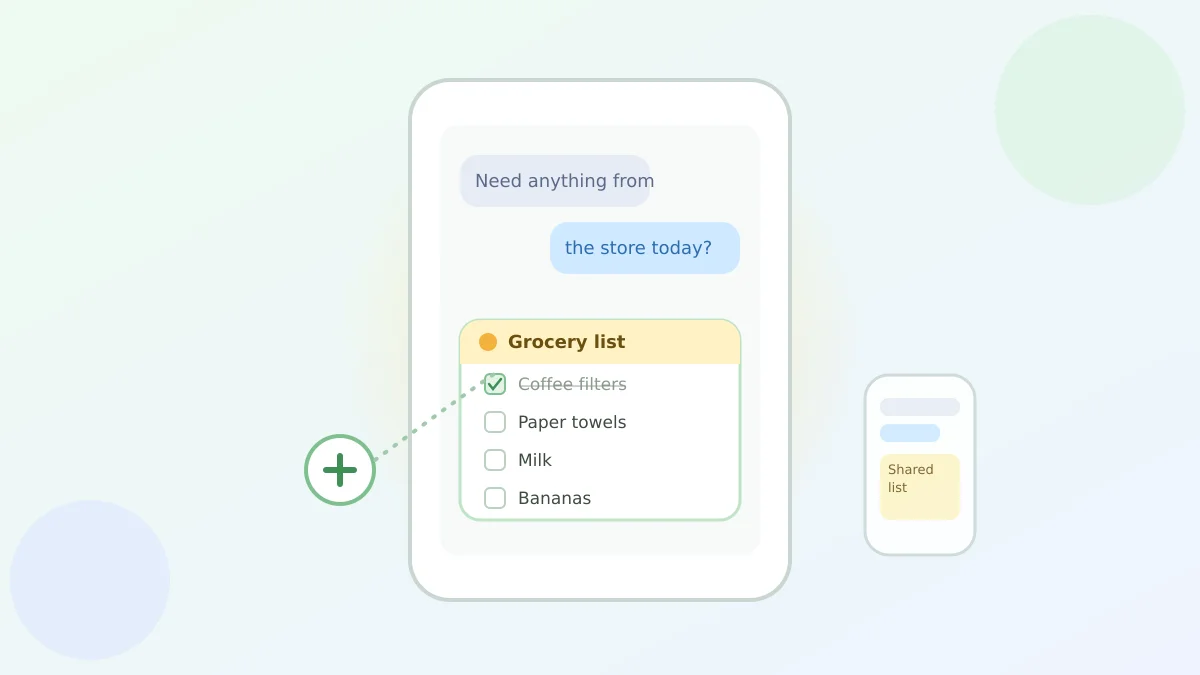
Say you're texting your spouse from the grocery store parking lot, trying to remember if you're out of coffee filters or paper towels. By the time an answer comes back, the list in your head has already scrambled itself.
That's the everyday hassle Google just made a little easier with Google Keep lists in Google Messages, a way to build and edit a shared list right inside the text conversation you're already having, no separate notes app required.
How to start one
Here's the one step worth knowing: open a conversation in Google Messages and tap the plus icon, the same one you'd use to send a photo. From there, pick Google Keep, and you can create a new list or note without ever leaving the chat.
Everyone in that conversation, whether it's your spouse, your kids, or a whole sibling group chat, can then see the list, check items off, and add their own.
What Google Keep actually is
Google Keep is Google's simple notes-and-lists app, the kind of thing you'd use for a to-do list or a reminder. It's been around for years on its own, but now it plugs directly into your texts instead of living as a separate app you have to remember to open.
Why this beats texting the list back and forth
Normally, sharing a grocery list by text means one person types it, sends it, and then everyone else is stuck scrolling back up to see the latest version, or worse, texting "did we get milk yet?" for the third time.
With a shared Keep list in the chat, everybody sees the same up-to-date list, and updates show up for everyone almost as soon as someone taps a checkbox. It behaves like the shared Google Keep notes some families already use, just without the step of opening a second app.
One thing worth knowing
Google says this builds on Google Messages' RCS chat features, which is the newer texting standard behind read receipts and typing indicators on most Android phones. Rollout started in Google Messages this month, so if a family member doesn't have the option yet, it's most likely still arriving on their phone rather than anything you're doing wrong.
If you and family members coordinate through your phone more these days, Gemini can now remember where you put things like your passport or a spare key, and if bedtime with the grandkids involves a screen, Google Home's Interactive Storytime with Gemini is worth a look too. If you'd rather your messages just look a little more like their own space, WhatsApp's on-device Scam Alert feature is a good companion read for keeping that same chat window safer.
Either way, your grocery list just got one less place to get lost.