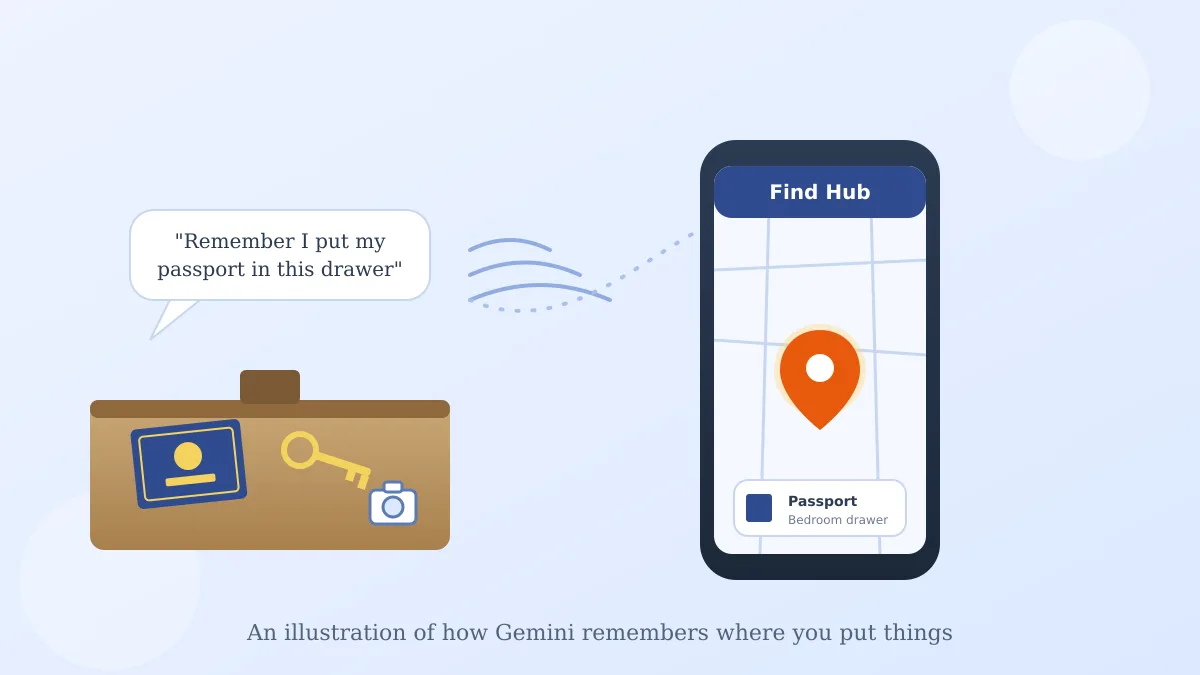
Say you tuck your passport into the back of a dresser drawer before a trip, and three months later you can't for the life of you remember which drawer. It happens to the best of us.
That's the exact gap Google is trying to close with a new Find Hub feature: Gemini Find Hub remembered item locations. Instead of tagging every item you own, you just tell Gemini where you put something, and it remembers.
How it actually works
Find Hub is the free app already built into most Android phones, the same one that shows you where your tagged trackers are. Google just added a new tab to it called "remembered items."
Here's the one step worth knowing: say something like, "Hey Google, remember in Find Hub that I put my passport in my bedroom drawer," and Gemini logs it, with an optional photo if you want a visual reminder too.
Finding it again later
When you need it, just ask Gemini out loud, "Where did I put my passport?" Or open the Find Hub app and tap the remembered items tab, where everything you've told it is listed with a note and the photo, if you added one.
There's no beeping tag to walk toward here, no Bluetooth signal to follow. It's more like a voice-powered sticky note in an app you already have, rather than a physical locator like a Pixel Tag or an AirTag.
Why this is different from a tracker
Google already sells Pixel Tag, a small Bluetooth accessory you clip to keys or a bag so Find Hub can locate it by signal. That's great for things you carry around and might drop somewhere.
But you're not going to clip a tracker to a passport, a spare house key stashed with a neighbor, or a warranty card tucked in a filing cabinet. Remembered items covers exactly that gap: things that stay put, where you just need to jog your own memory later.
What you'll need to try it
Google says this rolls out on Android 16 and newer phones, in countries where Gemini and Find Hub are supported. If your phone doesn't offer the option yet, it's likely a rollout timing issue, not something you're doing wrong.
One thing worth knowing
This only works as well as what you actually say to it. A vague note like "put it away somewhere safe" won't help future you nearly as much as naming the specific drawer, shelf, or room. I'd treat it the same as leaving yourself a real note: the more specific, the better it works months later.
If you're getting used to your phone doing more of the remembering and finding for you, Google Pixel Tag pairs with Find Hub for things you can physically clip a tracker to, and Gemini Live's new Guided vision feature can describe what your camera sees out loud. If you're still getting your bearings with Google's assistant switch, here's what changed when Google Assistant moved to Gemini.
Either way, your passport and spare keys just got a little harder to lose for good.