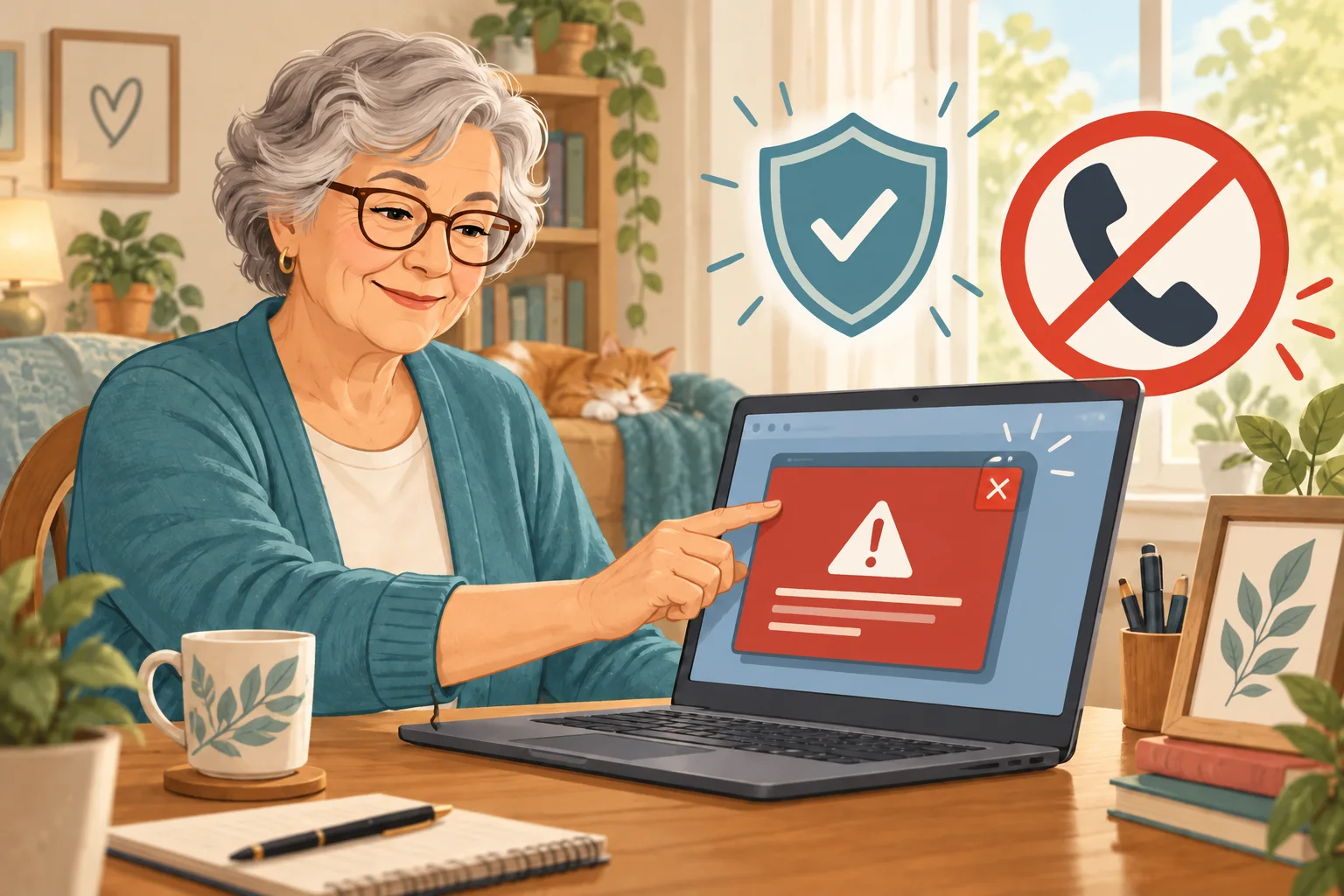
Say your browser suddenly fills the whole screen with a red alert, a blaring noise, and a number to call before your files are “lost.” If you're searching fake virus warning pop-up tech support scam what to do, here's the quick answer: do not call, click, or pay. Close the entire browser window.
On Windows, press Alt+F4. On a Mac, press Command+Q. If that fails, turn the computer off with its power button, wait a few seconds, and start it again.
The phone number gives the trick away
The Federal Trade Commission says real security pop-ups do not ask you to call a phone number. A full-screen warning may look official, but a logo and urgent countdown are easy for a scammer to copy.
The goal is to get you talking before you have time to think. The caller may ask you to install a remote-access app, which is software that lets another person see or control your computer from somewhere else.
Why “remote help” is the dangerous turn
Remote help itself is not fake. Microsoft's Quick Assist is a real Windows tool, but Microsoft says to use it only with someone you trust after you started the support request.
Quick Assist separates screen sharing from full control; the helper must request control and you must allow it. That extra permission is the moment to stop if an unexpected caller led you there.
One annoying detail: Alt+F4 or Command+Q closes the whole browser window, so an unfinished form in another tab may be lost. Still, losing a few typed lines is far better than handing a stranger control of the computer.
Check the computer without using the pop-up
After the browser is closed, open the security program already on your computer, update it, and run a scan. If you want help, type the company's official website address yourself or visit a local technician you already know.
Do not search for the phone number printed in the warning. Scam numbers and paid search ads can look convincing, just like the traps in our guide to fake customer-service numbers in search results.
This scam is different from the fake CAPTCHA that asks you to press Windows+R, but the safe habit is the same: a web page should never direct what you type into your computer.
If you already called or shared control
End the call and disconnect that computer from Wi-Fi or its network cable. From a different device, change any password you entered or showed while the stranger was watching, especially email and financial accounts.
If you paid, contact your bank or card company using the number on your statement. Be wary of anyone promising to recover the money for a fee; our refund and recovery scam guide explains that second trap.
Finally, report the incident at ReportFraud.ftc.gov. You did not “break” the computer by closing a scary page—you interrupted the scam.
Pause, close the browser, and make the next call only on your terms.
Official sources
- Federal Trade Commission: How To Spot, Avoid, and Report Tech Support Scams
- Microsoft Support: Solve PC problems remotely using Quick Assist