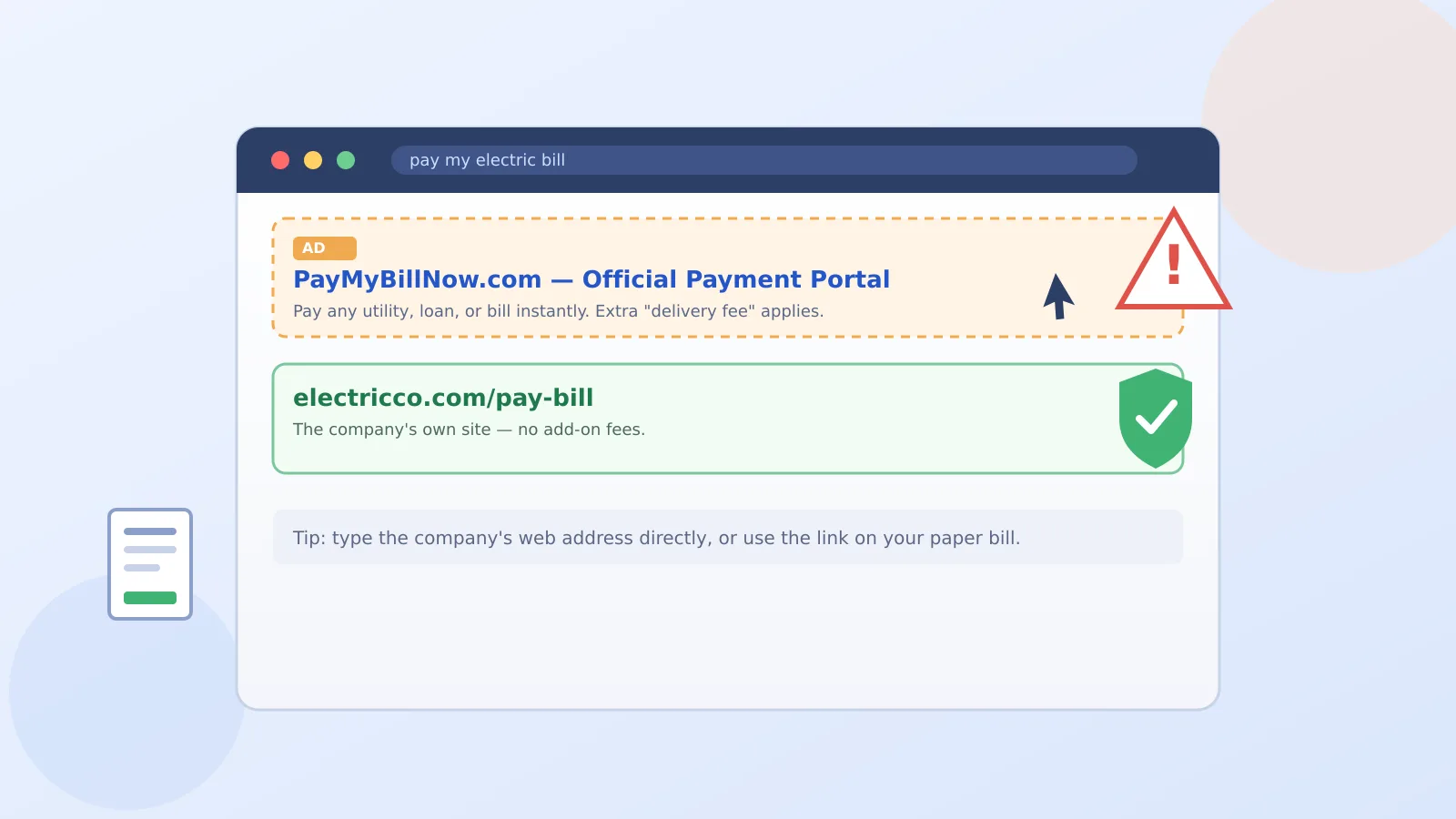
Say you need to pay your electric bill, so you open a search engine and type "pay my electric bill." The first result looks official, so you click it. Here's the catch: that top spot is often a paid ad, and it may not belong to your electric company at all.
How can I make sure I'm paying my utility, car loan, or other bill through the company's real payment site instead of a paid search ad that only looks official?
This is a real, documented pattern. The Federal Trade Commission just settled with a bill-payment company called Doxo, which agreed to pay $2.1 million over exactly this kind of impersonation.
The one thing to do first
Skip the search entirely. Grab your paper bill, a past email from the company, or your bank's bill-pay list, and use the payment link printed right there. If you must search, scroll past every ad and look for the plain, unlabeled result.
What the FTC actually found
The FTC says Doxo used search ads that made it look like the official payment channel for companies like Labcorp, AT&T, and various toll authorities, even though it had no real relationship with most of them. Its landing pages sometimes even displayed those companies' own names and logos, which is exactly why a page "looking right" isn't proof it's the right one.
Where the sneaky fees come in
Once you paid through Doxo's site, it tacked on extra "delivery fees" that weren't clearly spelled out, and quietly signed people up for a recurring subscription on top, per the FTC's complaint.
Why this feels different from a typical scam
There's no scary phone call or urgent text here, which is what makes it sneakier. You're the one who typed the search, so your guard is down. That's a different flavor of trap than the fake unpaid toll text scam, where the scammer reaches out to you first. It's a cousin, though, to the instinct behind checking a social media ad before you buy something from your feed.
A couple of habits worth keeping
- Type the company's web address directly into your browser instead of searching for it, if you already know it.
- Save the real payment link once you've verified it, as a bookmark or in your phone's notes.
- If a payment site adds a fee you weren't told about on your actual bill, stop before you pay.
One detail I tested myself: I searched "pay my cable bill," and the top result was labeled "Ad" in small gray letters, easy to miss when you're scanning fast. It's worth training your eye to spot that tiny label before clicking anything below it.
If you ever pay through the wrong site, your card issuer can usually reverse the charge, and you can report the business at ReportFraud.ftc.gov. If odd charges keep showing up, our guide on checking an unexpected invoice without clicking anything walks through confirming what you actually owe.
So take a breath: this isn't a sign you did anything wrong, it just means the top search result isn't always the real one, and now you know the trick to skip right past it.
Sources
- Federal Trade Commission: Bill Payment Firm Doxo to Pay $2.1 Million to Settle FTC Allegations It Deceived Consumers and Charged Them Add-On Fees
- Federal Trade Commission Consumer Advice: Searching online: bill pay impersonators