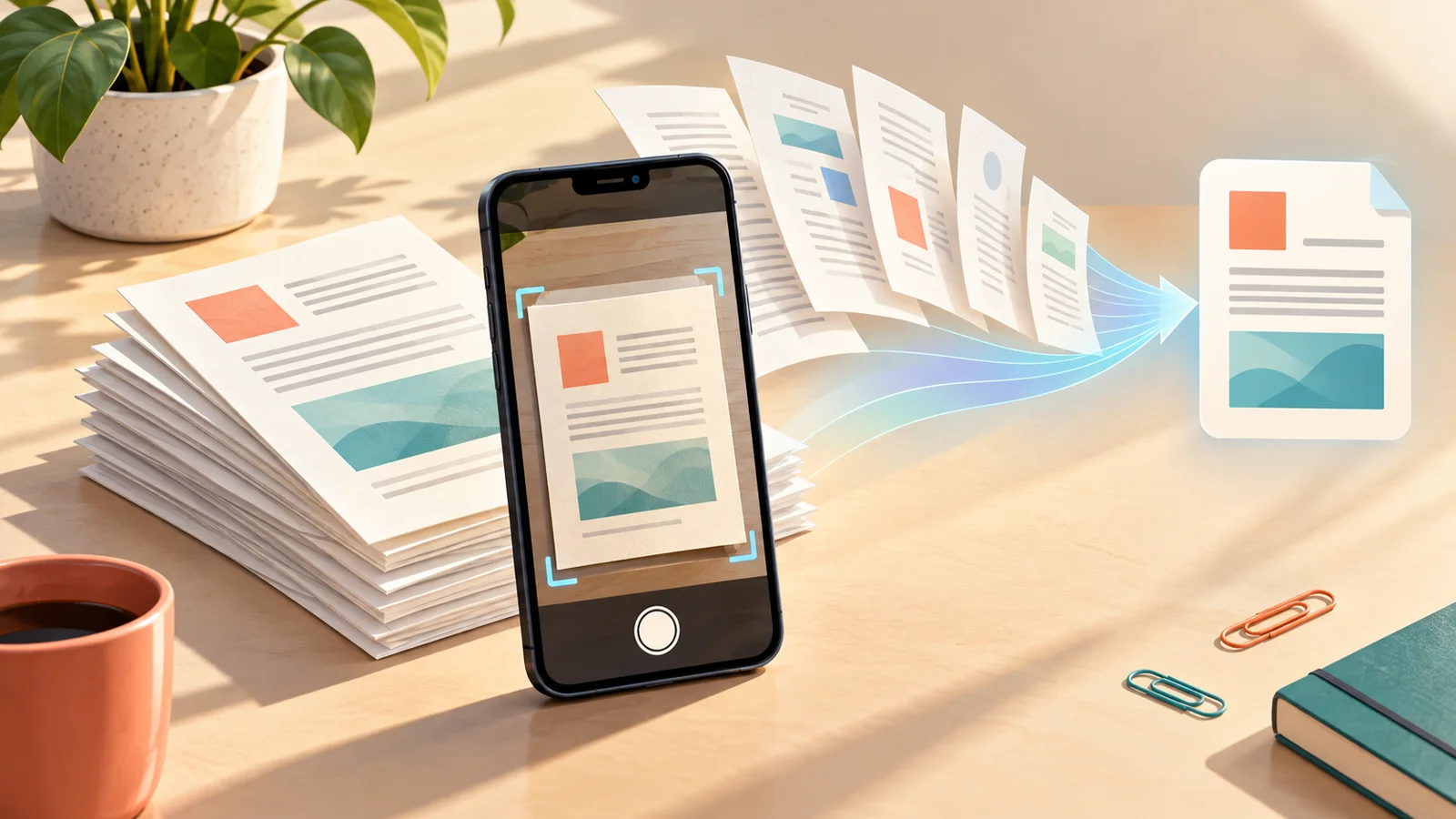
ChatGPT camera scan can combine multiple pages on an iPhone into one ordered PDF before the document ever reaches the conversation. Scan a 10-page packet once, upload one file, and ask for a page-cited list of every deadline, amount, name, and next step instead of juggling 10 separate photos.
OpenAI added the scanner on October 1, 2026. It is a small camera-menu change with a useful payoff: the pages stay together, in order, so ChatGPT has a better chance of showing where each extracted fact came from.
How to use ChatGPT camera scan for multiple pages on iPhone
Update the official ChatGPT app, sign in, and start a new conversation. Then:
- Open the camera from the attachment controls.
- Tap the three-dot menu and select Scan.
- Hold the iPhone squarely over page one in bright, even light.
- Capture the remaining pages in order.
- Review every page for blur, glare, clipped corners, rotation, and wrong order.
- Finish the scan. ChatGPT combines the pages into one PDF, ready to upload in that conversation.
OpenAI describes Scan as rolling out on iOS. It has not announced an Android or web version, a minimum iPhone model, or a separate paid-plan requirement. If Scan is missing, update the app and check the same camera menu later; a staged rollout can reach two eligible iPhones at different times.
For a safe first run, use a disposable packet rather than a tax form, medical record, bank statement, or signed contract. Number the pages 1 through 10. Plant six dates, four dollar amounts, four names, four action items, and two contradictions across the packet. Add one faint page, one small table, and one page of neat handwriting if you want a harder test.
After uploading the PDF, paste this prompt:
Read all 10 pages. Create a table with fact, exact wording, page number, and confidence. Include every date, dollar amount, person's name, and action item. Put contradictions in a separate section and quote both versions. Write “not legible” or “not stated” instead of guessing. End with a page-by-page coverage list from 1 to 10.
The page column matters. A fluent summary can hide an omitted deadline; a page-cited table gives you a quick route back to the original.
A 20-fact test that exposes polished mistakes
The practical demonstration is not “did ChatGPT make a nice summary?” It is whether the workflow preserves 20 facts you already know are present. Make a simple answer key before scanning, then score the response:
- one point for each correct date, amount, name, and action item
- one point for attaching it to the right page
- zero for an omission
- minus one for an invented fact or an incorrect merge
Search the answer for every planted date and dollar sign. Compare both contradictions with the quoted conflict section. Finally, ask ChatGPT to transcribe any low-confidence line exactly without revising its earlier answer. That separates an honest “I cannot read this” from a confident substitution.
This publishing environment does not provide an iPhone running the staged feature, so I could not honestly report a scan time, recognition score, crop failure, or first-hand result. The test above is a reproducible walkthrough based on OpenAI's documented scanner flow. Your 20-fact score—not the smoothness of the prose—is the result that matters.
This is most useful for meeting handouts, class packets, appliance instructions, volunteer forms, and household receipts where one searchable PDF beats a camera roll full of loose images. If the source already exists as several digital files, use our Gemini multi-document comparison workflow instead. For spoken material, the ChatGPT audio upload guide uses a similar source-first checklist. And if you want a more private one-off conversation, read the ChatGPT Temporary Chat guide before uploading anything sensitive.
Free access, privacy, and accuracy limits
OpenAI's upload documentation says files are available on Free and paid ChatGPT plans. Free accounts are currently limited to three file uploads per day; the general ceiling is up to 80 files every three hours, and OpenAI may lower limits during peak periods. One 10-page scan becomes one PDF upload, but it can still consume part of your account's file quota.
A cleaner scan is not proof of a correct extraction. Curved pages, shadows, handwriting, tiny print, tables, and faint photocopies can cause omissions or substitutions. Check every high-stakes fact against the page image before paying a bill, signing a form, taking medication, or meeting a legal deadline.
Documents uploaded to ChatGPT also leave your phone and enter the service. Remove unnecessary account numbers, addresses, signatures, and health details before scanning. Use your organization's approved tools and retention rules for workplace records; a convenient camera shortcut does not override them.
Verdict: Try ChatGPT Scan if you already have an iPhone and a paper packet you need to question, summarize, or turn into a checklist. The feature earns its place when one ordered PDF and page citations reduce photo juggling. It does not remove the need to inspect the scan or verify the answer.