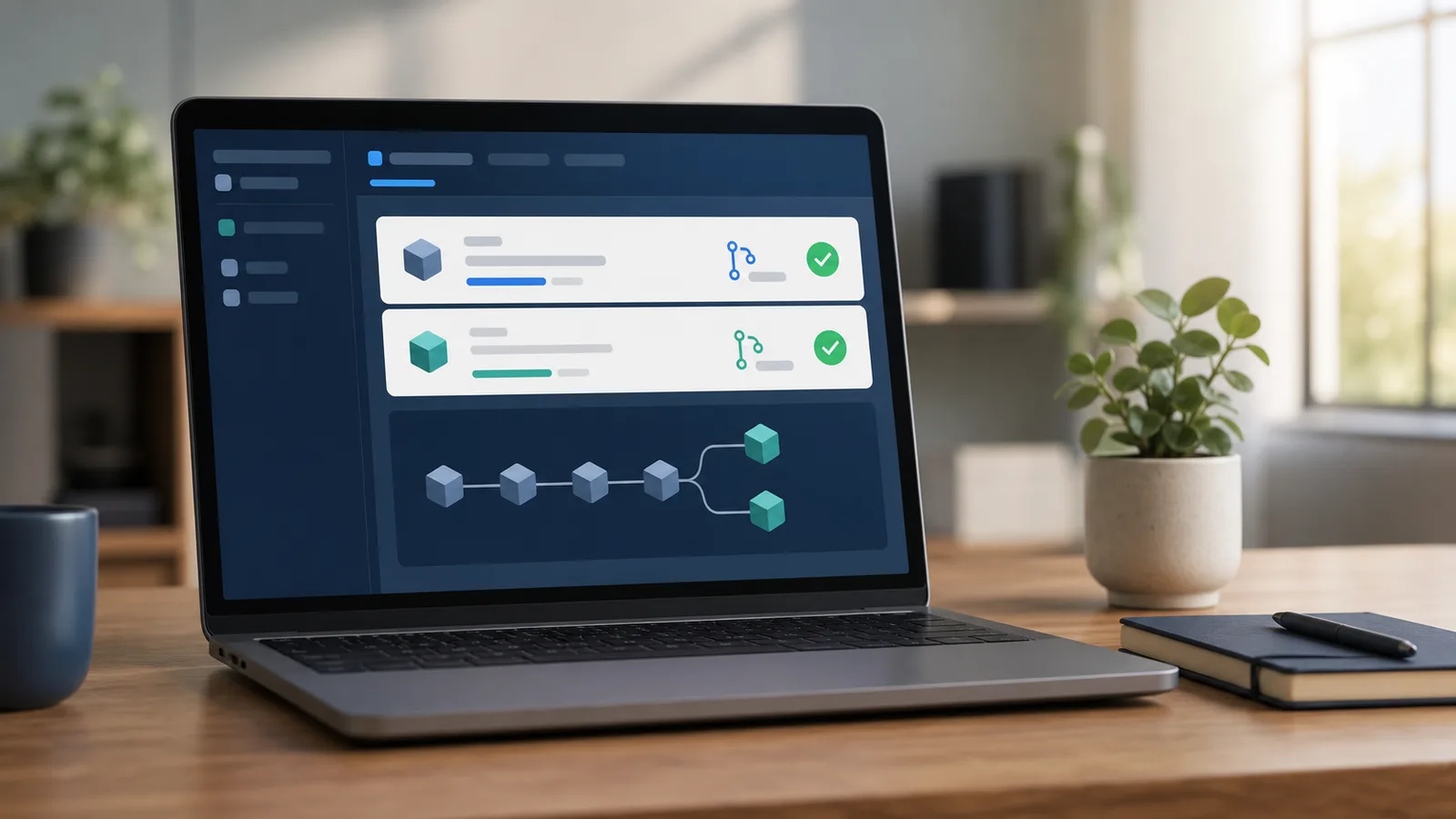
To let GitHub flag vulnerable dependencies and keep your workflow actions current, enable Dependabot security updates in the repository’s Settings → Advanced Security area, then turn on GitHub Actions version updates there if your repository uses Actions. GitHub will open pull requests for relevant updates; it will not safely merge them for you. Review each diff, its release notes, permissions, tests, and CI result before merging. For ordinary scheduled version updates beyond security fixes, add a small .github/dependabot.yml file after the basic setup works.
Know which Dependabot job you are enabling
Dependabot has related features that solve different maintenance jobs. Security updates respond when GitHub can identify a dependency with a known security advisory and a compatible fix. They create a pull request so a maintainer can inspect and merge the change. This is usually the first setting to enable because it is event-driven and focused on disclosed risk.
Version updates are scheduled pull requests for newer package versions whether or not an advisory exists. They use a dependabot.yml configuration file to say which package ecosystem and directory to check, and how often. They are useful for avoiding a large, overdue upgrade, but they can create more review work.
GitHub Actions version updates are another separate switch. A workflow can use an action such as actions/checkout@v4; Dependabot can propose updates to those action references in workflow files. That is not the same as updating the npm, Python, Ruby, or other application packages your project installs. Treat every pull request as a proposed change, not a maintenance task completed by a bot.
Check the repository before you turn it on
Open the repository’s Insights tab and look for Dependency graph. GitHub needs that graph to identify the dependencies it can track. In a typical application repository, it is built from supported manifest and lock files such as package.json and package-lock.json, or their equivalents in other ecosystems. If the graph is unavailable, the repository may not have a supported manifest, the setting may be disabled, or an organization policy may control it.
You also need enough repository permission to change security settings. In an organization, an owner or security manager may have set the policy. Do not work around a missing setting by adding copied credentials, changing a workflow token, or asking someone to share an administrator account. Ask the repository owner what policy applies instead.
Before enabling updates in a busy repository, check that pull requests already run useful tests. A small update is much easier to judge when the project can install, build, and test in a clean environment. If your Node.js project does not have that feedback loop yet, start with our guide to running Node.js tests on every GitHub pull request.
Enable Dependabot security update pull requests
GitHub’s labels can shift slightly, but the current workflow is straightforward:
- Open the repository and select Settings.
- In the Security section, open Advanced Security (the page may also be labeled Code security and analysis).
- Find Dependabot security updates and enable it.
- Confirm the repository’s dependency graph is enabled if GitHub asks for it.
- Return to the Security tab later to see alerts, and to Pull requests to see any update proposals.
The setting asks GitHub to create reviewable pull requests when its security advisory data and the repository’s dependency information indicate a supported update. It does not mean every library is monitored in every context, every alert is exploitable in your application, or an update will have no compatibility impact. Read GitHub’s official Dependabot security updates guide when the screen differs or you need feature availability details.
When a pull request arrives, first identify what it changes: the manifest, lockfile, or both. Then read the package’s release notes and the GitHub advisory or alert linked from the pull request. A patch update can still expose an assumption in your own code; a major update deserves especially careful review. Run or inspect the project’s normal checks before deciding to merge.
Turn on GitHub Actions version updates separately
If the repository has workflow files under .github/workflows, return to the same security/settings area and enable Dependabot version updates for GitHub Actions. GitHub can then open pull requests that update action references used by those workflows.
Review an Actions update as carefully as an application dependency update. Compare the workflow diff, read the action’s official release notes or repository, and make sure the workflow still uses the minimum permissions it needs. A green run is useful evidence, but it is not a reason to widen permissions, swap to an unfamiliar action, or change secrets handling merely to make an update pass. Never put credentials into dependabot.yml, a workflow file, or a pull-request comment.
GitHub documents the current switch and behavior in its guide to updating actions automatically. If your organization restricts third-party actions or pins actions by commit SHA, follow that policy rather than replacing it with a convenient major-version reference.
Add scheduled package version updates when you are ready
Security updates are a useful baseline, but they will not keep every package close to current. For a small npm repository, this minimal .github/dependabot.yml asks for weekly version-update pull requests:
version: 2
updates:
  - package-ecosystem: npm
    directory: "/"
    schedule:
      interval: weekly
Commit the file on the default branch. Adjust npm and / only to match the real ecosystem and location of your manifest. A monorepo may need one entry per package directory. Start with a weekly schedule and one ecosystem, observe the pull-request volume, and then consider GitHub’s grouping options if closely related updates are creating too much noise. Do not add a broad configuration you do not understand just to make the dashboard look current.
For every scheduled update, use the same short review routine: read the diff and release notes, verify relevant tests, look for migration notes, and merge only when the change fits the repository. Keep your normal branch protections intact. Requiring a second pair of eyes can make this maintenance work more dependable; see how to require one pull-request review before merging for a practical setup.
Keep the update queue useful
Dependabot works best when pull requests are not allowed to pile up indefinitely. Set aside a recurring maintenance window, resolve one update at a time, and close or defer a proposal only with a clear reason. If an update fails, use the first relevant test or build error to investigate; do not silence a check or grant broader workflow permissions as a shortcut.
Automated updates complement code scanning rather than replacing it. Dependency updates address known versions; code scanning can identify certain risky patterns in your own code. Our guide to checking that GitHub CodeQL default setup is running covers that separate signal. Together with review and tests, Dependabot gives a repository a calmer, more visible way to keep dependencies from drifting.
Official sources
- GitHub Docs: Configuring Dependabot security updates
- GitHub Docs: Keeping your actions up to date with Dependabot
- GitHub Docs: Dependabot options reference